
Scientists confirm: This is the most effective way to get your cat’s attention, according to new research
Elderly Couple Refuses Reserved Seats—Viral Train Standoff Sparks Fiery Debate on Courtesy
For years, the industry has tantalized us with the concept of a modular laptop. You know, the appealing notion that a laptop shouldn’t have to be thrown away just because its graphics card can’t keep up.
Framework is the only manufacturer that has stayed the course, and now, they’re playing their ace. I’m not just holding a new model, but rather a demonstration: I’ve taken my “old” Framework 16 from two years ago and upgraded it with the 2025 components.
Upgrading from a somewhat inadequate Radeon to the brand-new Nvidia GeForce RTX 5070, while also swapping the CPU for a Ryzen AI 300. However, this freedom comes at a cost, both literally and figuratively.
We recommend you also read the review of the 2023 version of the Laptop 16, as the chassis and screen have not changed.
Framework Laptop 16 (2025)Technical Data Sheet
| Specifications | Details of the tested configuration |
| Processor | AMD Ryzen AI 7 350 (8-cores/16-threads, up to 5.0GHz) |
| Graphics Card | Nvidia GeForce RTX 5070 (8 GB GDDR7) |
| RAM | 16 GB DDR5 (upgradable to 96 GB) |
| Storage | 1 M.2 2280 and 1 M.2 2230 |
| Screen | IPS LCD, 16 inches, 2560 x 1600, 165 Hz, VRR/G-Sync |
| Battery | 85 Wh |
| Dimensions | Maximum thickness with GPU: 21.95 mm |
| Weight | Over 2.4 kg with the GPU module) |
| Price of the config | Approx. €2,500 (without OS, without SSD, as a kit) |
This test unit was provided by Framework.
Why You Should Never Reheat These Foods in the Microwave – The Hidden Dangers Experts Warn About
I tried the top 5 guard dogs—here’s what makes these breeds the ultimate protectors
Framework Laptop 16 (2025)Upgrade
This review is a bit different from typical laptop reviews since… I started by installing a new motherboard powered by the Ryzen AI 7 and, most importantly, the famous rear graphic module containing the dGPU Nvidia GeForce RTX 5070.
Let’s be honest, unscrewing the cover of a machine this expensive always induces a sweat drop. Upgrading the Framework 16 is an experience. I began by removing the entry modules (keyboard, touchpad) which are held by magnets and a few latches. That’s the easy part.
Then, the real work begins. It was necessary to remove the “Mid Plate,” the metal plate that keeps your fingers from the hot components. 16 screws. Yes, you read that correctly. Sixteen screws to unscrew to access the motherboard. Thankfully, they are captive screws (they don’t fall to the ground), a simple detail that saves lives. Framework provides the screwdriver.
The critical moment: removing the old motherboard (the one with the Ryzen 7 7840HS). That’s when you realize the density of the engineering. You have to carefully disconnect the screen ribbons, the Wi-Fi antennas (always a pain to clip back on) and remove the unit.
Installing the new Ryzen AI 7 350 motherboard went smoothly, except for the sheer panic of possibly bending a connector. Everything aligns to the millimeter. It’s satisfying. You can tell it’s designed to be managed by humans, not factory robots.
Then the graphics module. I unlocked the old Radeon RX 7700S module at the back. It slides out like a retro console cartridge. Inserting the new RTX 5070 module is child’s play.
Beware, trap! If you’re like me (upgrading an old model), definitely update your old motherboard’s BIOS before disassembling everything, otherwise the new GPU module might not be recognized at startup.
Once everything was reassembled, the moment of truth: pressing the Power button. The screen stays black. 10 seconds. 30 seconds. It’s the “Memory Training” for the DDR5, normal, but I swear those are long seconds. Then the Framework logo appears. Victory.
The operation took a total of one hour, excluding the time I spent taking photos and a few videos, which is fair. It’s especially well guided by Framework.
I reinstalled my spacers, put back my keyboard, and admired my work. I then did a clean install of Windows 11, but that was optional.
I’ve transformed my PC from 2023 into a powerhouse for 2025 without changing the screen or the external chassis, and keeping the battery. It’s a sense of ownership you’ll never have with a MacBook or Dell XPS.
Framework Laptop 16 (2025)Design and Ergonomics
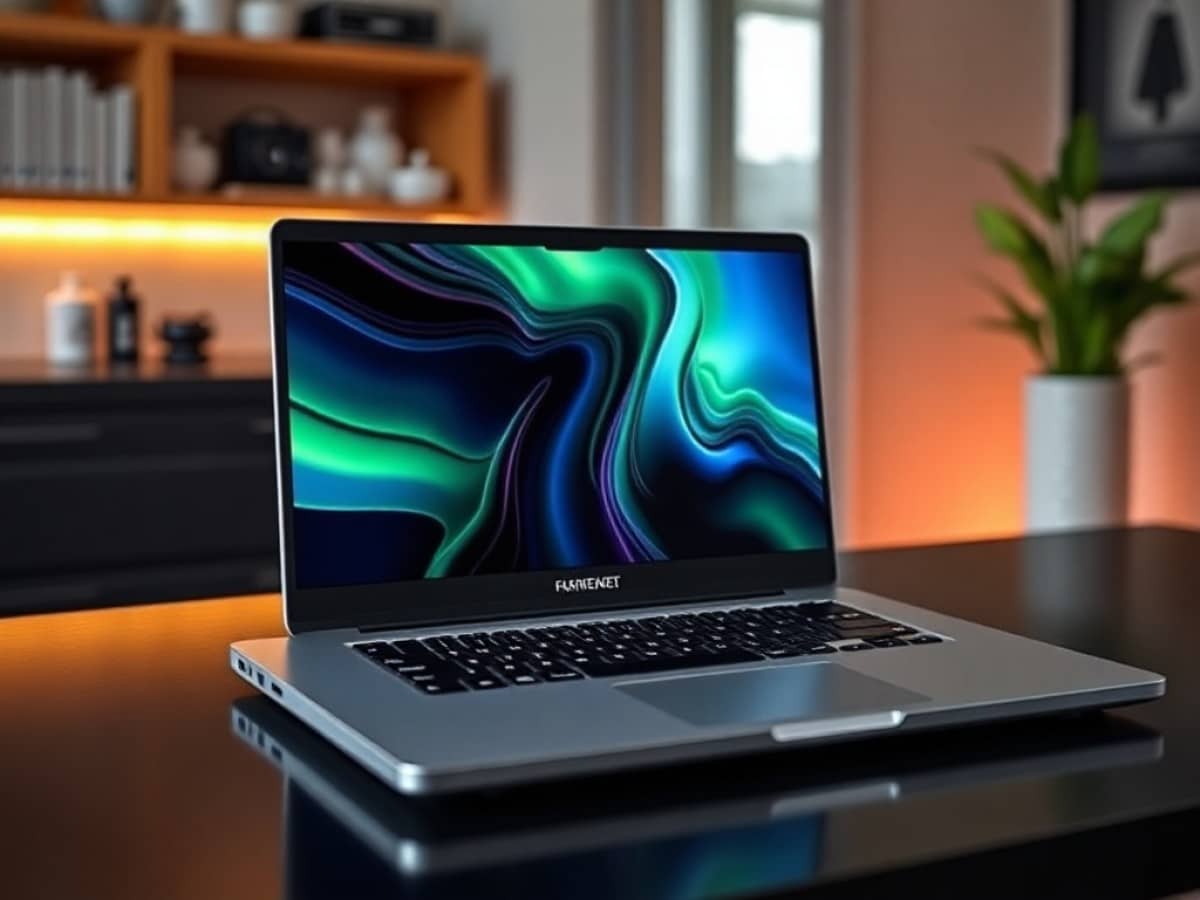
Now that it’s reassembled, what does our PC look like… It’s a Framework 16. The industrial design, angular, raw magnesium, hasn’t changed a bit. It’s sturdy, it doesn’t creak, but it still lacks that “premium” finesse found in competitors at this price point. It’s a work tool, not a luxury item.
The modular system for the keyboard remains brilliant. I was able to put back my keyboard, you can shift it to the left to make room for the numeric keypad (or decorative spacers). However, the fit of the modules isn’t perfect. Running your finger over the joints, you sometimes feel a slight half-millimeter mismatch. It catches a bit. That’s the price of modularity.
The RTX 5070 module at the back extends the machine. It’s not just a bump; it’s a physical extension of the chassis that carries its own fans.
The 16-inch screen remains the same (2560 x 1600 pixels). It’s matte, which is excellent for work, but the borders (the bezels) are made of somewhat cheap plastic.
For connectivity, it’s a joy. I kept my 6 expansion slots. I added USB-C everywhere, an HDMI, and a full-size USB. The ability to change your connectivity on the fly remains a strong argument for this design. A dongle? Never heard of it.
Now, the weight. With the new GPU module and the robust cooling that comes with it, the beast is quite heavy. It well exceeds 2.4 kg. In the backpack, you’ll feel it. It’s not an ultraportable; it’s a portable mobile station.
Regarding the screen, keyboard, and touchpad, take the time to read the old review of the Laptop 16. It hasn’t evolved.
Framework Laptop 16 (2025)Performance
It’s time for a showdown: old configuration (Ryzen 7 7840HS + RX 7700S) against new configuration (Ryzen AI 7 350 + RTX 5070).
I ran Geekbench and Cinebench 2024, and the difference is staggering. The new AMD processor, with its Zen 5 cores, crushes its predecessor in multicore. For compiling or video rendering, it’s a clear time saver.
But it’s the graphics part where the magic happens. The RX 7700S was valiant, but the RTX 5070 (even throttled in its mobile version) plays in a different league.
In gaming, I relaunched Cyberpunk 2077. On the old config, I had to make concessions to maintain 60 fps at 1600p. With the RTX 5070 and the activation of DLSS 3.5, I switched to “Ultra” mode with Ray Tracing, and the game runs like clockwork, often exceeding 80 fps. It’s smooth, it’s beautiful, it’s playable.
I tested some online games to see, including the latest Battlefield 6. The 165 Hz screen is finally fully exploited thanks to G-Sync (which was sorely lacking stability on the previous AMD version). The fluidity is impeccable, no screen tearing.
And the noise? The old model was loud. The new one… blows much less, but differently. The fans in the rear module move air. In a full gaming session, it’s very decent, I was pleasantly surprised.
As for the heat, there’s improvement. Framework has revisited the thermal paste and the airflow. If the fans kick in, it’s for a good reason: the keyboard stays warm, never burning under the fingers. The processor maintains its boost frequencies longer without collapsing (thermal throttling).
The battery life surprised me. You might think that with more power, the battery would drain quickly. But the finer engraving of the Ryzen AI allows for a bit of endurance in pure office use. Don’t dream, in gaming, the battery lasts 1 hour. But for web browsing, you can go through the workday without too much stress. However, Framework isn’t the king of optimization, in my opinion, they could go further in optimizing power consumption.
The software integration is finally mature. The switch between the integrated graphics chip (for energy saving) and the RTX 5070 happens seamlessly via Advanced Optimus.
We finish with a small downside, the “coil whine” (electronic buzzing). I have a bit on my test model when the graphics card is under full load. It’s not a deal-breaker, but on a machine at this price, it’s annoying.
Framework Laptop 16 (2025)Price and Availability
It’s time to get out the tissues. My minimal configuration for this upgrade (if I had to buy everything new) revolves around €2,500.
And I repeat: it’s delivered as a kit, without Windows (count €145 more or a gray key at €0.90), without storage or RAM. If you already own the Framework 16 and just buy the parts (motherboard and/or GPU module), the bill remains high, well over €1,200.
Framework Laptop 16 (2025)
at the best price
-
Framework
€1,689
Is it worth the cost? Economically, it’s debatable. For the same price, you can get an Asus ROG, a Razer Blade, or a Lenovo Legion “ready to go” often better equipped with storage. But here, you’re buying a philosophy. You’re paying for the R&D that allows this technological puzzle to exist. It’s a luxury product for supporters of repairability. And it will only be profitable if you keep your machine for a few years and upgrade the components. If it’s a “one shot,” no, it doesn’t make sense.
Framework Laptop 16 (2025)Alternatives
If you want raw power without the hassle of a screwdriver, the Asus ROG Strix G16 (on Amazon) offers a better price-performance ratio. It’s not very pretty, it’s heavy, but it’s cheaper for equivalent, if not superior, power. However, the day the GPU fails, it’s trash.
Asus ROG Strix G16 2025 (G615LM)
at the best price
-
Boulanger
€2,720 -
Rakuten Marketplace
€2,719 -
Cdiscount Marketplace
€3,099 -
Amazon Marketplace
€3,099
View the offer
-
Fnac Marketplace
€3,099

Maya Singh is a senior editor covering tablets and hybrid devices. Her work explores how these tools reshape digital productivity and learning. She also contributes to feature editorials on emerging tech.
Categories
Latest Articles