
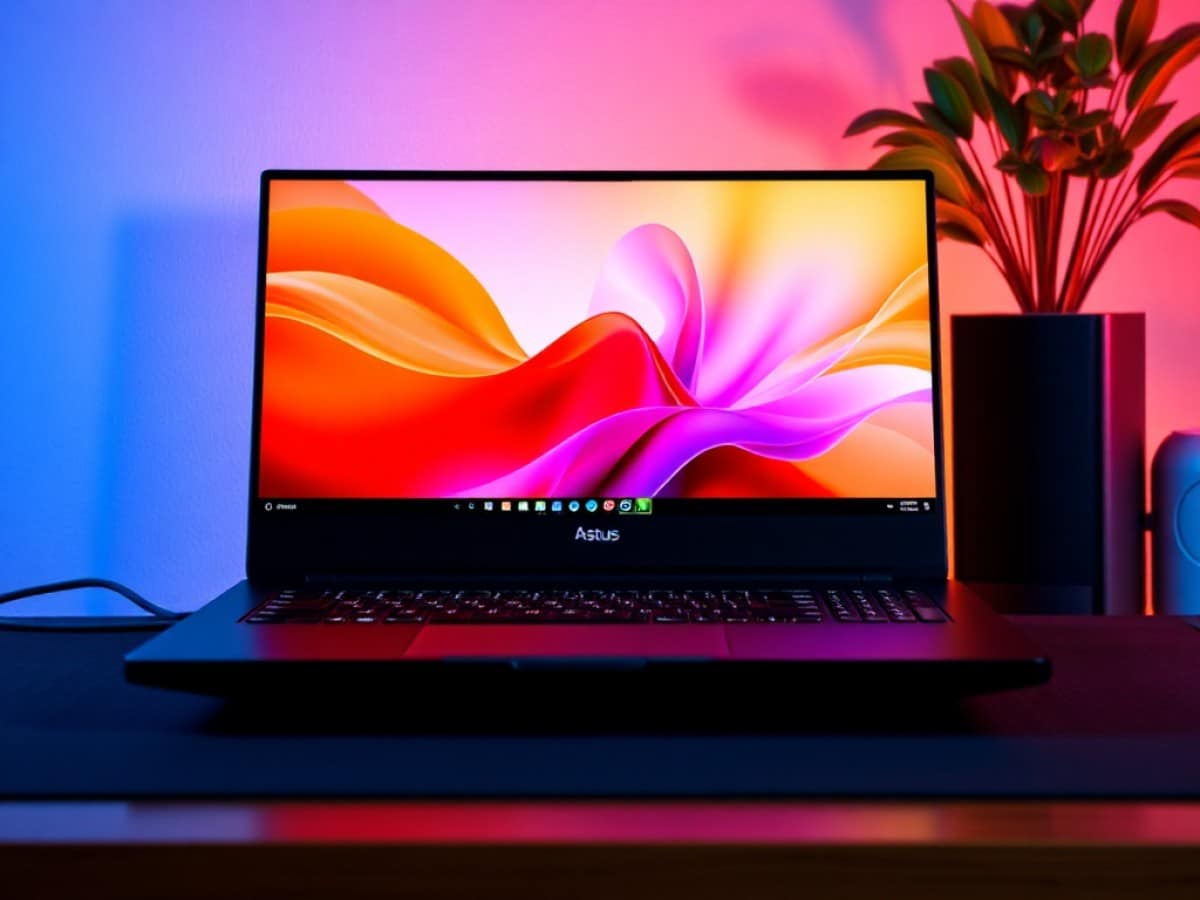
The match-up might seem a bit unfair, yet it’s quite enlightening. On one side, there’s my trusty MacBook Pro 14 M4 Pro, a paragon of efficiency. On the other, the beast from Asus: the ProArt P16 equipped with a RTX 5090 and a novel matte OLED Tandem display. After spending two months with this contender, here’s why it made me reconsider, though it didn’t completely win me over.
Scientists confirm: This is the most effective way to get your cat’s attention, according to new research
Elderly Couple Refuses Reserved Seats—Viral Train Standoff Sparks Fiery Debate on Courtesy
Every day, I rely on my MacBook Pro 14 (2024) with an M4 Pro chip. It strikes the perfect balance: it’s compact, cool, and powerful enough for all my needs without any fuss. However, it’s not without its flaws. I need to switch to a second machine for PC gaming, especially for games not available on GeForce Now or when the playing conditions aren’t right.
So when Asus sent me the ProArt P16 (2025), I was initially hesitant. A 16-inch display? A RTX 5090? It felt like a different universe, moving from ARM efficiency to the raw power of x86 and a dedicated GPU.
But after two months of heavy use, it wasn’t just the sheer power that impressed me the most. It was Asus’s attempt to address, one by one, the historical shortcomings of laptops compared to Apple.
Right from unboxing, it was clear that this was a serious machine. Asus applied its “Nano Black” coating to an aluminum alloy chassis. Visually, it’s stunning and stealthy. The texture is silky to the touch, but take the “anti-fingerprint” promise with a grain of salt. It’s better than a Razer Blade, but after a week, you’ll start to see palm marks.
The Matte OLED Screen: The Real Revolution
Forget about the graphics card for a moment. The real star here is the screen. Asus has incorporated a 16-inch 4K tactile OLED Tandem panel. It’s already impressive. Unlike typical OLEDs (which have a single organic layer), Tandem stacks two layers to enhance brightness and extend lifespan, reducing the risk of burn-in. They’ve also applied an exceptional anti-glare treatment.
If you’ve used a regular OLED screen before, you know they can be reflective like mirrors. Working near a window could be a nightmare. Not anymore. The blacks are deep, brightness peaks at 1,600 nits, but reflections are well controlled. Visually, it’s more comfortable than my MacBook Pro 14’s screen, although I do appreciate the Mini LED for daily use. But for color grading, photo editing, watching movies, or gaming, OLED is unbeatable. To date, it’s the best laptop screen I’ve tested.
The 16-inch format offers a level of comfort that my 14-inch can never match. Having multiple windows open is like night and day. It’s a luxury that’s hard to give up, especially on the go.
M4 Pro vs RTX 5090: A Clash of Philosophies
Let’s compare apples to apples. My M4 Pro is an efficiency chip. The ProArt’s RTX 5090 (laptop version, of course), even though it’s capped at 130W for this chassis, is a powerhouse. For CUDA-optimized tasks or heavy 3D rendering, the ProArt P16 takes off. It’s just the way it is. But Asus had to limit the TGP (Total Graphics Power) to 130W (compared to 175W in larger gaming rigs like the ROG Strix).
Why You Should Never Reheat These Foods in the Microwave – The Hidden Dangers Experts Warn About
I tried the top 5 guard dogs—here’s what makes these breeds the ultimate protectors
Is that a big deal? Yes and no. For pure gaming, you lose about 10-15% performance compared to a larger “transportable” gaming machine.
The support for DLSS and the sheer power of the Nvidia GPU allow for AAA gaming in the evenings or doing Blender renders at speeds my Mac can only dream of.
But there’s an inevitable physical trade-off. My MacBook Pro 14 is silent. Always. The ProArt P16? It makes its presence known. Asus has done a great job with the vapor chamber cooling, the noise is deep, not shrill, but it’s there. Whenever you push the 5090, you’ll know it. The chassis gets hot, the keyboard warms up. This is the price of performance in a 1.49 cm thick body. That power comes with a thermodynamic cost. Asus incorporated a cooling system with three fans and liquid metal.
Battery life follows the same logic. In office use, the ProArt lasts about 7-8 hours, which is respectable for a Windows PC. But my Mac M4 Pro? It lasts all day, period. And most importantly, it doesn’t lose 50% of its performance as soon as it’s unplugged. The ProArt, however, needs its proprietary power brick to unleash its full power.
Ergonomics: Asus Pays Attention to Details
Coming from a 14-inch format, I was concerned about bulkiness. But the ProArt P16 is dense and compact for a 16-inch device. The array of ports is delightful:
- SD Express 7.0 port
- HDMI 2.1
- USB-A and USB-C
No more dongles needed. It’s liberating. On the USB-C front, you get a full 40 Gb/s USB4 port (supports display and charging): in essence, it’s Thunderbolt by another name due to AMD’s architecture, but the speeds are there.
The keyboard is excellent. It has a 1.7 mm travel, crisp, with satisfying feedback. For long writing sessions, I even prefer it to my Mac’s, which feels too stiff.
However, I’m mixed about the trackpad. It’s good for a Windows machine, but the mechanical click and the integration of the DialPad (that virtual wheel) leave me cold. I ended up disabling the DialPad, which sometimes activated by accident. It still doesn’t match Apple’s haptic perfection.
Asus is pushing hard with its software tools like Story Cube and AI. The automatic media sorting works well, and for once, it’s not just marketing. If you’re managing terabytes of footage, it’s a real time-saver.
Windows 11 vs macOS: A Culture Shock
This is where the experience shifts. Asus’s hardware might match Apple’s, but the software…
Switching from macOS to Windows 11 means becoming your own system administrator. On my Mac, I close the lid, it sleeps. I open it, it wakes up instantly with 99% battery.
On the ProArt P16, I’ve twice experienced the “hot bag” syndrome. Windows’ Modern Standby decided to wake the machine in my bag for an update or a notification, causing the fans to run full blast in my backpack. That’s unacceptable in 2025 on a €4,000 machine.
On a Mac, whether you’re on battery or plugged in, the performance is nearly identical. On the ProArt, it’s binary. Plugged in, it’s a rocket. Unplugged, the RTX 5090 is throttled, the screen dims, and Windows aggressively saves power. You don’t have a laptop; you have a “transportable.”
But Windows has its merits. Windows 11 isn’t all bad. In the evening, this ProArt turns into a luxury console. Cyberpunk 2077 with full Ray Tracing on an OLED screen? The Mac can’t do that.
Window management: Windows’ Snap Layouts are infinitely superior to macOS’s cumbersome window management. Even though macOS Tahoe has improved, you often need a third-party app to manage it well.
Nvidia offers two types of drivers for its graphics card, and the choice matters. Through the Nvidia app, you can switch between Game Ready drivers, which are frantically updated to optimize the latest games on their release day, and Studio drivers, which trade this quick responsiveness for absolute stability in creative software (Adobe, DaVinci, Blender).
Excellence with Caveats
The Asus ProArt P16 is truly an incredible machine. The integration of the RTX 5090 and especially that matte OLED screen make it a very impressive laptop. Asus has nailed the essentials: the finish is top-notch, the connectivity is exemplary (SD Express 7.0, USB4), and the screen is an absolute marvel.
But it can’t fight its own nature. Compared to my MacBook Pro 14 M4 Pro, it falls short on silence, consistent performance on battery, and the quality of the trackpad.
Finally, two important warnings.
First, the price. At launch, the high-end model approaches €4,000. That’s steep. Golden rule with high-end laptops (excluding Apple): never buy at launch. The price drop is inevitable and steep. In 4 to 6 months, this same PC will likely lose 20 to 40% of its value during a promo, Black Friday, or the French Days. If you’re not in a hurry, wait.
Second, be wary of the model references. They all go by “ProArt P16 H7606.” But under this codename, there are radically different machines.
- The H7606WI features the brand-new RTX 5090 or 5070.
- The H7606WU is stuck with an “old” RTX 4050.
Visually? It’s the same chassis. In use? Day and night. Don’t just trust the “ProArt P16” label. Obsessively check the model number and the exact graphics card. Paying top dollar only to end up with an RTX 4050 because you didn’t read the specs carefully is a double penalty.
Similar Posts
- iPad Pro M5 vs. M4 Comparison: Discover the Most Significant Upgrades!
- MacBook Pro Update: Mini-LED and OLED to Coexist Until At Least 2028!
- Framework Laptop 16 Review (2025): I Upgraded My Laptop with a RTX 5070 GPU!
- M5 Ultra Chip in a MacBook Pro? Highly Unlikely!
- Exciting Leak: 13.8” OLED MacBook Expected by 2029?

Maya Singh is a senior editor covering tablets and hybrid devices. Her work explores how these tools reshape digital productivity and learning. She also contributes to feature editorials on emerging tech.