
Scientists confirm: This is the most effective way to get your cat’s attention, according to new research
Elderly Couple Refuses Reserved Seats—Viral Train Standoff Sparks Fiery Debate on Courtesy
Keenetic may not be a household name in Western Europe, but it has built a reputation in some Eastern European countries, particularly in Russia and Turkey, before planning its entry into the French market. Although several models are already available in France, we chose to review a Wi-Fi 6 router before moving on to more modern ones.
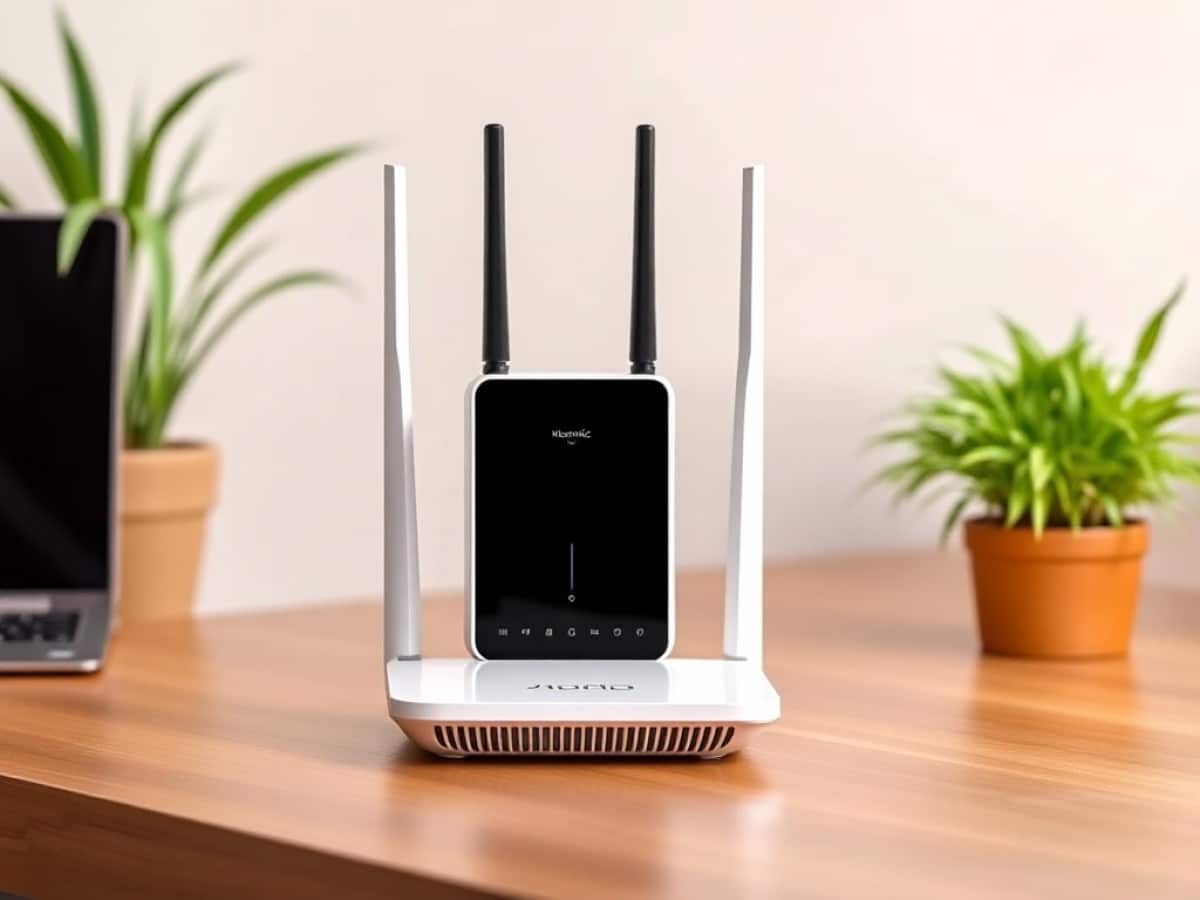
The Hopper KN-3811 follows the Hopper KN-3810, which was previously released in France. This model aims to enhance performance, advance certain features, and reduce both size and heat output. Despite not being the latest technology, the KN-3811 has several advantages that make it a compelling choice on paper.
Technical Specifications
| Model | Keenetic Hopper |
|---|---|
| Wi-Fi | Wi-Fi 6 (ax) |
| Maximum Wi-Fi speed | Speed: 3 – Unit: Gbit/s |
| Maximum number of connected devices | 256 |
| Mesh system | Yes |
| Number of Ethernet ports | 4 |
| Maximum Ethernet speed | 1 Gbit/s |
| RAM | 0.512 GB |
| Product Sheet |
The product was provided by Keenetic for the purpose of this review.
Is Wi-Fi 6 Outdated?
To be clear right from the start, our decision to review a Wi-Fi 6 router in 2026 isn’t driven by a fascination with ancient tech. Despite its extensive features list, Wi-Fi 7 isn’t essential for most home users who don’t have dozens of Wi-Fi-connected devices. Wi-Fi 6 operates on the 2.4 GHz and 5 GHz frequency bands and doesn’t support MLO or 4K-QAM.
Yet, this doesn’t render the technology obsolete in 2026. Far from it. In many homes, Wi-Fi 7 isn’t the standard; in numerous cases, even smartphones haven’t transitioned to this newer technology, let alone other devices. Often, it’s better to opt for a quality Wi-Fi 6 router rather than a subpar Wi-Fi 7 router that lacks half of the new standard’s features.
In terms of design, the Hopper KN-3811 is a fairly conventional router that closely resembles its predecessor but is more compact. Measuring 16 cm long by 12 cm wide, it’s significantly smaller than the KN-3810 (21 x 15 cm), and the new model is just thicker (4.5 cm vs 3.3 cm) while being lighter by 31 grams (369 g versus 400 g). The external power brick is also very compact, making it easy to find a spot for the router.
The front of the Hopper is dedicated to control LEDs, while a USB-A 3.0 port is available on the right side. Conveniently, the back houses the bulk of the connectivity: one RJ45 1 GbE port for WAN and three RJ45 1 GbE ports for LAN. While not offering faster ports, Keenetic has wisely enabled link aggregation on ports 1 and 2. However, don’t expect the Hopper to set local speed records.
Also notable on the back is an easily accessible reset button—a welcome feature in case of major issues. Less practically, Keenetic placed the router’s default settings and the quick connection QR code under the device, which isn’t very logical. Under the device, there are also two holes for optional wall mounting, a small feature that might be useful for some users.
Quick Setup/Configuration
Gone are the days when setting up a local network, especially a wireless one, required a PhD. Like most manufacturers, setup is now smartphone-based, although it remains accessible from a desktop PC. Keenetic offers an app for this process, and from there, it’s simply a matter of following the steps. It’s worth noting a few questions that might not be obvious to novices.
In reality, the first answer is always the most likely, but Keenetic could have indicated this rather than asking whether to configure internet access “via an external modem” or “via an Ethernet cable provided by your ISP”?! Average users will be confused, especially when asked to select a “streaming media transmission service option” between “smart TV platform” and “IPTV set-top box”. Fortunately, a “recommended” note helps to choose the first option.
Thankfully, once this brief step is completed, there’s little else to do. Keenetic simply allows users to select slots for potential updates, which is handy to avoid connection interruptions when the whole family is using the Wi-Fi simultaneously. The most logical choice is to schedule these during the night. Keenetic also performs an update check right away, and we found that these updates are quick to deploy—a positive aspect.
The final question offers a choice between “balanced performance” and “maximum performance” modes. This time, Keenetic takes the time to explain the pros and cons of each mode. Well done. Once this last step is confirmed, you’re brought to the main management interface, but the Wi-Fi of the KN-3811 is now fully functional. The entire operation takes no more than 5 minutes.
The management interface then focuses on simplicity with a stripped-down main page where real-time speeds are prominently displayed. The list of connected devices is also well positioned, and between the two, you can access options for managing profiles, the USB port, applications, and events (essentially notifications). Wi-Fi settings are also clearly identifiable—you never have to search for them.
However, more experienced users might regret the lack of access to all settings, but that’s not the goal of such a router. The only real criticism involves link aggregation. Although highlighted by Keenetic, it’s not so straightforward to implement: the option is somewhat buried in the depths of the app and don’t count on the web portal to be more effective here: it duplicates the smartphone app interface, just with a bit more clarity due to the extra space.
How Does It Perform?
There’s no need to beat around the bush—by offering a “simply” Wi-Fi 6 router, Keenetic didn’t aim to break performance records. For higher speeds, look to the brand’s Titan model… we’ll get to that soon. In the meantime, we were eager to test the performance of a more basic product, but one whose proven technology should no longer pose any issues.
Here, it’s fair to say that there are hardly any complaints about Keenetic or the Hopper KN-3811. Not only does the connection happen automatically and without delay, but it’s also perfectly stable over time. During our weeks of use, we didn’t experience any connection losses… except when Enedis decided to play sorcerer with our electricity supply. Obviously, Keenetic isn’t to blame for that.
This is also reflected quite well on our signal measurement charts. At about five meters, the power on the 2.4 GHz frequency band is more than adequate. There is some loss, but it’s not bothersome. The same goes for the 5 GHz band, which is most important for our most demanding devices: it won’t concern the small everyday objects or all the things that make your home connected, but it’s the band that will ensure the highest speeds.
These speeds, while not surprising, are nothing extraordinary, regardless of the quality of the network controllers used on the servers/clients during our tests. Using the OpenSpeedTest software, we measured up to 1139.8 Mb/s on the 5 GHz band at a distance of 5 meters. So no, it’s not extraordinary, but it’s not ridiculous either, even though we notice a rapid drop as the distance increases.
While it was above the ASUS ZenWiFi BD4 at short distances, the Hopper KN-3811 falls behind in our 15-meter test and struggles even more in the 25-meter test. However, in a home, we rarely need 15 meters of distance, and even there, the speeds recorded are very decent at 622.3 Mb/s. It’s also worth noting that the router is capable of using the optimal connection mode for each connected device.
This is known as band steering, and it’s particularly important for a router like this: it allows distinguishing small devices that will be on 2.4 GHz from those for which bandwidth is important, which will be on 5 GHz. And in practice, it works impeccably. Another pleasant surprise from the KN-3811 is its ability to make the most of the quality of the Internet connection offered.
There, we are obviously limited by what our ISP offers us… in the countryside. However, there’s really no cause for complaint: 861.24 Mb/s when the connection is rated for 1000 Mb/s is more than decent. Special mention also for the ping measured at only 7 ms. Here, it’s downright excellent, and it’s proof that this router is capable of great things, “despite” its Wi-Fi 6.
Price and Availability
The Hopper KN-3811 has been available for some time in Eastern Europe and has recently arrived in France, replacing the Hopper KN-3810. Keenetic aims to make this update as accessible as possible, hence the relatively low retail price for a mesh product.
Keenetic Hopper
at the best price
-
Amazon
108,65 € -
Fnac Marketplace
107,52 €
Keenetic has not provided a recommended retail price, but multiple retailers are offering it at prices ranging from 99 to 119 euros. This pricing does not make it the cheapest on the market—there are even some Wi-Fi 7 models that are more competitively priced—but it remains very accessible given the technologies it incorporates.
However, Keenetic does not seem to have any nodes available to extend the mesh network of the Hopper KN-3811: somewhat surprising.
Similar Posts
- Netgear Orbi 370 Review: Experience Cutting-Edge Wi-Fi 7 Mesh System, Lacks 6 GHz Support
- Android 16 Unveiled: Google Tests Perfect Wi-Fi for High-Speed Compatibility!
- Boost Your Speed: iPadOS 26.2 & macOS 26.2 Unleash Faster 5GHz Wi-Fi!
- Eero Pro 7 Review: Discover the Affordable, High-Performance Wi-Fi 7 Router!
- Mercusys Halo H47BE Review: Experience Cutting-Edge Tri-Band Wi-Fi 7 Mesh at Half the Price!

Maya Singh is a senior editor covering tablets and hybrid devices. Her work explores how these tools reshape digital productivity and learning. She also contributes to feature editorials on emerging tech.