

Scientists confirm: This is the most effective way to get your cat’s attention, according to new research
Elderly Couple Refuses Reserved Seats—Viral Train Standoff Sparks Fiery Debate on Courtesy
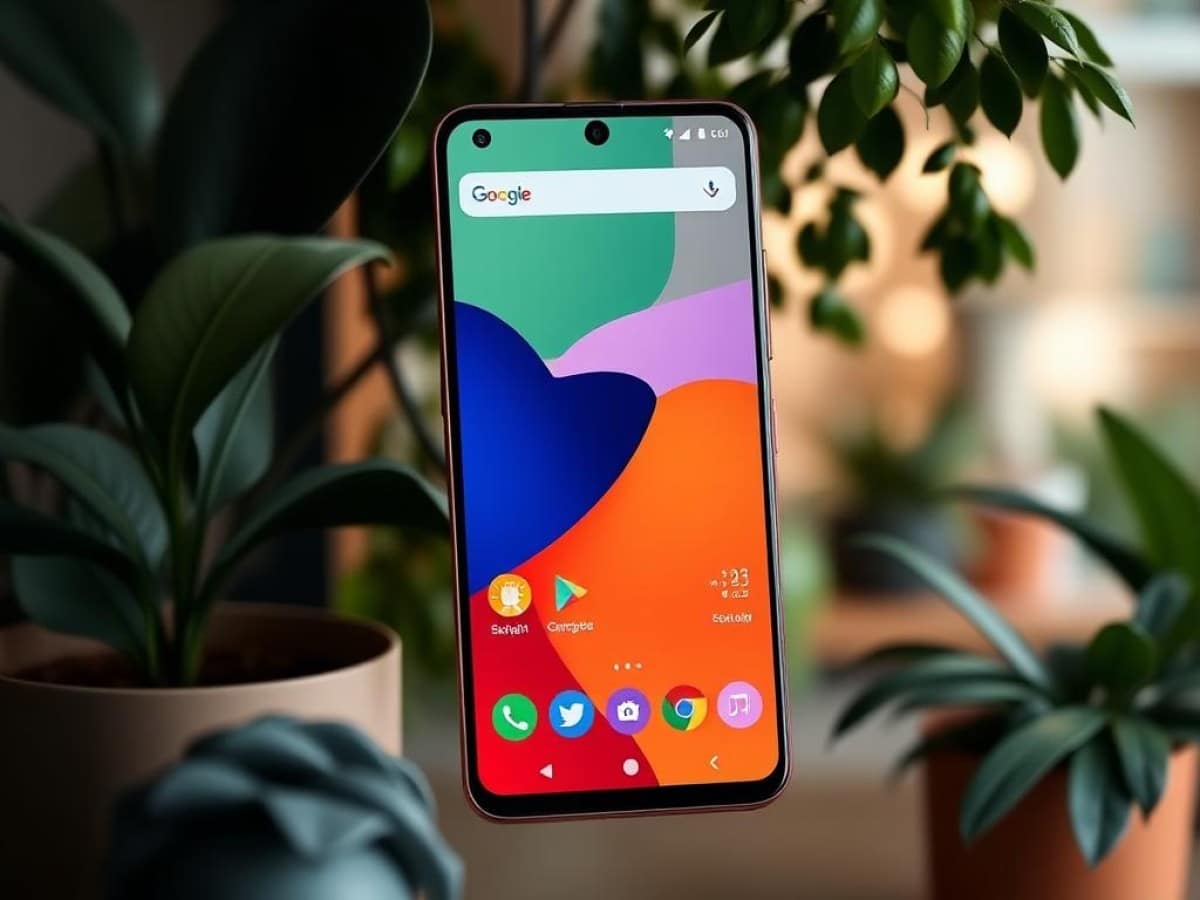
The Android 16 interface has undergone a complete overhaul with the introduction of Material 3 Expressive. While this significant redesign of Google’s operating system has been generally well-received, some users have reported readability issues that Google may soon address.
Material 3 Expressive was launched through an update on September 3rd and had gradually made its appearance in various Google applications such as Docs, Messages, and Find My Device. This major overhaul has transformed the Android 16 interface, and although most users seem to like it, the new design has not been without its criticisms, primarily concerning readability.
Material 3 Expressive employs numerous background blur effects. While these are visually appealing and do not affect text visibility for most users, the reduced contrast can cause accessibility issues for some. However, Google might soon offer a solution with a new setting.
Read also: Google Maps finally gets a minor makeover with the Material 3 Expressive design
Why You Should Never Reheat These Foods in the Microwave – The Hidden Dangers Experts Warn About
I tried the top 5 guard dogs—here’s what makes these breeds the ultimate protectors
New Android Setting to Minimize Blur Effects of Material 3 Expressive
Last month, Mindy Brooks, the Vice President of Product Management and User Experience on Android, told Android Authority that a setting to minimize the blur effects of Material 3 Expressive would be introduced in the “near future” without providing further details.
Our colleagues discovered a new button titled Reduce Blur Effects in the latest Android Canary version 2509. Once enabled, this setting located in Settings > Accessibility > Color and Motion makes “backgrounds and panels easier to see” system-wide, including in the app drawer, notification bar, quick settings panel, and the recent apps menu.
Essentially, this replaces an option that was previously only available to developers (and which has been removed in the latest Canary version). It doesn’t add a new feature but will be much easier to find and activate for users once it is rolled out.
Although it is already available in the developer version of Android, it is unclear when it will be rolled out to the beta and stable versions. Our colleagues have spotted code related to this setting in the Android 16 QPR2 Beta 2 version and were able to activate it manually, but there is no guarantee that Google will include it in the stable version scheduled for December. The third beta of QPR2 should provide more information.
Similar Posts
- Discover the New Look of Google Photos: See It First in Our Video Tour!
- Google Boosts Pixel Accessibility: Faster Access to Key Feature Unveiled!
- Google Messages Upgrades to Material 3 Expressive: Discover the New Features Coming!
- Google Photos Update: Gain More Control Over Your Photo and Video Backups!
- This App You Constantly Use Is Getting a Makeover on Your Smartwatch!