
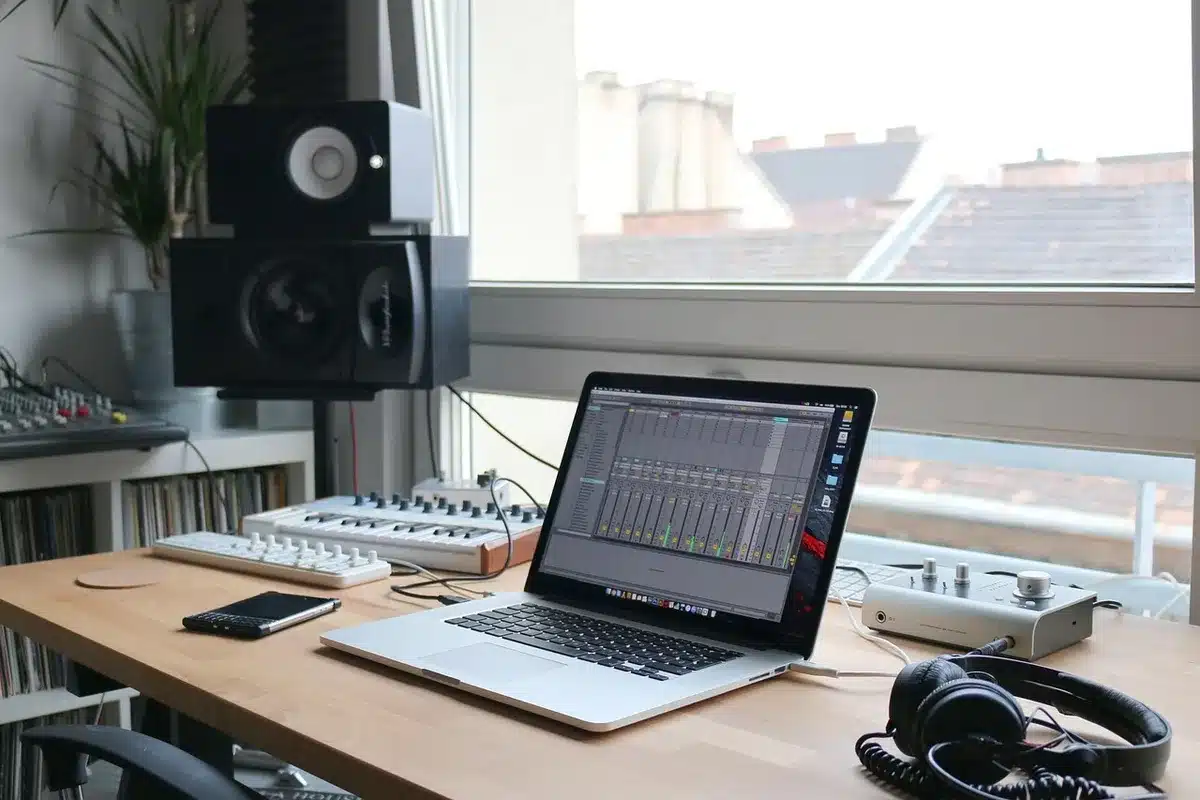
Adobe Premiere is now available on Android smartphones through a free version that includes essential video editing tools from Adobe’s software, without the need for a constant internet connection.
Scientists confirm: This is the most effective way to get your cat’s attention, according to new research
Elderly Couple Refuses Reserved Seats—Viral Train Standoff Sparks Fiery Debate on Courtesy
Table of Contents
- Premiere mobile ends iPhone exclusivity
- One-touch audio cleanup and precise video trimming
- A free app limited to recent devices
Why You Should Never Reheat These Foods in the Microwave – The Hidden Dangers Experts Warn About
I tried the top 5 guard dogs—here’s what makes these breeds the ultimate protectors
Continuing its expansion into mobile platforms, Adobe has launched its video editing application on the Google Play Store for Android users, one year after its iOS release, following recent updates to Premiere Pro and After Effects for desktop.
Premiere Mobile Ends iPhone Exclusivity
Adobe has introduced its Premiere app on Android, available for free. This follows the iPhone version launched in September 2025, which already included the major desktop software functions adapted for touchscreens. The Android version maintains this approach.
Mike Polner, Adobe’s Vice President of Product Marketing and General Manager of Creators, states the app “makes professional-grade editing tools accessible and easy to use on mobile devices”. The app can be used offline and does not push users towards a paid version, offering an ad-free experience and watermark-free exports.
One-Touch Audio Cleanup and Precise Video Trimming
The Android version includes advanced features such as Enhance Audio, which reduces background noise and enhances the clarity of interviews or voice-overs in a single step. This tool was recently introduced in a public beta for Premiere Pro and allows separate control over dialogue, music, and ambient sounds in a clip.

The app also offers standard editing features including a multi-track timeline that consolidates video, audio, text, and effects tracks, and frame-by-frame editing for precise cuts synced to music or reactions. Additional features include:
- Customizable templates created by designers,
- Effects, transitions, creative assets, and music from Adobe Stock, personal files, or extracted sounds,
- Editing and exporting up to 4K resolution,
- AI-generated features from Firefly, including Generative Fill, Image-to-Video, and Generate Sound Effects for visual or audio generation.
A Free App Limited to Recent Devices
Premiere mobile is available on the Google Play Store for devices running Android 13 or later, with at least 5 GB of RAM. The free version includes all editing functions. Paid options include additional Firefly generative credits and extra storage.
Future features are planned without a specific timeline:
- Adobe Fonts,
- Enhanced subtitles,
- Keyframes and cropping,
- Music beat detection,
- Continuation of projects on Premiere desktop.
This last feature has been available since the iPhone launch, allowing users to start a project on mobile and then continue editing in Premiere Pro.
Similar Posts
- Adobe Unveils Premiere App for iPhone: Everything You Need to Know
- Adobe Premiere Hits iPhone & iPad This September: Edit Videos on the Go!
- Adobe Premiere Hits iPhone and iPad: Edit Videos Anywhere, Anytime!
- Adobe Unveils Color Mode in Premiere Pro: Revolutionize Your Color Grading Experience!
- Adobe Unveils New Features in Premiere Pro and After Effects: Discover What’s New!

Jordan Park writes in-depth reviews and editorial opinion pieces for Touch Reviews. With a background in UI/UX design, Jordan offers a unique perspective on device usability and user experience across smartphones, tablets, and mobile software.