

Photoshop, Premiere, Lightroom, Illustrator and InDesign receive a fresh batch of features, several of which leave beta after months of testing.
Scientists confirm: This is the most effective way to get your cat’s attention, according to new research
Elderly Couple Refuses Reserved Seats—Viral Train Standoff Sparks Fiery Debate on Courtesy
Beyond its new AI assistants, Adobe used MAX 2026 to roll out updates for its core creative apps. From relighting photos in Photoshop to color grading in Premiere and collaborative layout editing in InDesign, here are the main additions — including a number of tools that were trialed in recent months and now reach their final release.
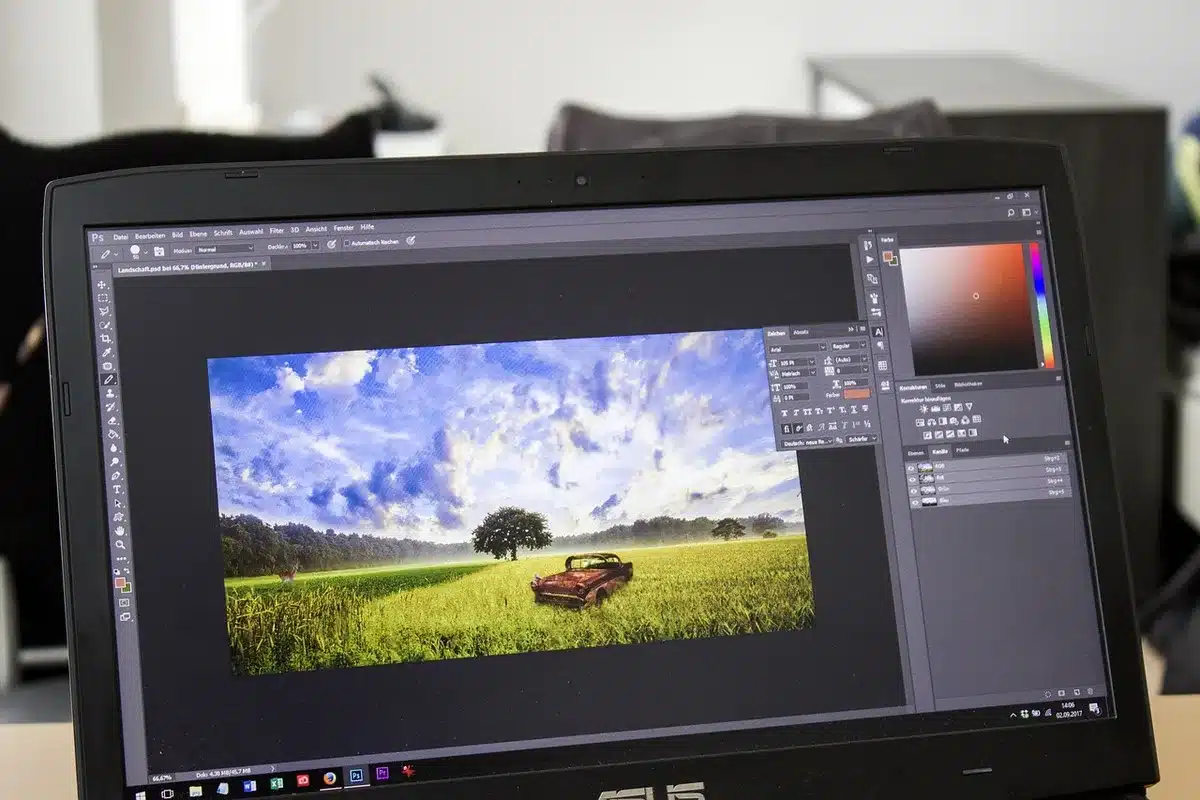
Photoshop: Relight and Generative Restyle move out of beta
Several capabilities that appeared in the Photoshop beta over the past weeks are now included in the stable release:
– Relight: lets you add one or more light sources to an image and blend them naturally into the scene in a non‑destructive way — you can still tweak each light’s position, hue and intensity after placement.
– Generative Restyle: converts an edit described by a text prompt into its own layer, and attaches a custom slider so you can adjust the effect strength without rewriting the prompt.
– Improved Remove tool: when you erase an object the tool now recognizes and reconstructs associated elements such as shadows, reflections, footprints or ripples to produce a cleaner fill.
– Quick Compare: shows a before/after comparison directly on the canvas so you can inspect changes without toggling layers one by one.
The simplified AI Assisted Editor interface, introduced at the end of August, also graduates from beta. It highlights generative tools and natural‑language instructions while still allowing users to switch back to the full Photoshop workspace at any time.
Premiere: Color Mode for everyone and expanded audio toolset
First introduced as a beta in April, Color Mode — a grading workspace designed for editors — is now available to all Premiere users.
The audio tools previewed in September are also leaving beta and are broadly available:
– Enhance Audio: separates and lets you mix dialogue, music, ambience and sound effects independently.
– Separate Crosstalk: isolates two people speaking at once onto distinct tracks for clearer editing.
– Separate Sound Source: breaks a clip into its component sound elements to make it easier to clean noisy dialogue.
A new feature announced at MAX, Generative Remove (beta), can remove an unwanted object from a video — for example a boom pole or a logo — and realistically fill the gap.
Why You Should Never Reheat These Foods in the Microwave – The Hidden Dangers Experts Warn About
I tried the top 5 guard dogs—here’s what makes these breeds the ultimate protectors
On the mobile front, following partnerships with Universal Music and Warner Music, Premiere now offers access to hundreds of thousands of tracks from their catalogs for personal, non‑commercial videos. The feature is available on iPhone today and is slated to arrive on Android soon.

Lightroom, Illustrator and InDesign: focused improvements
Lightroom receives several photo retouching additions, some of which already existed elsewhere in Adobe’s suite:
– Glow: already available in Camera Raw since August, this adds soft, cinematic light effects from subtle diffusion to film‑style halation.
– Blemish Removal: previously limited to mobile Lightroom, this tool comes to the desktop app with finer control.
– Enhanced Camera Tethering: the connected shooting mode is improved and extended to Lightroom on both desktop and iPad.
– Open Eyes: introduced on mobile in October, this feature reopens closed eyes using a reference photo of the same person; it’s now offered in Lightroom as a public beta.
In Illustrator, refreshed content libraries — including brushes, graphic styles, patterns and gradients — and canvas‑based controls for the Blend tool that were trialed in beta are now finalized.
InDesign introduces real‑time co‑editing (public beta): beyond the web‑based InCopy text sharing, multiple designers can now edit a single layout simultaneously. The app also adds Check Document, which detects editorial and accessibility issues while you work.
Separately, Topaz Labs — a company known for AI‑driven image enhancement that Adobe announced it would acquire in June — is launching two paid models: Wonder 4, an updated repair/upscale model that combines enlargement, denoising, deblurring and sharpening, and Image HDR, which converts standard images into HDR‑like versions.
What’s available now and what remains in beta
Most Creative Cloud updates are rolling out today, including Relight, Generative Restyle and AI Assisted Editor in Photoshop, as well as Color Mode and the new Premiere audio tools. Still in beta are InDesign’s co‑editing, Lightroom’s Open Eyes and Premiere’s Generative Remove.
Similar Posts
- Adobe Unveils Exciting Updates for Premiere, Photoshop, Lightroom: Discover What’s New!
- Master Adobe Suite Fast: Top 5 Courses You Need to Conquer Creative Software!
- Adobe Unveils New Features in Premiere Pro and After Effects: Discover What’s New!
- Master Adobe Suite in the AI Era: Top 5 Courses to Become a Pro!
- Adobe Unveils Color Mode in Premiere Pro: Revolutionize Your Color Grading Experience!

Jordan Park writes in-depth reviews and editorial opinion pieces for Touch Reviews. With a background in UI/UX design, Jordan offers a unique perspective on device usability and user experience across smartphones, tablets, and mobile software.