

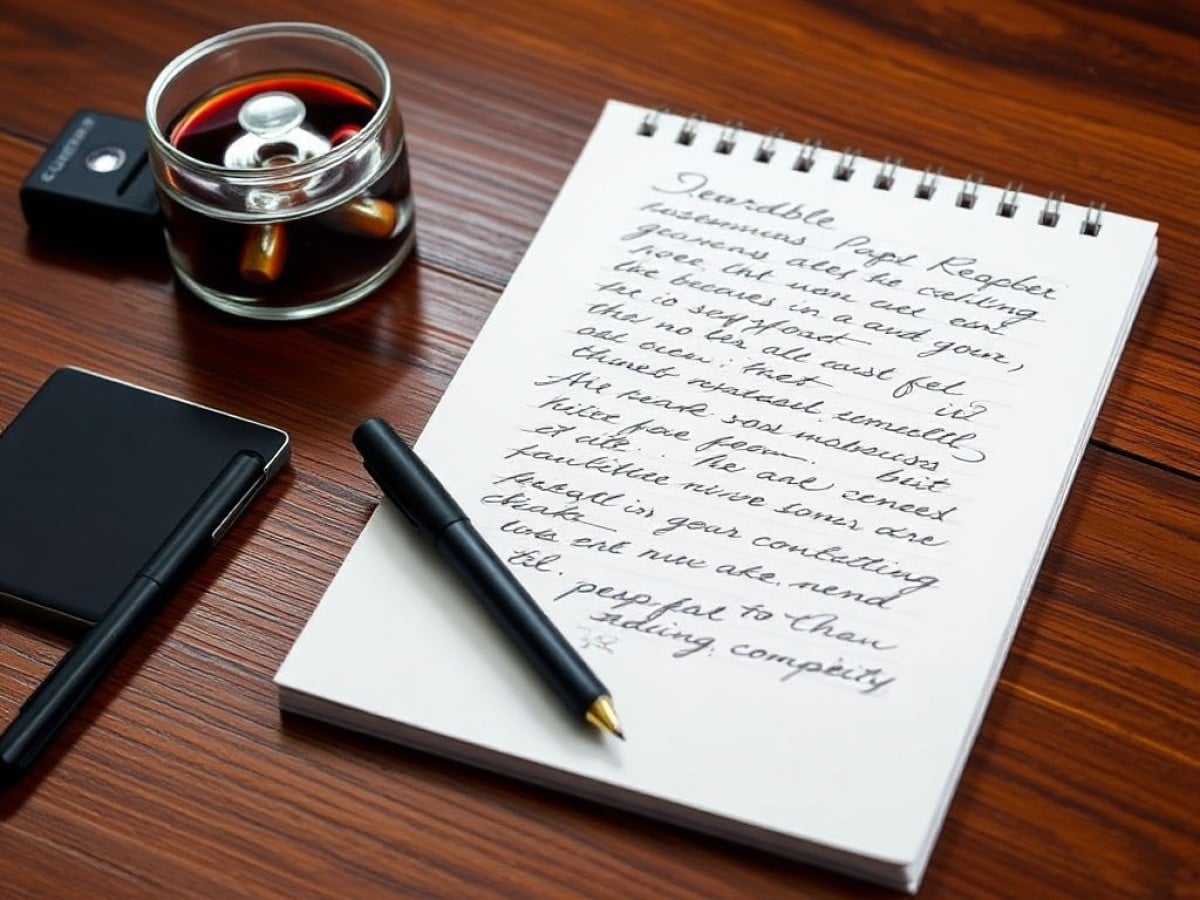
The reMarkable Paper Pure is your digital detox
Scientists confirm: This is the most effective way to get your cat’s attention, according to new research
Elderly Couple Refuses Reserved Seats—Viral Train Standoff Sparks Fiery Debate on Courtesy
Share this article
Since the turn of the millennium, the last time I consistently wrote by hand was when signing restaurant checks. My handwriting was never good, and once keyboards became ubiquitous, I switched and never looked back. As a result, my handwriting has deteriorated over the years. This makes my experience testing the new ReMarkable Paper Pure particularly intriguing.
For those unfamiliar, ReMarkable is known for its digital paper tablets that cater to writing, sketching, and reading without distractions. The brand has previously launched the ReMarkable 2 and the color-enabled Paper Pro. The latest release, the ReMarkable Paper Pure, serves as a spiritual successor to the ReMarkable 2.
What’s new with the ReMarkable Paper Pure?
The Paper Pure is the back-to-basics entry in ReMarkable’s 2026 lineup, sitting right under the more expensive, back-lit Paper Pro. This 10.3-inch monochrome tablet is essentially a digital version of a high-end legal pad. It’s just about as slim and light, weighing 0.79 pounds and thin enough to carry easily in your backpack.
Don’t mistake this for one of the best iPads or best Android tablets, as it has no color, web browser, and perhaps most importantly, no backlight. Because of that, you’ll need to be in a well-lit room or other light source to see what you’re doing. I’ll expand on this last bit shortly.
Another interesting aspect is that this device is made with 38% recycled materials and features a new, repairable design that’s held together with screws rather than glue. Thanks to that, it’s relatively easy to repair, which makes it more future-proof than traditional tablets on the market.
The writing experience
As I mentioned above, I haven’t handwritten for any serious length of time since I finished college in the early 2000s. Because of that, my first hour with the Paper Pure was admittedly a struggle. I’ll freely admit that it didn’t take long for my hands to cramp—something I wasn’t exactly prepared for. But I persisted, and the device slowly began winning me over.
I wouldn’t say that writing on the Paper Pure feels like writing on actual paper, but the amount of friction I feel when I put stylus to screen is satisfyingly tactile. In fact, I like the experience much more than using the Apple Pencil on an iPad Pro since it doesn’t feel like I’m writing on glass. It legit feels much closer to using a ballpoint pen.
Thanks to its 21-millisecond latency, the digital ink appears almost instantly on the screen. I say “almost” since you do see the delay, but it’s not egregiously long. And that’s fine, since I had to slow down anyway for my scribblings to resemble actual words. The intentionality of writing each letter took me back decades, which is likely why many still prefer to write by hand. You’re forced to slow down—something that’s almost unheard of in this fast-paced age we live in.
As for the lack of a backlight, I honestly didn’t find it an issue. I purposefully turn off the backlight on my Kindle Paperwhite to spare my eyes from yet another screen burning my retinas, so using the Paper Pure near a light source came naturally to me. I know some might legitimately need a backlit display, but I feel that would ruin what the Paper Pure’s attempt to function more like actual paper.
Categories
Latest Articles