
Scientists confirm: This is the most effective way to get your cat’s attention, according to new research
Elderly Couple Refuses Reserved Seats—Viral Train Standoff Sparks Fiery Debate on Courtesy
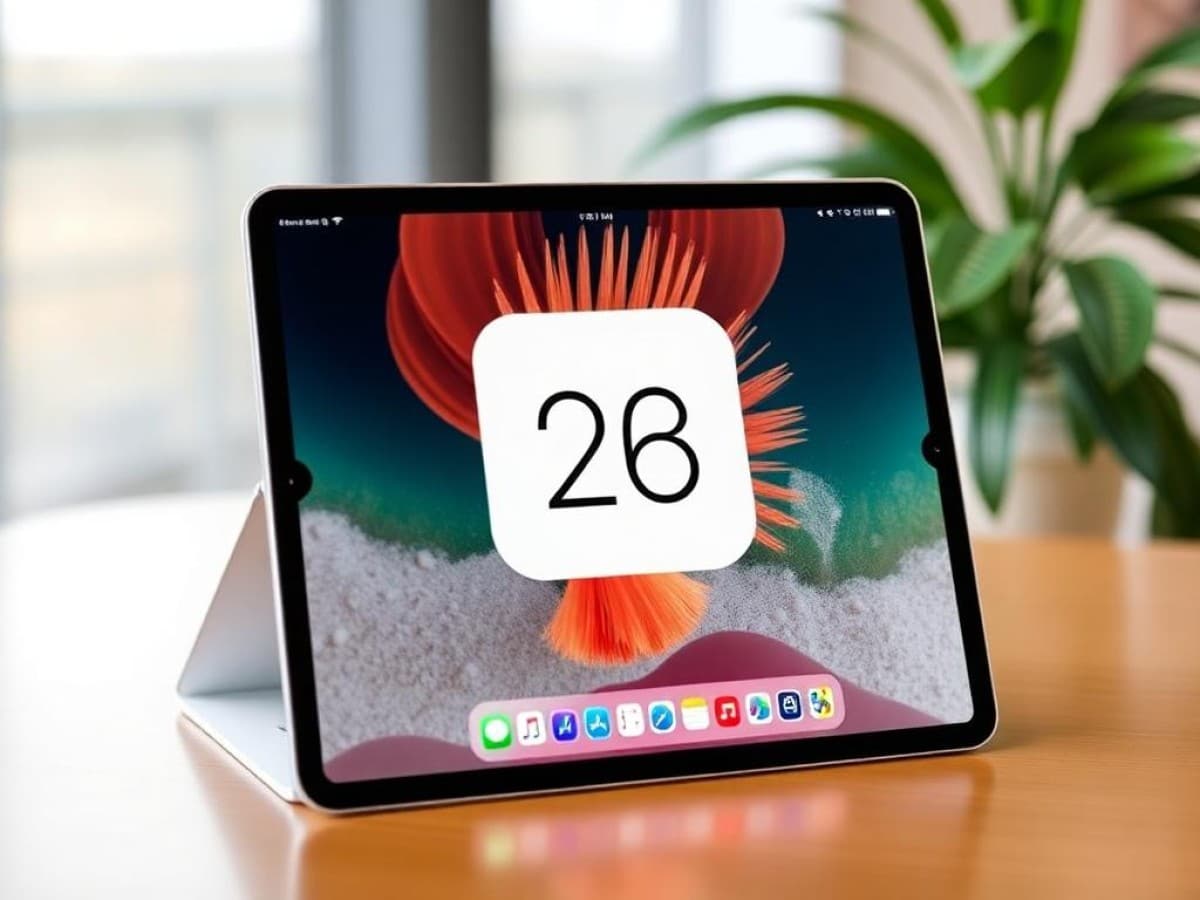
The release of iPadOS 26 has brought significant changes and new features, making it a substantial update for compatible iPad models. This update introduces a whole new design and several functionalities similar to those found on Macs, ensuring iPad users have much to explore and utilize.
Introducing Liquid Glass
One of the most noticeable changes in iPadOS 26 is the Liquid Glass design. Although this feature is more subtle on iPads compared to its implementation on the latest iPhones, where it’s quite prominent, it can be adjusted to be more noticeable depending on your preferences.
Why You Should Never Reheat These Foods in the Microwave – The Hidden Dangers Experts Warn About
I tried the top 5 guard dogs—here’s what makes these breeds the ultimate protectors
Within the customization options on the Home screen, you can select the “Clear” setting, which makes apps and widgets transparent. This can either be a striking look or render things hard to see if the wallpaper is too vibrant. Experimenting with different backgrounds could yield visually appealing results with the Liquid Glass effect.
Exploring different settings for this feature could enhance your experience, depending on your aesthetic preference.
Enhanced Windowing Capabilities
Having experimented with using an iPad Pro as a MacBook substitute, I found that the previous updates aimed at bridging functionality between MacBooks and iPads. With iPadOS 26, this integration takes a significant leap forward, making the idea of replacing a MacBook with an iPad more feasible for productivity tasks.
The newly introduced window management system in iPadOS 26 allows you to close, minimize, resize, and organize windows effortlessly, tailored specifically for the iPad screen. This system remembers the size and placement of apps, reopening them in the same state as you last left them.
This enhancement in multitasking capabilities is both intuitive and user-friendly, working seamlessly with touch inputs as well as with peripherals like the Magic Keyboard.
Introduction of New Applications
With the update, iPadOS 26 introduces several new apps, such as Games, Preview, Journal, and Phone, enhancing the iPad’s versatility. The Journal and Phone apps, while familiar to iPhone users, are new additions to the iPad environment.
The Games app simplifies accessing and organizing your games, enhancing the gaming experience on the iPad. The Journal app benefits from the larger iPad screen, especially when used with an Apple Magic Keyboard, making note-taking and journaling more manageable and enjoyable.
Preview allows you to view, edit, and annotate PDFs and images directly, making use of the Apple Pencil for precision. This integration with the Files app enhances document management on the iPad.
Moreover, the Phone app introduces the capability to make and receive calls, debunking the old notion that iPads are just oversized iPhones that cannot make calls.
Seamless Menu Bar Integration
iPadOS 26 brings the familiar macOS menu bar to the iPad, complete with its iconic red, yellow, and green window control buttons. These controls are accessible through intuitive gestures, bringing a slice of the Mac experience to the iPad.
This integration, while initially unusual for an iPad, quickly feels natural and enhances the user interface, making it easier for users to manage their applications and boost productivity.
Enhanced Image Playground
The Image Playground feature in iPadOS 26 sees significant enhancements, including the ability to use AI through ChatGPT to create images in various styles like oil paintings, watercolors, and anime. This feature, while dependent on user engagement with AI technologies, offers quick and creative image generation, albeit with varying accuracy.
Follow Tom’s Guide on Google News to get our up-to-date news, how-tos, and reviews in your feeds. Make sure to click the Follow button.
- Apple AirPods Pro 3 review
- iOS 26 arrives today — 5 things you need to do to prepare
- iPhone Air hands-on preview
Similar Posts
- Explore iPadOS 26 Now: Top 5 Features You Must Check Out First!
- Revolutionize Your iPad Experience: iPadOS 26 Brings Mac-Level Multitasking & New Features!
- iPadOS 26 Transforms iPads: Now More Mac-Like for Ultimate Productivity!
- iPadOS 26 Revealed: Experience the Most Revolutionary Upgrade in Years!
- Get the Latest iPadOS 26 Beta: Essential Download Guide Now!

Tobias Nguyen covers mobile technology and social media trends. He combines a background in digital marketing with a passion for emerging tech to provide readers with data-driven insights and practical tech usage tips.