

Scientists confirm: This is the most effective way to get your cat’s attention, according to new research
Elderly Couple Refuses Reserved Seats—Viral Train Standoff Sparks Fiery Debate on Courtesy
Originally a high-end desktop PC brand, Alienware’s acquisition by Dell has gradually shifted its focus towards a broader consumer base. The latest model, the Alienware 15 of 2026, targets a more modest audience. However, while the configuration isn’t bad, it largely misses the mark in terms of competitiveness in today’s marketplace.
Technical Specifications
| Model | Dell Alienware 15 (2026) |
|---|---|
| Dimensions | 349.5 mm x 22.95 mm |
| Resolution | 1920 x 1200 pixels |
| Display Technology | LCD |
| Processor (CPU) | Core 7 240H |
| Graphics Chip (GPU) | NVIDIA GeForce RTX 5050 |
| RAM | 8 GB |
| Internal Memory | 512 GB |
| Material | Plastic |
| Operating System (OS) | Microsoft Windows 11 |
| Weight | 2200 grams |
| Depth | 250.3 mm |
| Product Sheet | Available |
Design
Made primarily of plastic due to its budget-friendly nature, the 2026 model of Alienware 15 is impressively crafted. The plastic used is smooth, feels good to the touch, and seems durably made. The design retains the brand’s traditional aesthetic, particularly at the back where a large rounded indent helps facilitate cooling.
However, it’s quite thick at 2.3 centimeters and somewhat heavy at 2.25 kilograms, which is noticeable mainly due to its elevated design. Surprisingly, there are no ports at the back, a usual feature in designs optimized for desk setups but intended for portable use.
Keyboard and Touchpad
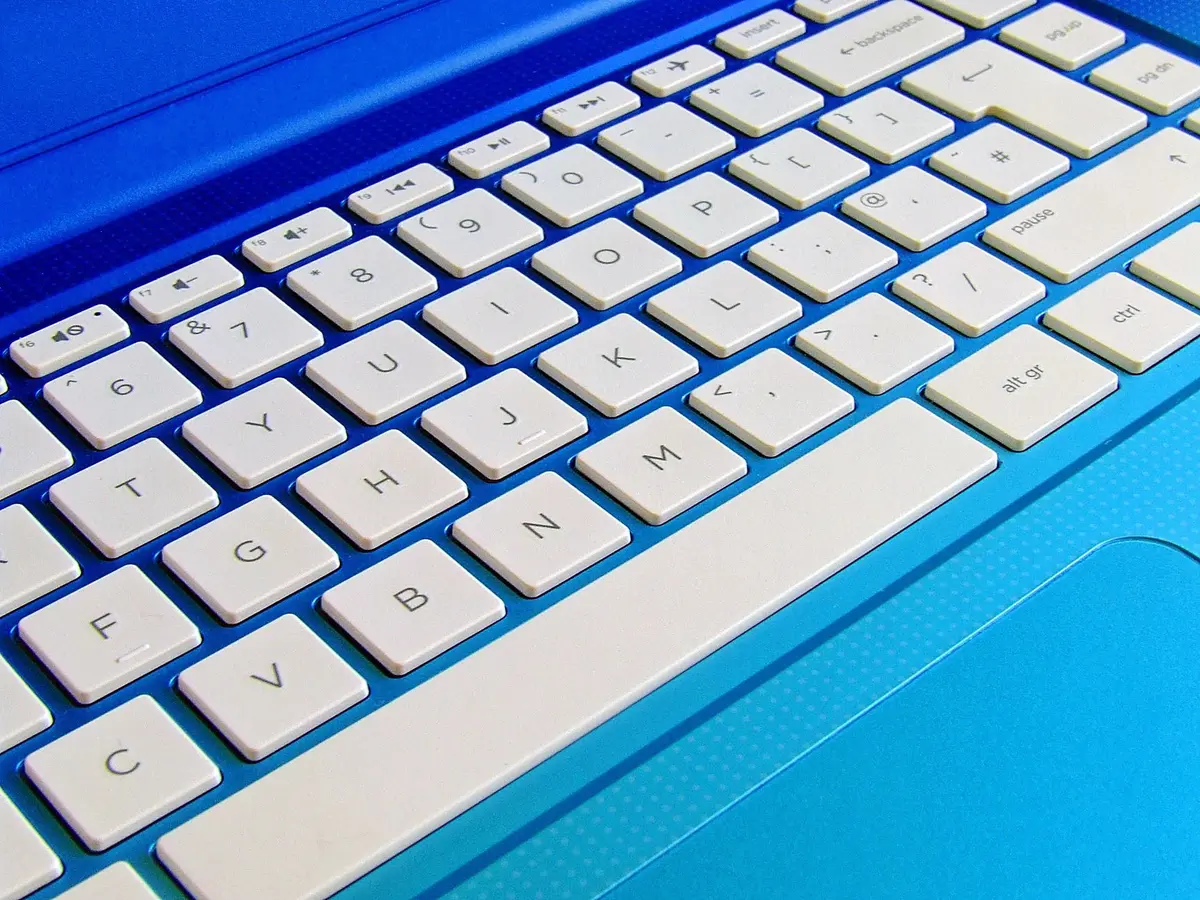
The Alienware 15 of 2026 provides one of the best keyboard experiences in its price range for portable gaming devices. Although the switches aren’t mechanical, the attention to key tension and travel distance is clear and makes typing on both the keyboard and numeric pad extremely satisfying.
The touchpad, however, is less impressive. It’s somewhat small, and the plastic surface feels cheap despite good responsiveness and a solid click. Given that this setup is likely to be used with an external mouse most of the time, this isn’t a major issue.
Connectivity
On the left side, there’s a barrel-type power connector, an RJ45 1 Gbps port, an HDMI 2.1, two USB A 3.2 Gen 1 ports, and a USB-C 3.2 Gen 2 port. On the right, a USB-C 3.2 Gen 1 and a combo jack are present.
This selection is fairly comprehensive, although having all ports on the left might be inconvenient for some users. The lack of Wi-Fi 6 GHz support is slightly disappointing.
Webcam and Audio
The integrated 720p webcam, powered by the Radeon 200 SoC, fails to deliver a good experience. At this price point, the absence of any form of biometric identification is also notable.
The audio quality is mediocre, adequate for casually watching a low-quality YouTube video, but for gaming, users should definitely consider using headphones.
Screen
Regardless of configuration, the Alienware 15 of 2026 always features a 15.3-inch IPS LCD screen with a maximum resolution of 1920 x 1200 pixels. It supports a variable refresh rate of 165 Hz and has a matte finish.
Measured with CalMAN software by Portrait Displays, it covers 66% of the sRGB color space and 44% of the DCI-P3 space, equivalent to the older NTSC standard. The maximum brightness is a basic 299 cd/m², with an excellent contrast ratio of 1557:1 for this technology. The average color temperature is a very good 6375K, but with a mediocre average delta e00 of 5.59 and a maximum deviation of 14.87. Clearly, this outdated screen is the weakest link in this PC. In 2026, it’s unacceptable to have such a poor-quality display in a product costing over 1000 euros.
Software
The system runs on Windows 11. It includes some bloatware and the Alienware management interface, which is visually pleasing and well-designed but lacks detailed explanations and finer control options.
It would be beneficial if system updates were integrated into this interface rather than requiring the use of Dell’s Support Assist. Like many competitors, a more centralized approach would be appreciated.
Performance
In our test configuration, the Alienware 15 of 2026 is equipped with an AMD Ryzen 7 260 SoC with 8 cores that can turbo up to 5.1 GHz. It’s supported by 16 GB of DDR5 RAM at 5600 MT/s in a single stick, and 512 GB of storage on PCIe Gen 4. It also features the NVIDIA GeForce RTX 5050 with 8 GB of VRAM in GDDR7.
Benchmarks
In Cinebench 2026, it scores 3050 points in multithread and 416 points in single thread. This isn’t surprising for the 200 series, which is essentially a rebranding of the Hawk Point series to Zen 4. While not the most demanding, these performances are still effective without being outstanding.
The graphic performance of the RTX 5050 delivers expected results of 2439 points on Speed Way and 2222 points on Steel Nomad, outperforming integrated circuits notably from the Panther Lake generation. However, the PCIe Gen 4 storage shows good read performance but disappoints in writing, leading to occasional slowdowns, especially during downloads.
In Game
Forget about enjoying path tracing; it’s better to opt for low RT or pure rasterization. On this front, the RTX 5050 is somewhat limited and heavily relies on DLSS 4 to maximize performance on demanding games, yet it remains effective for the average gamer.
For Creatives
In terms of photo and video, the RTX 5050 is not particularly impressive, especially as Panther Lake closely matches or even surpasses these scores in video and photo performance.
Cooling and Noise
The Alienware 15 of 2026 does activate its fans during more demanding tasks, but it does so with some restraint in performance mode, meaning the noise is noticeable but not overwhelming. However, using headphones is recommended.
Overall, the performance remains consistently strong throughout use.
Battery Life
In our test setup, the Alienware 15 of 2026 features a 3-cell 70 Wh battery, which is charged using a 180-watt power adapter.
Under typical office use with the brightness set to 50%, the battery lasts between 3 and 4 hours. This is typical of gamer PCs from previous generations, especially those using the Zen 4 architecture, whereas newer generations manage to offer 9 to 10 hours of battery life.
Price and Availability
In our test configuration, the Alienware 15 of 2026 is priced at 1469 euros. This price is not competitive, especially when an HP HyperX Omen 15 offers a better screen and an RTX 5060 for just 30 euros more.
at the best price
-
Dell
1 199 Eur
Similar Posts
- Dell 14 Premium Review: Powerful Ultrabook, But on the Heavier Side!
- Alienware AW3425DW Review: Is This the Ultimate Ultrawide OLED Screen?
- Dell XPS 14 (2026) Review: Still Good, But No Longer Remarkable
- Lenovo IdeaPad Slim 3x Review: Does Cutting Corners Cost Its Edge?
- Acer Aspire 14 AI (2025) Review: Smart Sacrifices for an Unbeatable Price!

Maya Singh is a senior editor covering tablets and hybrid devices. Her work explores how these tools reshape digital productivity and learning. She also contributes to feature editorials on emerging tech.