
Scientists confirm: This is the most effective way to get your cat’s attention, according to new research
Elderly Couple Refuses Reserved Seats—Viral Train Standoff Sparks Fiery Debate on Courtesy
The Honor Magic V5 has finally launched in France and it brings a striking feature reminiscent of the Samsung Galaxy Z Fold 7, its openly acknowledged rival. The feature in question is its ultra-thin foldable design.
However, the device does not rely solely on this feature, as we will explore in this detailed review of the Honor Magic V5!
Honor Magic V5Technical Specifications
| Model | Honor Magic V5 |
|---|---|
| Dimensions | 145.3 mm x 156.6 mm x 4.1 mm |
| User Interface | MagicOS |
| Screen Size | 6.4, 7.95 inches |
| Resolution | 2352 x 2172 pixels |
| Pixel Density | 401 PPI |
| Display Technology | OLED |
| SoC | Qualcomm Snapdragon 8 Elite |
| Graphics Processor | Qualcomm Adreno 830 |
| Rear Camera | Sensor 1: 50 Mp, Sensor 2: 64 Mp, Sensor 3: 50 Mp |
| Front Camera | 20 Mp |
| Video Recording Resolution | 4K @ 60 fps |
| Wi-Fi | Wi-Fi 7 (be) |
| Bluetooth | 6.0 |
| 5G | Yes |
| NFC | Yes |
| Fingerprint Sensor | Side-mounted |
| Connector Type | USB Type-C |
| Battery Capacity | 5820 mAh |
| Colors | Black, White, Gold, Brown |
| Product Sheet |
This review was conducted using a Magic V5 provided by Honor.
Honor Magic V5Design
The world’s thinnest foldable smartphone! That’s how the Honor Magic V5 was introduced by its manufacturer, aiming to disrupt the Samsung Galaxy Z Fold 7, which previously held the title.
Honor highlights two figures: 4.1 mm thick when unfolded and 8.8 mm when folded. Based on this, the Magic V5 is consistently 0.1 mm thinner than the Galaxy Z Fold 7. However, there’s a catch! These measurements only apply to the Ivory White version of the smartphone.
For other colors, such as gold (our review unit) and black, the thicknesses are 4.2 mm when folded and 9 mm when unfolded. And this is without considering the camera module, which we will discuss later!
This little marketing trick ultimately highlights the emptiness of this numbers race. The Honor Magic V5 is a smartphone that has successfully reduced the thickness of its chassis, going even further than its predecessor, the Magic V3, which was already excellent in this regard.
As we mentioned in the Fold 7 review, this is a real advantage in terms of comfort when handling. Despite its book-like foldable format, the Honor Magic V5 closely resembles a large conventional smartphone when folded. The thinness argument is far more relevant for these types of devices than for products like the Galaxy S25 Edge or iPhone 17 Air.
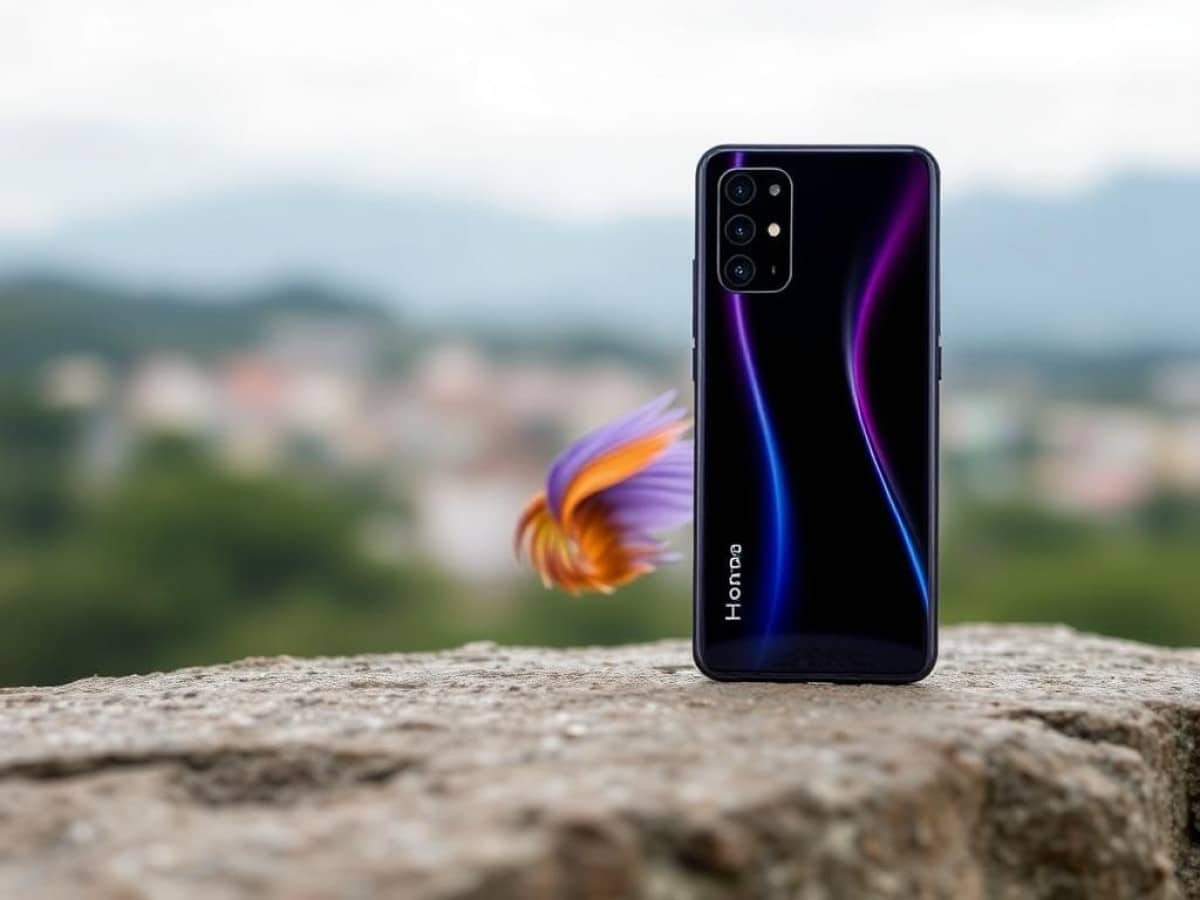
Additionally, I appreciate the well-executed matte finish of the Magic V5. Note that both the white and gold versions inevitably attract attention, eliciting both positive and negative comments. On my test unit, I appreciate the gradual color transition, darker at the top than at the bottom.
The brushed effect with circular lines also adds a certain appealing element. However, I’m not sure if I would like such a design for several years, but Honor deserves credit for offering something original.
Now onto a few minor irritants. First, the extremely protruding rear camera module somewhat undermines the thinness argument mentioned earlier. Moreover, when the Magic V5 is laid flat… well, it’s not flat at all. In my review, I referred to it as a launch ramp, and I stand by that analogy.
The edges are also less flat than on a Galaxy Z Fold 7. I’ll leave it to you to decide whether this is a good or bad thing according to your preferences, but this slightly more rounded aspect diminishes the impression of thinness compared to the slight wow effect that Samsung can generate in this regard.
Lastly, the Honor Magic V5 has relatively wide bezels around the internal screen, which somewhat detract from the premium appearance of the device.
It also weighs 222 grams (or 217 grams in white). That’s slightly less than an iPhone 16 Pro Max (227 grams), but more than the Galaxy Z Fold 7 (215 grams).
In terms of durability, the Honor Magic V5 is reassuring. This is evident from its dual IP58 and IP59 certifications for water resistance (immersion and splashing) and dust resistance (not total). But we can also mention a well-crafted hinge in terms of resistance for openings and closings that do not seem too loose.
However, like the Galaxy Z Fold 7, we notice after a while that the Honor Magic V5 does not unfold to 100%. It’s always a bit surprising, but not really a problem. This seems to be a behavior shared by several very thin foldable smartphones.
Honor Magic V5Display
The Honor Magic V5 obviously features two screens: 6.4 inches on the outside and 7.95 inches on the inside. Both are OLED with an adaptive refresh rate of up to 120 Hz. This is high-end as expected. Additionally, Honor often highlights several optimizations aimed at reducing eye fatigue and disrupting the circadian rhythm with the light from the panels.
However, what do these screens actually measure up to using our probe and Portrait Displays’ CalMan software? Let’s start with brightness. In SDR, we measured peak brightness at 1334 nits on the internal screen (the foldable one) and 1642 nits on the external panel. These are acceptable results in SDR.
On the other hand, for HDR, we would expect higher levels. But oddly, on the Honor Magic V5, we never managed to obtain conclusive results. There’s no doubt that the phone can reach very high brightness levels when exposed to intense ambient light. But whether it’s with the default battery configuration or in Performance mode, the device seems to really want to avoid the heat that a very bright screen can generate.
Smartphone flash, flashlight, or huge studio light… We did everything to trigger the ambient light sensor to see the Honor Magic V5 boost its brightness, but it wasn’t enough: barely 1350 nits in HDR when open and 1706 nits when closed. For comparison, we can achieve between 2500 and 3000 nits on other smartphones under the same test conditions. I remember having a similar measurement issue on the Magic V3.
There is no doubt that the Magic V5 can do better, but it seems to wait for very specific circumstances to unlock its full potential. Honor promises very localized HDR brightness peaks of up to 5000 nits.
As for calibration, it’s important to know that by default, the Honor Magic V5 is set to a “Vivid” color mode, but it also offers a “Natural” option. Additionally, a palette allows for finer adjustment of this setting.
I conducted several tests to try to determine the configuration that offers the best balance between color fidelity, good average temperature, and satisfactory color coverage. Here is my recommendation: keep the “Vivid” mode and check the warm option under the palette to incorporate more red.
Indeed, it’s with such a setting that I obtained an almost perfect average temperature on the large internal screen with 6589 K when the ideal target is 6500 K. It’s nevertheless more red on the external screen, which is just below 6400 K.
With the “Natural” color option, I obtained results much further from 6500 K, regardless of the palette setting.
But what about color fidelity? The Honor performs quite well each time. Unsurprisingly, if you opt for “Natural,” the colors displayed by the screens will be closer to reality.
However, our probe shows that the “Vivid” option with palette adjustments does not make insurmountable sacrifices. For example: on the large screen of the Honor Magic V5, I have an average Delta E on DCI-P3 of 3.51 with “Natural” colors versus 3.61 with the adjustments I recommend.
As a reminder, the closer this index gets to 3, the less noticeable the difference between real and displayed colors is to the eye. Thus, by keeping the “Vivid” mode and adding a bit of red, you are not making almost any concessions on color fidelity and you enjoy a better temperature to balance cool and warm tones.
The results remain very correct in HDR with an average Delta E on DCI-P3 of 6.19. Here, ideally, you should be at 6 or below, as colors in HDR are inherently less true to reality.
On the external screen, we remain in the same ranges: 3.44 in SDR and 6.27 in HDR.
Finally, regarding the variety of colors that the two screens are capable of displaying, the “Natural” mode is really too limited with a coverage rate of barely 100% or even 99% on the simple-to-manage sRGB space and less than 70% on the broader DCI-P3.
In comparison, when the colors are set to “Vivid,” we are at 120 and 121% coverage of sRGB respectively on the internal and external screens and at 80 and 81% for DCI-P3. This is more and therefore more effective across a range of tones.
Honor Magic V5Software
Starting with some good news for the software part: the Magic V5 promises 7 years of updates for both major Android versions and security patches. Honor is thus deploying the same longevity argument as Google and Samsung.
The parallels with the other two brands don’t stop there, as the Honor Magic V5 also heavily features a plethora of AI functionalities, which I’ll delve into just a bit later.
First, I wanted to talk about the overall user experience offered by MagicOS 9 with Android 15. The interface relies heavily on color gradients for its application icons to give a refreshing look. It’s a nice effort to catch the eye.
Buy the new Google Pixel 10 Pro and receive up to €850 in exchange for an eligible device (including a promotional bonus of €250). Offer valid until 09/11.
Overall, we have an interface that is overflowing with features here and there, but it’s still a bit messy at times. If we simplify a bit crudely, we could say that we feel the influence of MagicOS’s Chinese base. In China, users are much more accustomed to having a plethora of menus and sections, whereas, for a Western gaze, it might seem too cluttered.
My best example of this impression is found in the customization menu. By going to the Home Screen and Style section, I come across a mosaic of options. Here, everything is still relatively simple to grasp: each tile corresponds to a specific option.
Next, let’s say I want to customize the icons. I logically click on Icons. I then encounter two options. At first glance, this seems very frugal as a proposition. But in fact, you shouldn’t stop there! Three little dots at the top right of the screen give access to the Thematic Icons option, which corresponds to Material You. That is, the color of the icons adapts to that of your wallpaper.
This is very good, but why hide this option behind these three points (which, by the way, offer no other option). It takes two more clicks to access this menu as if it had to be hidden and accessible only to the initiated. Strange…
Back on the previous screen, a “More icons” button takes us to a much more extensive catalog with various tabs presenting, at your choice, the latest designs submitted, those that are free, those that are paid, etc. Again, the choice is vast. Again, this whole customization aspect is quite poorly highlighted.
Conversely, on the
Similar Posts
- World’s Thinnest Folding Smartphone Revealed: It’s Not Samsung’s Galaxy Z Fold 7!
- Galaxy Z Fold 8: Major Camera Upgrades Coming, Here’s What’s Changing!
- Honor Magic V6 Review: Could This Glamorous Smartphone Outshine Samsung?
- iPhone’s New Foldable Design Features Unique Samsung Screen: Even Samsung Hasn’t Dared to Use It!
- Samsung Unveils Galaxy Z Fold 7: Sleeker, More Powerful, But Pricier!

Maya Singh is a senior editor covering tablets and hybrid devices. Her work explores how these tools reshape digital productivity and learning. She also contributes to feature editorials on emerging tech.