
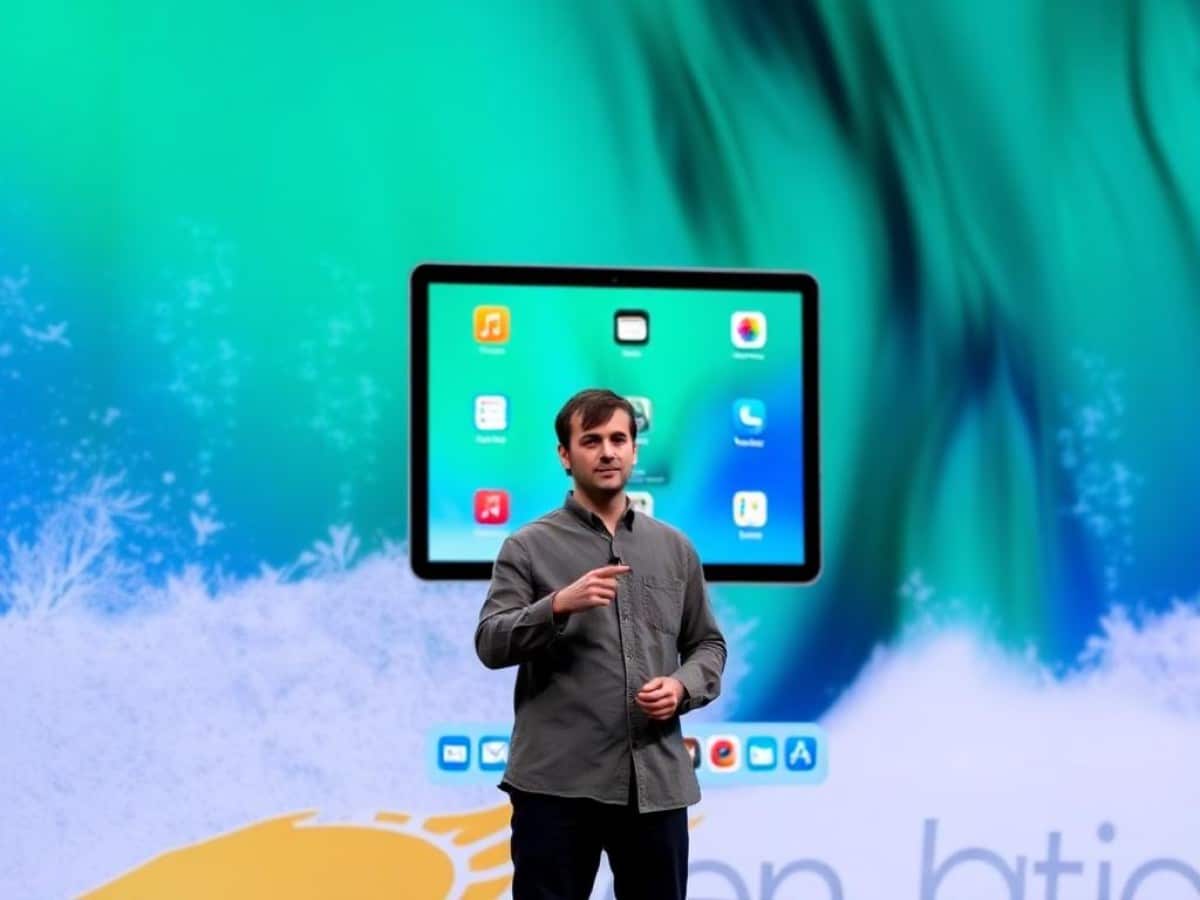
With the release of iPadOS 26, the iPad finally features a window management system that matches its power and screen sizes, almost elevating it to the level of a standard computer. Craig Federighi, Apple’s head of software, shared insights with Ars Technica about the evolution of this transformation.
Scientists confirm: This is the most effective way to get your cat’s attention, according to new research
Elderly Couple Refuses Reserved Seats—Viral Train Standoff Sparks Fiery Debate on Courtesy
Anyone who catches a glimpse of the iPadOS 26 presentation during the WWDC keynote might momentarily think they are seeing a new macOS in action. Several windows are open in a disorganized manner, resizable at will, overlapping or partially disappearing into the edges of the screen, complete with the three colorful control buttons typical of macOS window controls, and more.
With its upcoming operating system, the iPad increasingly resembles a Mac, a change long sought by users as the device has grown more powerful while remaining confined to a system derived from the iPhone.
This convergence was simply not feasible on iPads from a decade ago:
Going back to when we introduced Split View and Slide Over [with iOS 9], it’s important to understand that the iPad is a device based on direct manipulation, primarily designed for touch. A fundamental requirement is that if you touch the screen and begin to move something, it must respond. Otherwise, the entire interaction model collapses—it’s a psychological breach of the contract you have with the device.
On a Mac, user expectations for immediate response are lower, slight delays are more easily tolerated since one is already slowed down by using a mouse or trackpad. However, iPads “did not have the capacity to run an unlimited number of windowed apps with perfect responsiveness.” Moreover, iPad apps were not designed and developed with the idea of functioning like their Mac counterparts.
The escalation in iPad features—starting with the Pro models—along with the incorporation of keyboards, trackpads, styluses, and mice, began to shift perspectives and necessitated a revision of established rules:
Thus, the stars aligned somewhat: many tasks traditionally done on a Mac became feasible on an iPad for the first time, while still respecting the essence of what makes an iPad.
This transformation in the system began with Slide Over and Split View. It took a significant turn with the introduction of Stage Manager in iPadOS 16 in 2022, which allowed for window resizing, albeit not completely freely. This system, also present on Mac, was sometimes cumbersome to use, buggy, and limited to a few powerful iPads.
Apple then essentially started from scratch and rethought its window management system for iPadOS 26:
We wanted to establish a clear and consistent foundation of what Stage Manager truly means. For us, this meant having four apps simultaneously on the internal screen and four on an external screen—thus, eight apps running at the same time. We decided this would be our starting point, that this is Stage Manager. We didn’t want to say, “you have Stage Manager, but a lighter version here,” or anything of that sort. This immediately set a minimum limit below which we could not go.
Apple thus revised its foundations in iPadOS:
Why You Should Never Reheat These Foods in the Microwave – The Hidden Dangers Experts Warn About
I tried the top 5 guard dogs—here’s what makes these breeds the ultimate protectors
We discovered a lot of optimizations. We redesigned the architecture of our window management system, as well as how we handle background tasks, which allowed us to extract more performance from other devices compared to what we were able to do when we first launched Stage Manager.
This work also had the fortunate effect of enabling Stage Manager to appear on iPads that had previously been excluded, such as the iPad mini 6 or iPad 8.
According to Federighi, this new window management will be more nuanced depending on the iPad model. The number of open windows will remain the same, but they won’t refresh as simultaneously on an older iPad, and full management of an external screen—not just simple video mirroring—will require a more powerful model.
As iPadOS 26 draws closer to macOS, the usual questions about the future convergence of these two systems arise. Federighi again tempers expectations of a merger but notes that some interface choices seemed obvious:
We thought about it and decided that as the iPad and Mac converge, there are elements from the Mac—such as the placement and color of the buttons to close or enlarge a window—that we could adopt on the iPad where it makes sense. We asked ourselves: why not adopt a unified design for these elements, so that they are familiar and appealing? But where it doesn’t make sense, the iPad will remain an iPad.
Similar Posts
- Revolutionize Your Workflow: Discover How iPadOS 26’s New Windowing System Boosts Productivity
- iPadOS 26 Transformation: Your iPad Now Mirrors a Mac!
- Revolutionize Your iPad Experience: iPadOS 26 Brings Mac-Level Multitasking & New Features!
- iPad Expert Reveals: The Most Incredible Feature of iPadOS 26 Unveiled!
- iPadOS 26 Revealed: Experience the Most Revolutionary Upgrade in Years!

Ava Blake is passionate about social media platforms and how they influence modern tech culture. She reviews apps, trends, and the evolving digital lifestyle for Touch Reviews readers.