

Scientists confirm: This is the most effective way to get your cat’s attention, according to new research
Elderly Couple Refuses Reserved Seats—Viral Train Standoff Sparks Fiery Debate on Courtesy
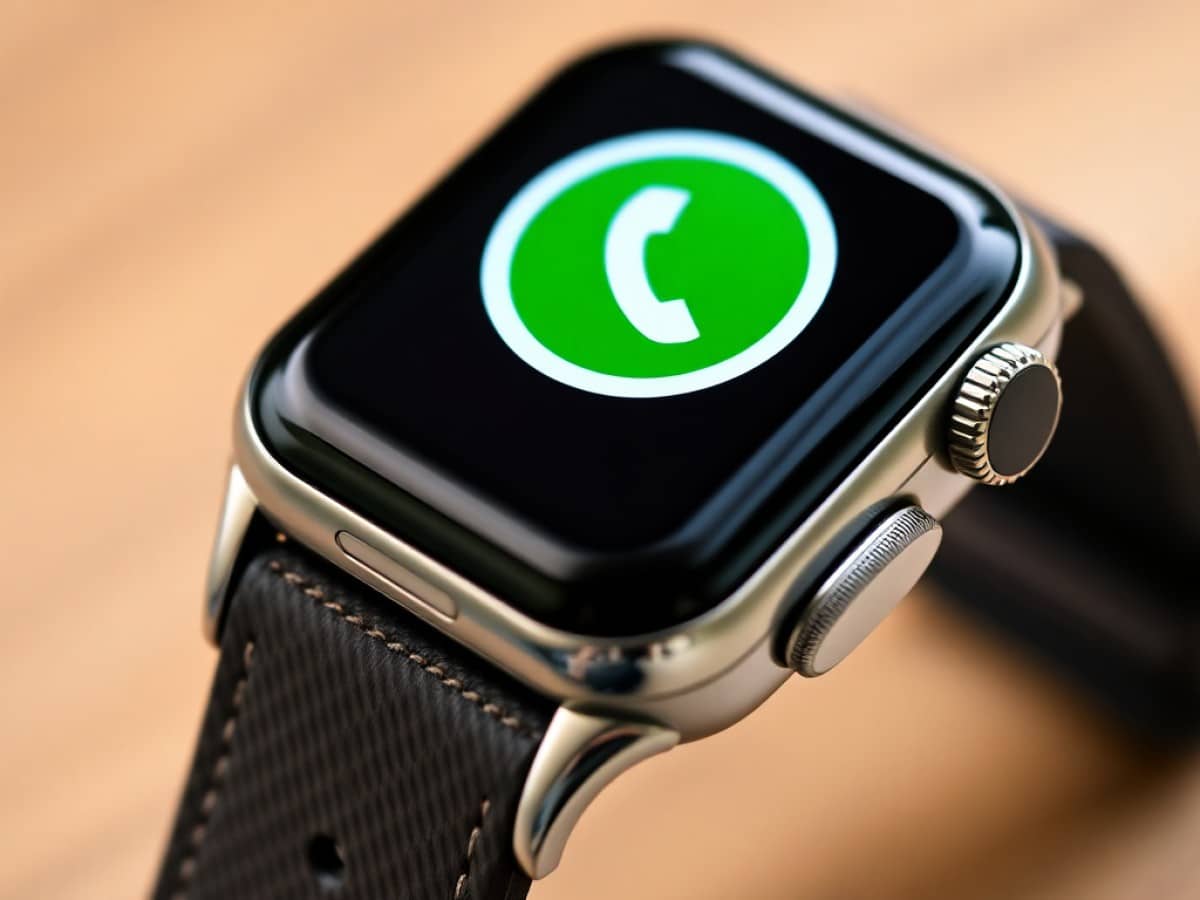
WhatsApp has officially announced the launch of its app for Apple’s smartwatches. This has been a highly anticipated development for Apple Watch users, who have been waiting since the app became available on WearOS two years ago. However, users should expect some limitations due to the platform’s support constraints.
In many situations, a smartwatch can serve as a substitute for a smartphone for carrying out simple daily tasks. Although you might not be able to make calls just yet, you can check your notifications, access your playlists, and, importantly, read your messages. However, this depends on whether your preferred messaging service is available on the device. For WhatsApp, the most widely used messaging app, this wasn’t the case for Apple Watch users until now.
While WearOS smartwatches have had a dedicated app since 2023, Apple Watch users have been waiting patiently for their turn. The wait finally ended after two years when Meta recently decided to launch a native WhatsApp application for Apple Watch. This app has been available since yesterday on all compatible Apple watches.
Why You Should Never Reheat These Foods in the Microwave – The Hidden Dangers Experts Warn About
I tried the top 5 guard dogs—here’s what makes these breeds the ultimate protectors
WhatsApp Finally Arrives on Apple Watch
The big news was shared by Meta in a blog post. The post revealed that the application is now available for download. Users will enjoy all the features that have made the messaging service popular. They will be able to access their chat history, send voice messages, and use emojis to react. Notably, end-to-end encryption is also supported, ensuring the privacy of your conversations.
Related – WhatsApp: The Windows 11 app as you know it will vanish on November 5, 2025
The app also introduces some very welcome features, such as the display of images and stickers in high definition—albeit on a small screen. However, the ability to make calls directly from the watch will, of course, remain off the table. Instead, the app will display the name of the incoming caller, which can be quite handy if you choose not to respond and prefer not to pull out your iPhone.
Similar Posts
- Overwhelmed by Unread Messages? WhatsApp’s AI Now Summarizes Them for You!
- Unlock the Full Potential of Your Smartwatch: Why WearOS 6 Is a Game Changer
- Elon Musk Challenges Zuckerberg: Launches XChat to Rival Social Media Giants
- WhatsApp Integrates with Signal, Telegram, and More: New Update Expands Compatibility!
- WhatsApp Bans Copilot After ChatGPT: Meta Tightens Messaging Rules