
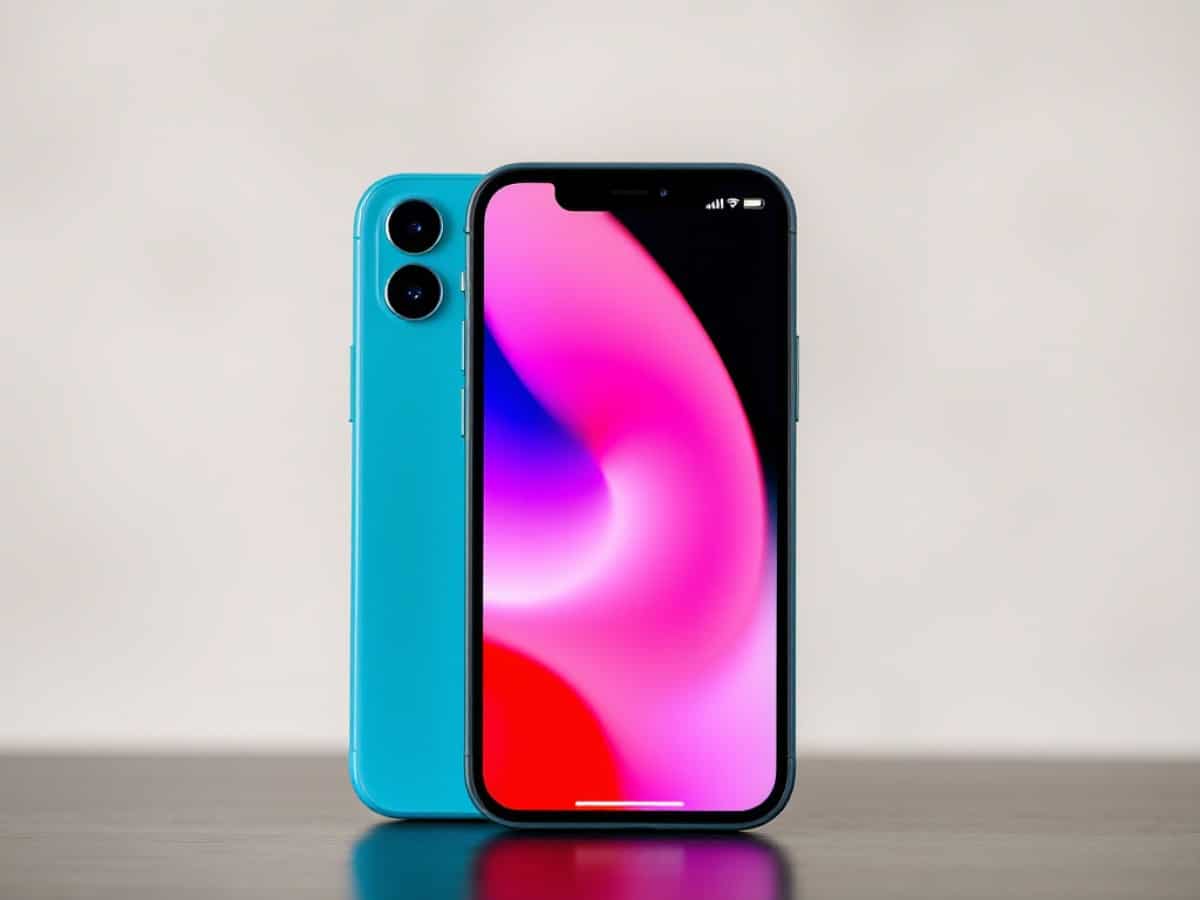
Explore the recent changes to the iPhone following the rollout of iOS 26.5, Apple’s latest software update.
Scientists confirm: This is the most effective way to get your cat’s attention, according to new research
Elderly Couple Refuses Reserved Seats—Viral Train Standoff Sparks Fiery Debate on Courtesy
As expected, Apple released the iOS 26.5 update for all compatible devices on Monday, May 11, 2026. Along with several minor fixes and additions, this update marks a significant advancement for iPhone users: the beta support for end-to-end encrypted RCS messages within the Messages app. However, users in France will need to wait to enjoy this feature, as its availability also depends on the carriers, and currently, no French operators are listed by the manufacturer.
Key Features of iOS 26.5
Here are the key features of this update, which is expected to be the last one before the introduction of iOS 27, scheduled to be showcased at WWDC on June 8:
- End-to-end encryption for RCS messages: When RCS was first integrated with iOS 18, Apple did not include encryption. iOS 26.5 addresses this issue. Conversations between iPhone and Android devices will now be encrypted end-to-end, making it technically impossible for third parties to intercept or read them. Activation will be automatic as soon as French carriers support this functionality.
- A new downloadable wallpaper: iOS 26.5 introduces Luminance Pride, a new wallpaper that dynamically refracts a spectrum of colors, according to the release notes. Consistent with its tradition, Apple releases a new Pride wallpaper with its May update each year.
Why You Should Never Reheat These Foods in the Microwave – The Hidden Dangers Experts Warn About
I tried the top 5 guard dogs—here’s what makes these breeds the ultimate protectors
In France, these two enhancements are the only new features in this release, which also includes several security fixes. In the United States and Canada, iOS 26.5 also lays the groundwork for the introduction of advertisements in the Maps app: a feature called Suggested Places debuts, initially offering organic recommendations before soon integrating sponsored suggestions, as reported by the tech media outlet 9to5Mac.
How to Download iOS 26.5 on Your iPhone
To get the latest version of the iPhone’s operating system, follow these steps:
- Go to the Settings app,
- Tap on General,
- Select Software Update,
- The iOS 26.5 update should be available for download.
As with every update, it is advisable to connect to Wi-Fi and plug your iPhone into a power source before starting the installation.
Similar Posts
- iOS & iPadOS 18.5 Release Candidate Drops: Get the Latest Features Now!
- iOS 18.5 RC Released: Discover the Exciting New Features Coming Soon!
- iOS 26.4 Beta Unleashes RCS Testing Between Apple and Android: Revolutionizing Texting!
- Free Mobile Launches Wi-Fi Texting with iOS 26: Revolutionize Your Messaging Experience!
- iOS 18.5 Unleashes Satellite Connectivity for iPhone 13 Series: Operator-Enabled Features Revealed!

Jordan Park writes in-depth reviews and editorial opinion pieces for Touch Reviews. With a background in UI/UX design, Jordan offers a unique perspective on device usability and user experience across smartphones, tablets, and mobile software.