

Scientists confirm: This is the most effective way to get your cat’s attention, according to new research
Elderly Couple Refuses Reserved Seats—Viral Train Standoff Sparks Fiery Debate on Courtesy
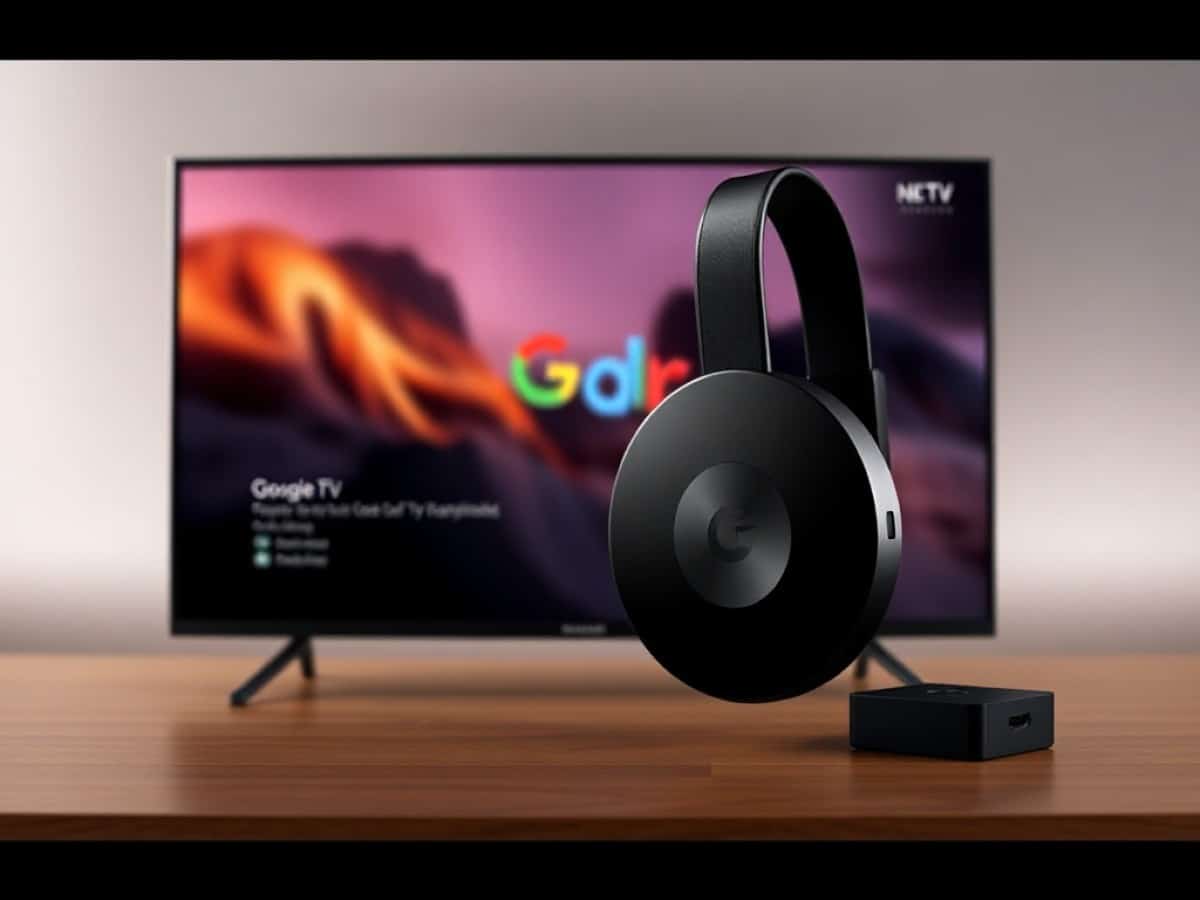
The era has ended. The small dongle that dangled unceremoniously behind your TV for the last decade has bowed out. Chromecast is gone, long live the Google TV Streamer. Google has decided it’s time to grow up, settle down on the TV stand, and meet our gaze directly. The promise? A device that goes beyond just streaming Netflix, aiming to be the smart home hub of your living room.
On paper, it’s the evolution we’ve all been waiting for: more power, more connectivity options, and pervasive artificial intelligence.
But there’s a gap between the promise and the reality in my living room. Does this white pebble justify paying twice the price of the previous model? Do we really need a Matter hub under the TV? Let’s find out.
Technical Specifications
| Specification | Google TV Streamer (4K) |
| Processor | MediaTek MT8696 (similar to Fire TV Stick 4K Max) |
| RAM / Storage | 4 GB / 32 GB |
| Video | 4K HDR, Dolby Vision, HDR10+, HLG |
| Audio | Dolby Atmos (Pass-through), Dolby Digital Plus |
| Connectivity | Wi-Fi 5 (ac), Bluetooth 5.1, Ethernet (1 Gbps) |
| Ports | 1x HDMI 2.1, 1x USB-C (power + data), 1x Ethernet |
| OS | Google TV (Android 14) |
| Dimensions | 161 x 76 x 27 mm |
| Price | €119 |
Take a close look at the “Connectivity” line. You’re not dreaming. In 2024/2025, Google releases a “premium” device with Wi-Fi 5. It’s technically baffling, especially for a product meant to stream 4K HDR content.
This is nothing but component recycling. The 32 GB storage is a breath of fresh air compared to the paltry 8 GB of the Chromecast, but the MediaTek processor is the same as one in an Amazon stick sold for half the price.
The unit used in this review was purchased by us.
Why You Should Never Reheat These Foods in the Microwave – The Hidden Dangers Experts Warn About
I tried the top 5 guard dogs—here’s what makes these breeds the ultimate protectors
Design and Ergonomics
Gone are the days of hiding. The Google TV Streamer is meant to be seen. It looks like a kind of flattened pebble, very thin, very wide, with a gentle slope. It’s styled in “Porcelain” (off-white), typical of the Nest range. It’s minimalist, clean, doesn’t show fingerprints, but it does take up space.
Unlike the Chromecast, which hid behind the TV, this one is meant to sit in front. Why? Because it acts as a Thread border router for home automation, and the signal fares better if it’s not blocked behind a metal-laden OLED panel. Logical, but if you prefer a clean setup with no visible cables, it’s a miss.
At the back, it’s a party (almost). There’s finally a Gigabit Ethernet port. No more need to buy a dubious power adapter for a stable connection. This is a major plus of this design for those who, like me, don’t trust Wi-Fi for cloud gaming.
Right next to it, a USB-C port serves for power. Be aware, it also handles data, but Google didn’t consider adding a standard USB-A port. If you want to connect a USB stick or an external hard drive full of your holiday videos (ahem), you’ll need a USB-C hub.
And speaking of pettiness: there’s no HDMI cable in the box. A video device costing €120 sold without the essential cable to use it. Not cool at all. Make sure you have an HDMI 2.1 cable handy before you unpack.
Connected security, night vision, and local storage included. Protect your home with this 2-pack SoloCam E42 at an unprecedented price!
Let’s move on to the remote control. It’s grown, it’s elongated. Google has finally listened to the criticism. The volume buttons are no longer on the side, but on the front. The grip is excellent, the plastic is textured just right to prevent slipping.
There’s a magical “star” button that’s customizable. You can set it to launch Plex, open the home automation panel, or change the TV’s input source. It’s simple, it’s brilliant. Why doesn’t everyone do this?
The “killer” feature? The button on the back of the device. You press it, and the remote starts beeping. No more treasure hunts between the sofa cushions. The sound is loud enough to be heard even if your cat is lying on it.
Overall, the build quality is there. It’s serious, well-assembled, and doesn’t feel “toy-like.” But this forced design shaped like a launch ramp for Hot Wheels, you either love it or hate it.
Software
Here, you’re in familiar territory. It’s Google TV, based on Android 14. The interface is still visually busy. Google doesn’t just want you to launch an app, Google wants you to click on content. Recommendations are everywhere. Sometimes they’re relevant, often they’re disguised ads for Disney+ or Prime Video.
The big new feature is the Google Home panel. A long press on the home button and a sidebar opens up. You can view your Nest cameras, turn off Philips Hue lights, or adjust the thermostat, all without stopping your movie.
It’s super smooth and genuinely handy. If someone rings the doorbell (with a Nest doorbell), the video feed automatically appears in PiP (Picture in Picture). This is where the Streamer really shines: it’s the conductor of the home.
As for updates, Google promises support, but caution is advised. The brand’s track record with Android TV isn’t spotless. However, the OS feels solid. The 4 GB of RAM really helps. Apps stay in memory longer, switching from YouTube to Netflix doesn’t cause the app to restart from scratch.
However, the Play Store has become a ghost town. There’s no direct icon anymore. You have to use voice search or dig through the settings to find the store. Google wants to control your experience from start to finish. For tinkerers who like side-loading, it’s still possible, but less welcoming.
Downside: the interface has become a huge billboard. When you turn it on, the top half of the screen is consumed by a giant autoplay banner. They’re selling you the latest Disney+ series or the Prime Video blockbuster of the moment, even if you’re not subscribed to either. At €40 for a stick, we tolerated it, but at €120 for a “premium” box, feeling like the product rather than the customer is a hard pill to swallow.
How to Clean Up the Interface from Ads
Here’s how to turn the Google TV Streamer into a clean and fast box.
The secret weapon: Projectivy Launcher. It’s an alternative interface that’s free (with a nominal paid version) which removes all ads, displays only your apps, and even lets you change the wallpaper.
- Install the app: search for “Projectivy Launcher” via voice search or on the Play Store.
- Enable accessibility: Google blocks changing the launcher by default (of course…). In Settings > System > Accessibility, activate Projectivy. This allows it to detect when you press the “Home” button to display over the Google interface.
- Configure: disable sponsored channels, make your favorite apps prominent, and enjoy a clean interface, free of ads, and twice as fast.
- Bonus: this frees up RAM and CPU power, making the box even smoother. You’re welcome.
Performance
So, what’s this pebble got under the hood? The processor supposedly offers 22% more power than the Chromecast. What does that translate to in real life? It’s smooth, but not mind-blowing.
The interface navigates without a hitch, the animations are clean. But as soon as you launch a heavy 4K Dolby Vision content at high bitrate (via Plex or Kodi, for example), you can feel that the MediaTek chip is at its limit. It works, but it lacks the “industrial” margin of an Nvidia Shield or the brazen smoothness of an Apple TV 4K.
Regarding image quality, there’s nothing to complain about. The support for HDR10+, Dolby Vision, and Dolby Atmos is comprehensive. The image is beautiful, the sharpness is good. Note to audiophiles: there’s no pass-through for HD lossless audio formats (TrueHD Atmos) like on the Shield. For streaming (Netflix, Disney), it’s perfect. For your 4K Blu-ray rips stored on a NAS, there will be issues with the audio.
Gaming? Forget about native Android games that are somewhat demanding; the GPU doesn’t cut it. However, for cloud gaming (GeForce Now, Xbox Game Pass via sideload), it’s quite good thanks to the Ethernet port. The video stream decoding is fast, and the latency is minimal.
What about heating? It’s warm. The large surface allows for better heat dissipation than the tiny Chromecast dongle, which used to get burning hot. I didn’t notice any throttling (performance drop) even after 3 hours of binge-watching.
Lastly, I must return to the scandal of Wi-Fi 5. If you have a cutting-edge Wi-Fi 6E or 7 router, this box won’t be able to take advantage of it. For now, it’s adequate for streaming, but in 2 or 3 years? It smacks of planned obsolescence by penny-pinching.
Price
The Google TV Streamer is available now for €119. It comes in “Porcelain” (white) and “Hazel” (gray, but often exclusive to the Google Store).
Google TV Streamer
at the best price
-
Amazon
€89 -
Fnac
€90 -
Darty
€90
See the offer
-
Cdiscount Marketplace
€104
See the offer
-
Fnac Marketplace
€105
See the offer