
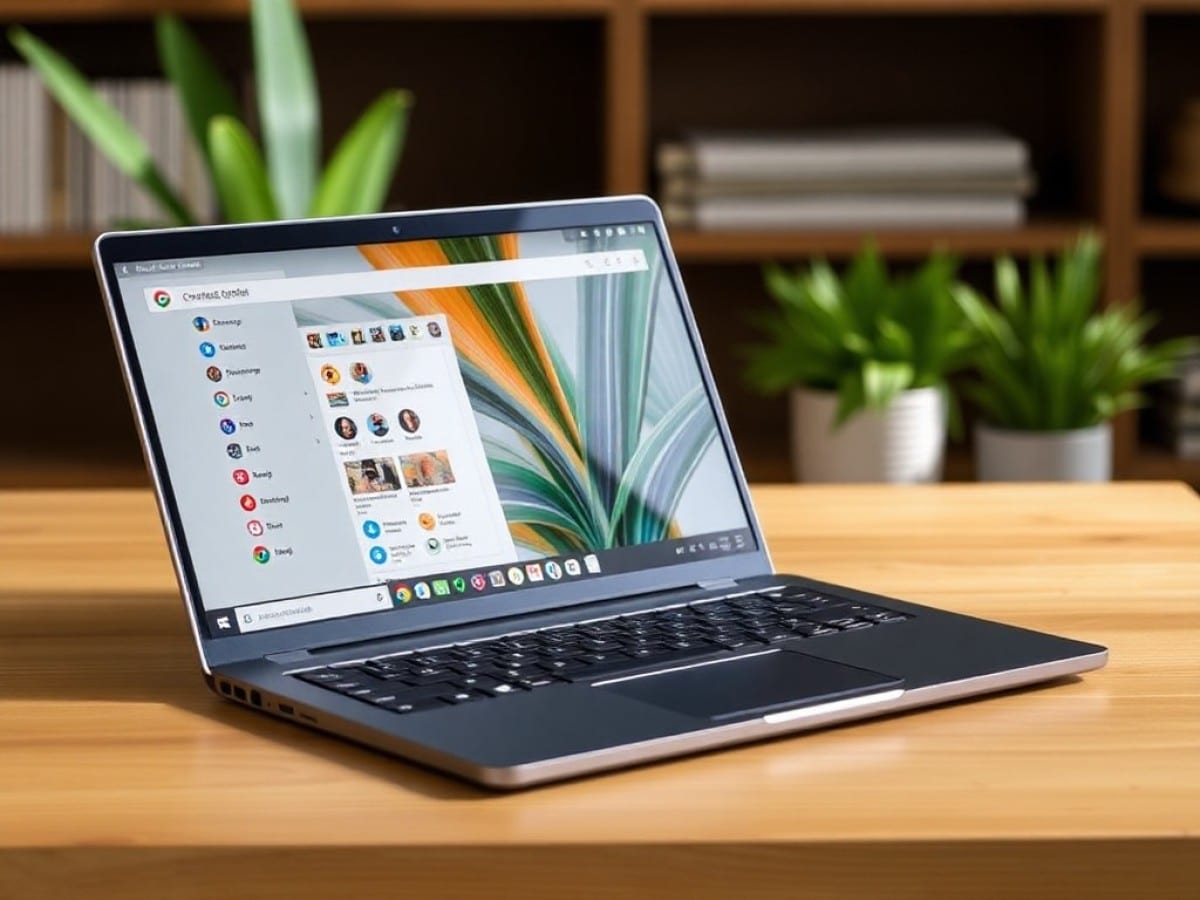
As prices continue to rise, might it be the right time to consider a Chromebook? Acer’s Spin 514 remains a standout alternative to Windows systems.
Scientists confirm: This is the most effective way to get your cat’s attention, according to new research
Elderly Couple Refuses Reserved Seats—Viral Train Standoff Sparks Fiery Debate on Courtesy
Is it time to seriously think about switching to a Chromebook? In a laptop market that’s becoming increasingly expensive and complex, devices powered by ChromeOS manage to maintain a level head by continuing to offer appealing prices and ease of use. The 2025 Acer Chromebook Plus Spin 514 exemplifies this alternative splendidly.
Specifications
| Model | Acer Chromebook Spin 514 (CP514-2H) |
|---|---|
| Dimensions | 321.5 mm x 16.9 mm |
| Resolution | 1920 x 1080 pixels |
| Display Technology | LCD |
| Touchscreen | Yes |
| Graphics Chipset (GPU) | Intel Iris Xe Graphics |
| RAM | 8, 16 GB |
| Internal Memory | 128, 256 GB |
| Build | Metal |
| Operating System (OS) | ChromeOS |
| Weight | 1370 grams |
| Depth | 209.7 mm |
| Product Sheet |
The device was lent by Acer for this review.
Design
The chassis design is somewhat familiar. The Acer Chromebook Plus Spin 514, the latest in a series that prioritizes efficiency, doesn’t aim to redefine the laptop but to competently fulfill its role. And it does so with a MIL-STD-810H certified aluminum body capable of withstanding any impact, while its 2-in-1 design naturally allows it to transform into a tablet or emphasize its display.
While classic and effective, it’s worth noting a commonly frustrating aspect: a somewhat weak hinge that lets the screen flop around when the device is moved while open. This is a minor detail, but it reminds us that this isn’t a high-end device. However, at a weight of 1.36 kilograms and a thickness of 1.55 cm, the 14-inch Acer Chromebook Plus Spin 514 remains highly portable.
Keyboard and Touchpad
Acer consistently provides solid keyboard setups on its Chromebooks, and the Spin 514 is no exception. The keys are stable, firm, offer a good travel distance and satisfying feedback, and are subtly backlit, though they could be a bit brighter.
The traditionally designed touchpad is well-sized and perfectly centered on the device. It’s hard to complain about such a straightforward design. ChromeOS keyboard layouts have evolved to be more “traditional,” making them more intuitively usable for Windows PC users.
Ports
On the left, there are two USB-C 3.2 Gen 2 ports and a combo jack port. On the right, there are two USB-A 3.2 ports.
The port selection is simple but effective for a 14-inch convertible PC, especially considering the inclusion of two USB-A ports, which are rare for this size.
Webcam and Audio
The integrated 960p webcam produces poor quality images with inaccurate colors and a lack of dynamic range, giving a sickly yellow appearance. Even for video conferencing, it’s subpar.
The speakers, positioned on either side of the keyboard, unfortunately don’t perform well. They produce a decent volume but lack bass and mid-tones, with imprecise highs—fine for YouTube videos but not much else.
Display
The Acer Chromebook Plus Spin 514 features a 14-inch IPS LCD touchscreen with a 1920 x 1200 pixel resolution and a 16:10 aspect ratio, supporting a refresh rate of 120 Hz.
Testing with a colorimeter and DisplayCal software, the panel covers 58% of the sRGB color space and 41% of the DCI-P3 color space, indicating it’s based on the outdated NTSC standard, which is typically found only on entry-level laptops. While this might be somewhat excusable for Chromebooks, the Chromebook Plus range should at least aim for full sRGB coverage.
Despite its shortcomings, the display offers a robust 1277:1 contrast ratio for an IPS LCD, a slightly warm average color temperature of 5900K, and a typical maximum brightness of 309 cd/m². The average Delta E 00 value is 4.07, with a maximum deviation of 7.48. An sRGB panel would greatly benefit this device—it’s the biggest drawback in our view.
Software
Understand that this is not a Windows or macOS system; it runs ChromeOS. Developed around the Chrome web browser and the Android ecosystem, it primarily offers the familiar web browser experience, enhanced by the availability of the Play Store for mobile app installations.
ChromeOS has a major advantage: it’s lightweight. Very lightweight. Booting up the device and launching apps is quick and smooth, and since Google handles almost everything, there’s no bloatware or similar nuisances, resulting in a more integrated and simple user experience.
The simplicity of the system is a huge plus. Another advantage is its high security level, similar to that of a smartphone, thanks to the controlled environment provided by the Play Store. However, users can also choose to integrate Linux for more customization options.
Google heavily promotes the use of Gemini, its AI assistant, for creating images, answering questions through a chatbot, or analyzing the screen. But it’s also possible to ignore it entirely and enjoy a truly fast machine, which also integrates well with the Android system for managing notifications, responding to messages, or even unlocking your smartphone.
While gamers may need to resort to cloud gaming and heavy creators might need to find online tools, the fact is that today… ChromeOS has a solution for almost everything, an answer to every question, and suits the needs of a vast majority of users and applications, provided they’re willing to adapt from their established Windows routines.
Performance
The test model of the Acer Chromebook Plus Spin 514 is powered by the MediaTek Kompanio Ultra 910, an 8-core, 8-thread ARM SoC with turbo speeds up to 3.6 GHz. It’s paired with 8 GB of DDR5 8533 MHz RAM and 128 GB of UFS 4.0 storage.
Benchmarks
ChromeOS uses mobile benchmarks. In Geekbench 6, it scored 2501 points in single-core and 7849 points in multi-core, placing single-thread performance between the Snapdragon 8 Gen 3 (S24 Ultra) and Snapdragon 8 Elite (S25 Ultra). Multi-thread performance is closer to the Snapdragon 8 Elite, which is quite promising for a mobile platform.
The graphics part, featuring Immortalis-G925 MC11, performs well, scoring 18229 in Geekbench 6, closely matching the Snapdragon 8 Elite, although the latter still benefits from optimized drivers (think AMD vs NVIDIA). In Wild Life Extreme, it scored 5261 points. Unfortunately, Steel Nomad Light requires 16 GB of RAM to run.
Cooling and Noise
What can we say? Silent as a grave. The ARM SoC doesn’t really need the integrated active fans to operate, to the extent that they never activate.
Battery Life
The Acer Chromebook Plus Spin 514 includes a 70 Wh battery, which is charged using a 100-watt power adapter. The device supports the Power Delivery standard.
During typical office use with the screen set to 50% brightness, the battery life ranges between 13 and 14 hours. While premium PCs, whether ARM or x86, can nowadays reach 20 hours or more, finding 14 hours without much effort remains a strong point for Chromebooks, given their accessibility.
Price and Availability
In France, the Acer Chromebook Plus Spin 514 is available with 16 GB of RAM for 999 euros.
Similar Posts
- Acer Swift 16 AI (2026) Review: Experience the Best of Intel and Acer in One Product!
- Acer Aspire 14 AI (2025) Review: Smart Sacrifices for an Unbeatable Price!
- Review: Acer Swift Edge 14 AI (2025) – Stunning, Lightweight Laptop Lacks Power
- 15 Years After Chromebook: Google Unveils Its Revolutionary Googlebook
- Dangerous TikTok Trend: Students Setting Computers on Fire, Schools on High Alert

Maya Singh is a senior editor covering tablets and hybrid devices. Her work explores how these tools reshape digital productivity and learning. She also contributes to feature editorials on emerging tech.