
Scientists confirm: This is the most effective way to get your cat’s attention, according to new research
Elderly Couple Refuses Reserved Seats—Viral Train Standoff Sparks Fiery Debate on Courtesy
Introducing a robust new player in the sub-500 euro smartphone market (or sub-600 euros, depending on the chosen configuration). Indeed, Nothing is making a strong comeback with the Phone (4a) Pro, which sports a very original look and, more importantly, promises an excellent price-quality ratio.
So, does this enticing combination make it a mid-range champion?
Nothing Phone (4a) ProVideo Overview
Nothing Phone (4a) ProSpecifications
| Model | Nothing Phone (4a) Pro |
|---|---|
| OS Version | Android 16 |
| Manufacturer Interface | Nothing OS |
| Screen Size | 6.83 inches |
| Pixel Density | 450 ppi |
| Technology | AMOLED |
| Internal Storage | 128, 256 GB |
| Rear Camera |
Sensor 1: 50 MP Sensor 2: 50 MP Sensor 3: 8 MP |
| Front Camera | 32 MP |
| 5G | Unknown |
| NFC | Yes |
| Connector Type | USB Type-C |
| Battery Capacity | 5080 mAh |
| Colors | Black, Silver, Pink |
| Product Sheet |
This review was conducted using a model lent by Nothing.
Nothing Phone (4a) ProDesign
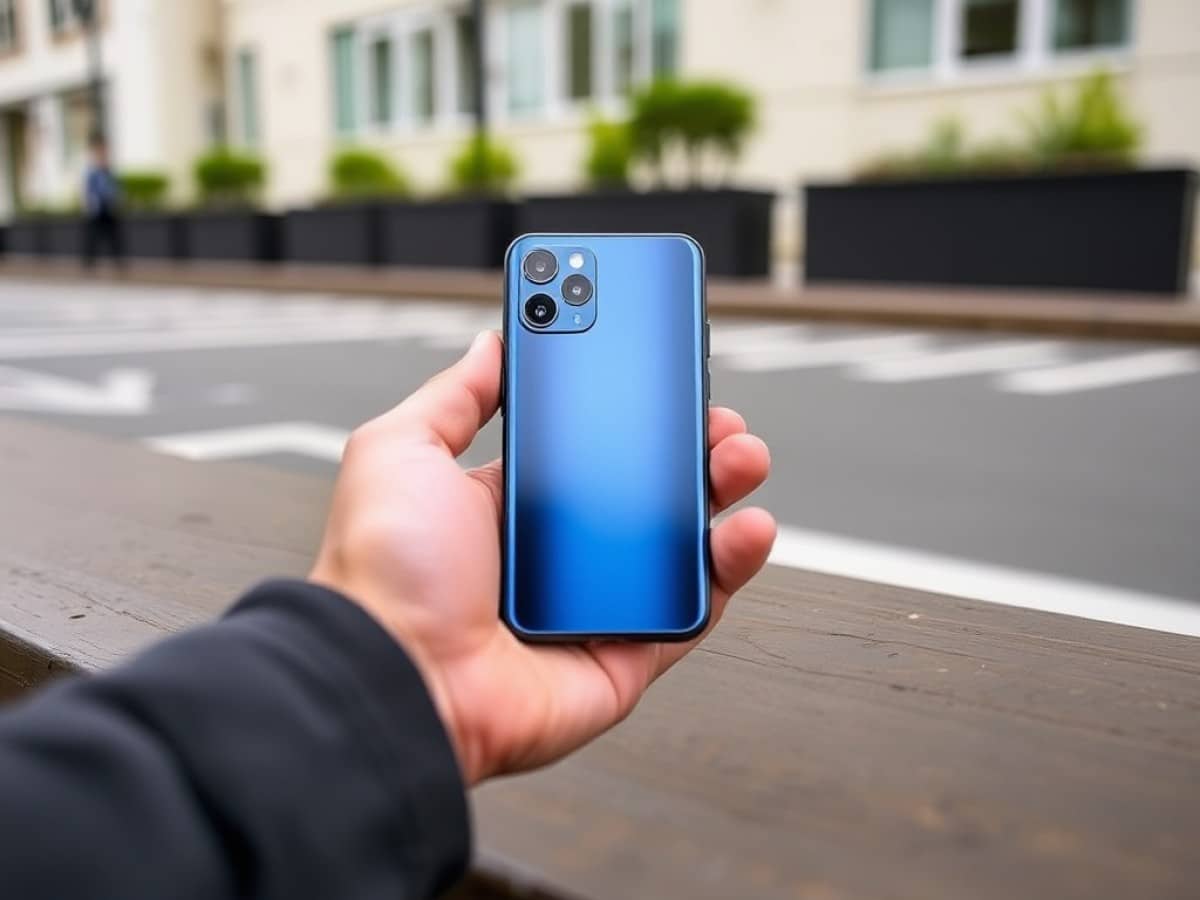
Let’s cut to the chase, the Nothing Phone (4a) Pro immediately catches the eye with its unconventional design. Don’t expect a revolution; that’s not the aim. However, the smartphone deserves credit for trying something different and establishing a brand identity.
Indeed, some may miss the semi-transparent back that Nothing previously championed. I don’t share that nostalgia. It’s not that I didn’t like the previous design, but I do appreciate what the brand has done with the Phone (4a) Pro.
The recipe is simple. Keep the slightly industrial DNA of Nothing in the camera block with visible screws and some visible patterns next to the cameras, and that alone helps maintain a design that stands out from the competition. Alongside this, the uniform unibody aluminum back fits in seamlessly to add an elegant simplicity without spoiling the effort of originality.
In short, the Nothing Phone (4a) Pro looks striking, if I may say so. Especially since it boasts a small circular display for displaying practical information in a deliberately retro style. This too adds character to the device. It’s a bold choice and, whether you like it or not, it generates interest and sparks curiosity. I quite like this touch of originality. We’ll delve deeper into the functionality of this feature in the software section of this review.
What’s more: it feels great in the hand with its straight edges that are not too sharp, while the aluminum I mentioned earlier also dresses the chassis for a smooth yet non-slip feel in the palm.
Note the presence of a button on the left that does not serve to unlock or adjust the volume, but to access Essential Space (more on this later).
There is also a small, harmless oddity: at the bottom left of the back, there is a small circular indentation. It serves no purpose. It piques curiosity, and one might run a finger over it out of intrigue, but it has no function. Why is it there? Some might see it as a nod to the CMF Phone 2 Pro, which has a dial on the back, while others might think it contributes to Nothing’s famed industrial look.
It’s also worth noting that the flat screen at the front is protected by Gorilla Glass 7i, and the Phone (4a) Pro is IP65 certified for complete protection against dust and resistance against jets and splashing water.
Finally, let’s note a small detail: while the finishes of the Nothing Phone (4a) Pro generally exude quality, be careful with the plate covering the camera block. According to our observations, it is made of plastic, so you should be careful not to damage it inadvertently. It’s important to mention that while this large plate is plastic, the cameras themselves are covered by glass.
One last detail that is also important: the Nothing Phone (4a) Pro weighs, rather surprisingly, 210 grams. This weight is well distributed so that I never really found it cumbersome in daily use, but for those who are averse to phones weighing over 200 grams, it’s good to know in advance.
Nothing Phone (4a) ProScreen
With its 6.83-inch display, the Nothing Phone (4a) Pro offers a large viewing area. Count on AMOLED quality with a resolution of 1260 x 2800 pixels and a refresh rate that varies from 30 to 144 Hz.
And how to put it? The screen is excellent except for one detail: the brightness. With our probe and the CalMAN Ultimate software from Portrait Displays, we measure a maximum brightness of 1567 nits in SDR and 1576 nits in HDR.
This will be sufficient and comfortable for the vast majority of situations, but it’s a shame not to be able to go up to 2000 nits in HDR to be really sure and certain that the panel will never fail. And that’s the only little thing that’s a bit of a shame for the Nothing Phone (4a) Pro’s screen.
Because behind that, while it’s a phone at around 500 euros, Nothing has pulled out all the stops. In terms of color fidelity, it’s perfect. The average Delta E on DCI-P3 in SDR is 2.23, while any value below 3 means the eye can’t perceive the difference.
In HDR, maintaining this fidelity is much more difficult, but Nothing minimizes the damage by keeping an average Delta E at 5.76 on DCI-P3. This is quite satisfactory.
| Results | Comments | |
| Max Brightness SDR | 1567 nits | Very good |
| Max Brightness HDR | 1576 nits | Correct |
| Average Delta E SDR | 2,23 | Excellent |
| Average Delta E HDR | 5,76 | Satisfactory |
| Average Temperature | 6682 K | Very good |
| Color Coverage | 130% of sRGB and 93% of DCI-P3 | Very good |
The average temperature is 6682 K when the ideal value is at 6500 K for a good balance between blue and yellow tones. So, it’s still very good. Note that the measurements shared here were made with the default “Active” mode.
Finally, for the range of colors, the Nothing Phone (4a) Pro is up to the task with coverage rates of 138% for the sRGB space and 93% for the DCI-P3 (which is more challenging to manage because it’s larger). These are frankly very good results, well done!
Nothing Phone (4a) ProSoftware
Nothing OS 4.1 takes the helm on the interface side and is based on Android 16. First positive point: NO third-party applications are pre-installed. In essence, the experience is very streamlined while, in form, by default, the overall design is very marked by Nothing (but nothing that will disrupt your experience).
A few interesting functions are worth noting: the app drawer can be displayed in the usual way or be sorted by theme (Games, Productivity, Multimedia Tools, Social, Entertainment, etc.).
Essential Space is still there with a slightly revamped interface. The goal is still to be a sort of second brain for you. For example, by pressing the dedicated button on the left edge, you can record a screenshot associated with a voice note.
Everything that comes to mind will then be saved and organized in this Essential Space app. Personally, I’m not the biggest fan of this kind of feature, but it is interesting for anyone who wants to keep an intelligible record of their various thoughts and ideas throughout the day.
Feel free to read the software part of our test of the classic Nothing Phone (4a) to go further. Know that you will notably have access to Essential Apps + Playground to create customized widgets and pseudo-applications. And before moving on to the Glyph Matrix, let’s mention a point of contention. Unfortunately, Nothing only guarantees three years of major Android updates, but makes up for it with six years of support for security patches.
The Glyph Matrix
The Glyph Matrix, then, is that famous screen on the back of the smartphone, and you can do several things with it from a dedicated “Glyph Interface” menu.
First, if you wish, you can choose to constantly display something on the screen. The Phone (4a) Pro then offers you to indicate the time or battery level (which can be practical if you have the habit of placing your phone face down on your desk), but also the path of the sun in the sky or the phases of the Moon… Well, that’s fun, but less interesting all the same.
The screen also serves to visualize the sound level when you change the volume of the phone or to display a somewhat stylish stopwatch. Because, whether it’s the timer, the volume, or the battery, the visualization is done by displaying more or fewer pixels to fill the screen.
From the quick settings, you can use the Glyph Matrix as an alternative flash to the real LED flash. It will be less powerful, but it can prove useful depending on the situation (if you don’t want to dazzle people around you, for example).
You can also customize the notification animations and assign them to particular contacts to recognize at a glance who is calling you.
Finally, there is an option that allows you to use the rear screen to follow the progress of an event on Google Calendar or your VTC ordered on Uber.
Whatever happens, you will need to go through the Glyph Interface menu. This could be more readable for more intuitive use. It’s not prohibitive, it just potentially takes a little time to get used to.
Finally, it’s important to say: this Glyph Matrix remains primarily a periodically useful, or even fun, gadget. It shouldn’t be what triggers the purchase. It allows the Phone (4a) Pro to stand out, but the real asset of the smartphone remains its value for money.
Nothing Phone (4a) ProCamera
Let’s move on to the camera section. The Nothing
Similar Posts
- Nothing Phone 3 Might Let You Down on a Key Feature: Find Out Which!
- Google Pixel 10 Pro XL Review: Discover the Ultimate Large Android Smartphone!
- First Look: Google Pixel 10a Unveiled – See What’s New and Exciting!
- For Under €500: This Ultra-Compact Smartphone Aims to Revolutionize the Industry, But How?
- Samsung’s Galaxy Z Trifold Makes Its Debut: Is Huawei in Trouble?

Maya Singh is a senior editor covering tablets and hybrid devices. Her work explores how these tools reshape digital productivity and learning. She also contributes to feature editorials on emerging tech.