
Scientists confirm: This is the most effective way to get your cat’s attention, according to new research
Elderly Couple Refuses Reserved Seats—Viral Train Standoff Sparks Fiery Debate on Courtesy
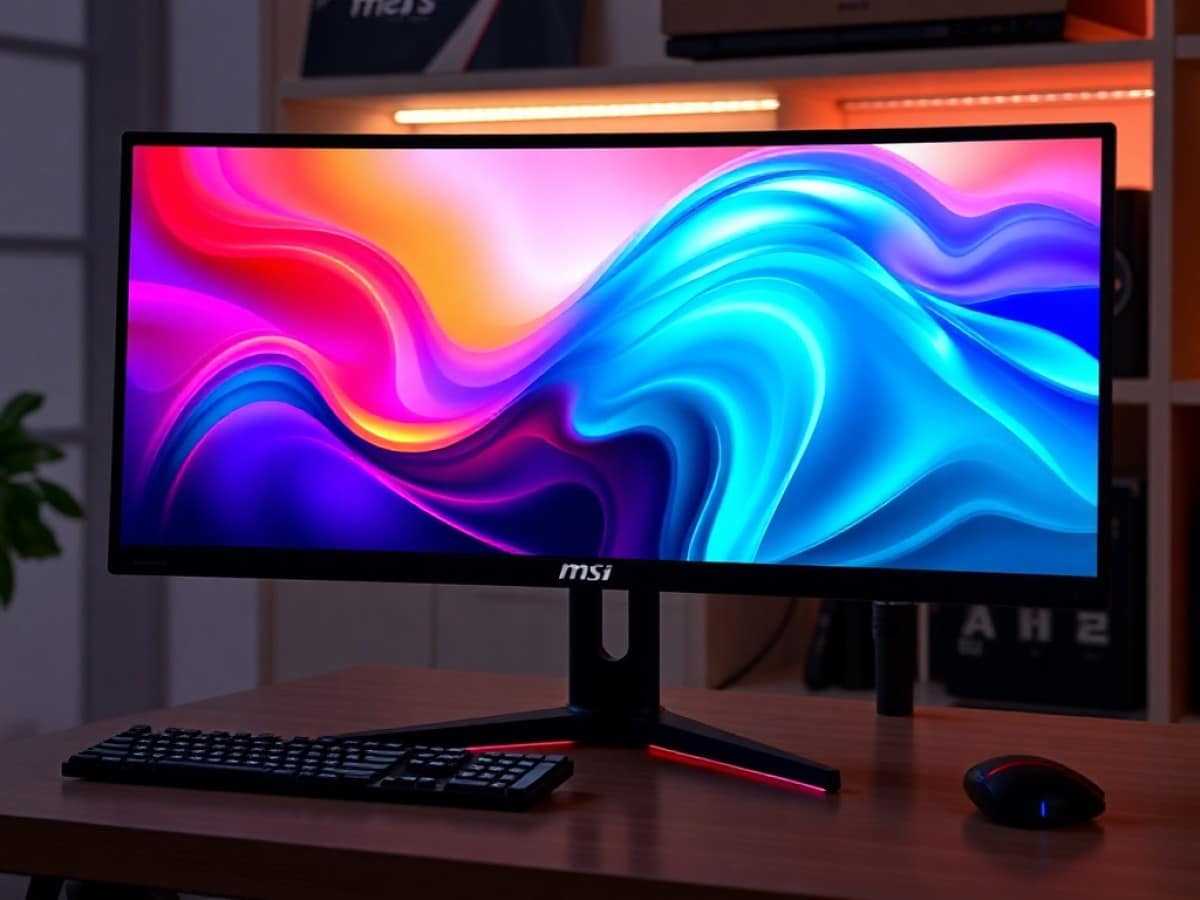
MSI has been a frontrunner in implementing QD-OLED technology in its gaming monitors. We’ve reviewed several of their products in the past, including those with 16:9 and even 31:9 aspect ratios, and it’s clear that the manufacturer has a firm grasp on this technology.
However, another technology that has been gaining traction in recent months in this OLED-saturated market is Mini-LED. This technology offers excellent contrast combined with high brightness levels, making it ideal for HDR content and games on PC.
MSI has recognized this and released its first Mini-LED model at the end of 2025: the MSI MPG 274URDFW E16M. This launch bodes well for the future of Mini-LED technology on PCs.
Technical Specifications of the MSI MPG 274URDFW E16M
| Model | MSI MPG 274URDFW E16M |
|---|---|
| Dimensions | 61.31 cm x 19.74 cm |
| Screen Size | 27 inches |
| Aspect Ratio | 16:9 |
| Resolution | 3840 x 2160 pixels |
| Refresh Rate | 160 Hz |
| Response Time | 0.5 ms |
| Maximum Brightness | 1000 cd/m² |
| Number of HDMI Ports | 2 |
| Number of DisplayPorts | 1 |
| Built-in Speakers | No |
| USB | Yes |
| Product Sheet |
The monitor was provided by MSI for the purposes of this review.
Design
As the name suggests, the MSI MPG 274URDFW E16M belongs to the MPG range, meaning “MSI Performance Gaming.” This name actually corresponds to the brand’s most aesthetically pleasing offerings, without compromising on performance.
The monitor features a dual-tone design: the main chassis sports an elegant white, while the edges of the panel thankfully remain black. These edges are typically thin, as is customary with MSI, except for the more noticeable lower border which includes the brand’s logo.
The back part features a LED lighting zone that contrasts with its white attire. About 45 LEDs are customizable to illuminate a potential wall behind it.
MSI once again shows restraint with this design choice of white, which stands out in the market. In our view, it’s a great choice for this model, distinguishing it nicely from the crowd.
Connectivity
MSI is known for providing comprehensive connectivity options on all its monitors, and this model is no exception. It includes two HDMI 2.1 ports supporting UHD at 160 Hz (with DSC, Display Stream Compression), one DisplayPort 1.4a, and a USB-C port that can handle both video and 98 W charging via Power Delivery.
For productivity, there are two USB 2.0 Type-A ports and one USB Type-B port for managing the monitor directly from Windows (including firmware updates). We would have preferred USB 3.0 for the more traditional ports, but it’s not a dealbreaker.
MSI has added a nice touch by including white HDMI, DisplayPort, and USB cables to maintain the design’s coherence.
Support
The stand and support maintain the aesthetics of the rest of the chassis, with a hexagonal base that fortunately takes up very little space on the desk.
You can adjust the height, tilt, and horizontal rotation without any issues. Portrait mode is also possible with this monitor.
A VESA mount on a third-party arm is also possible if you want to save even more desk space.
Menu
The MSI monitor menu is accessible via a joystick button located behind the brand logo, under the panel. Navigation is straightforward with one of the simplest interfaces in the market.
Being a Mini-Led monitor, there are numerous options for adjusting image quality, with profiles available for SDR images, and settings that unlock only in HDR mode.
Similarly, local dimming also comes with three settings. We will return to this in the following section.
Image Quality
The MSI MPG 274URDFW E16M is the Taiwanese manufacturer’s first Mini-LED monitor. While this technology dominates the LCD TV market, it is still a minority on PC monitors. However, it represents a significant advancement for aging LCD technology, even as OLED panels seem ubiquitous.
The IPS (and sometimes TN) screens we see on the market incorporate uniform backlighting across the surface of the panel. The unique feature of Mini-LED lies in its local backlighting zones, which can be activated and deactivated depending on the content displayed on the screen.
The blacks are thus deeper, with both local and global contrast significantly higher than on traditional LCD panels. Here, the MSI MPG 274URDFW incorporates no fewer than 1152 zones of local dimming, coupled with an in-house algorithm from MSI that adapts to your games and applications.
Let’s first look at the main measurements of this screen:
| Measured Value | Target Value | |
| DCI-P3 Coverage | 96% | 95% |
| Rec. 2020 Coverage | 81% | 80% |
| Max Contrast (local dimming max) | 834,149:1 | 1,000,000:1 |
| Max Contrast (local dimming off) | 1103:1 | 1000:1 |
| Color Temperature | 6562 | 6500 |
| Max Brightness (SDR) | 432 cd/m² | 350 cd/m² |
The color coverage of the screen is excellent, with nearly 100% of DCI-P3 and over 80% of Rec. 2020. We focus less on the latter even though in 2026, this purely HDR color space will be even better supported by Mini-LED panels.
The contrast will depend on the local dimming setting chosen, as well as whether HDR mode is activated or not. The panel performs admirably with nearly infinite contrast at the max setting, and that of a typical IPS screen when it is deactivated. The maximum full-screen brightness is also excellent, with a peak measured at 432 cd/m².
The color accuracy is also of very high quality in SDR, with a Delta-E of just 1.02 while values typically raise concerns when they exceed 3, although the real maximum limit is more usually above 5. The colors are thus incredibly faithful on this screen, thus offering a true-to-life rendition of their creative intent, whether it’s for photography, video, or even gaming.
We also measure the accuracy on gray levels. The gamma curve particularly tells us about the precision in terms of brightness across the spectrum, from total black to the purest white. Despite a very good value close to 2.2, the curve indicates a tendency to crush blacks in shadow areas. In SDR, details could thus disappear in the darkest tones, but the rest of the light tones in the image offer a brilliance and brightness that is very natural for the majority of content.
But if you’re investing in a Mini-Led screen, it’s in HDR mode that everything comes together.
A Screen Made for HDR
Technologies like OLED and Mini-LED make the most sense with HDR content. The greater dynamic range unlocks access to new color spaces and provides more detail in shadow and highlight areas. Likewise, the peaks of brightness are much more intense for a better immersion in the content.
Being able to activate or deactivate its backlighting zones, Mini-LED does not offer as granular control as OLED pixels, but aims for the same rendering. Thus, deep blacks blend with bright details for a much more contrasted and immersive display in many cases.
On the MSI MPG 274URDFW E16M, the HDR performance is truly impressive. Two modes are offered: HDR 400 and HDR 1000. To simplify our measurements, we choose local dimming at its highest setting, to enjoy the best contrast.
We thus measure a peak brightness of nearly 1100 cd/m² in HDR 400 (on a full-screen window) and over 1900 cd/m² on a 75% window. It’s worth noting that brightness decreases during less bright scenes to avoid halo effects and blooming around certain elements.
This is the opposite of OLED: the details are less bright during the most contrasted scenes to avoid blooming, but the brightest scenes are infinitely more so than on an OLED panel.
Our measurements of the EOTF curve indicate very good accuracy of this brightness, even though the screen still has a slight tendency to overexpose in low lights.
As for colors, HDR calibration still appears to be a challenge for manufacturers as we measured a Delta-E of 3.99, with notable deviations on white, certain tones of green, and blue.
Overall, the HDR experience on this MSI screen is striking, and we recommend the local dimming at level 3 coupled with HDR 1000 for the best visual experience.
Gaming
Like many other monitors on the market, the MSI MPG 274URDFW E16M features a Dual Mode. It can thus switch from a 4K 160 Hz mode to 1080p 320 Hz, adapting to all types of games.
This functionality makes it even more necessary here to experiment with both competitive games (Valorant, Overwatch 2, Marvel Rivals) and more immersive ones such as Cyberpunk 2077, Alan Wake 2, Ratchet & Clank: Rift Apart, or Arc Raiders.
In a detail-rich game like Cyberpunk 2077, or where shadow areas are illuminated by multiple neon lights, the display is striking, especially at night in the city markets. Moreover, the overall brightness is really very satisfactory, we don’t have the ABL (Automatic Brightness Limiter) of OLED on very bright scenes.
The local dimming 2 offers a surprisingly more contrasted but less uniform rendering with crushed blacks. We recommend the local dimming 3 in all cases, as advised in the previous section.
The same in Alan Wake 2, the scenes gain depth and contrast with the local dimming, but the matte coating of the screen does not offer us blacks as deep as OLED. Moreover, we unfortunately observe crushed blacks in the darkest scenes of the game.
We also note that we still can’t match TVs on one specific point: the display of white text on a dark screen. If they don’t display a bright halo, we observe a non-uniform color fill, particularly when displaying title screens or certain subtitles.
This is a phenomenon that disappears by dispensing with local dimming, but at the cost of a much less satisfying contrast (and raised blacks).
For very bright games like Ratchet & Clank: Rift Apart, the rendering is striking, even if a bit too saturated (we feel that the screen pulls a bit too much on the blue).
For competitive gaming, the response time is quite correct, occasionally causing inverse ghosting effects in the busiest scenes of Overwatch or Valorant, especially at 160 Hz. It’s not so noticeable once in the heat of the action and in reality, the fluidity clearly compensates for this slight lack of clarity of movement. On this point, OLED remains superior.
We have with the highest overdrive mode (Fastest) an average response time of 4.6 ms at 320 Hz. However, we recommend the Fast mode at 160 Hz by default, which causes much less overshoot in the most dynamic scenes, with a response time close to 5 ms. In 320 Hz, the Fastest mode is much more competitive, with a lower rate of inverse ghosting.
It should be noted that we observed issues with black screens when switching from one mode to another, requiring a computer restart. Returning to the previous mode did not cause any issues, we imagine that the issue will be resolved in the context of a firmware update. But keep that in mind.
Increasingly Complex Screens
But this further complicates the settings for the player who will have to choose the right options for: HDR mode, local dimming, mode (4K or 1080p) and finally, overdrive.
Four parameters that each offer numerous options, there’s enough to get lost as a player. Finding the best combination of options can seem endless. Here, however, are our recommendations:
- HDR Mode: HDR 1000
- Local dimming: setting 3 (Max)
- Overdrive: Fast at 160 Hz, Fastest at 320 Hz (if you reach these frequencies in-game)
- Mode 4K or 1080p: depending on preference and game played
Price and Availability
The MSI MPG 274URDFW E16M is available for sale at a price of 599.99 euros. A fair price for Mini-Led, especially for a screen that can adapt to literally all gaming situations.
Samsung Odyssey OLED G6 (G60SD)
at the best price

Maya Singh is a senior editor covering tablets and hybrid devices. Her work explores how these tools reshape digital productivity and learning. She also contributes to feature editorials on emerging tech.