

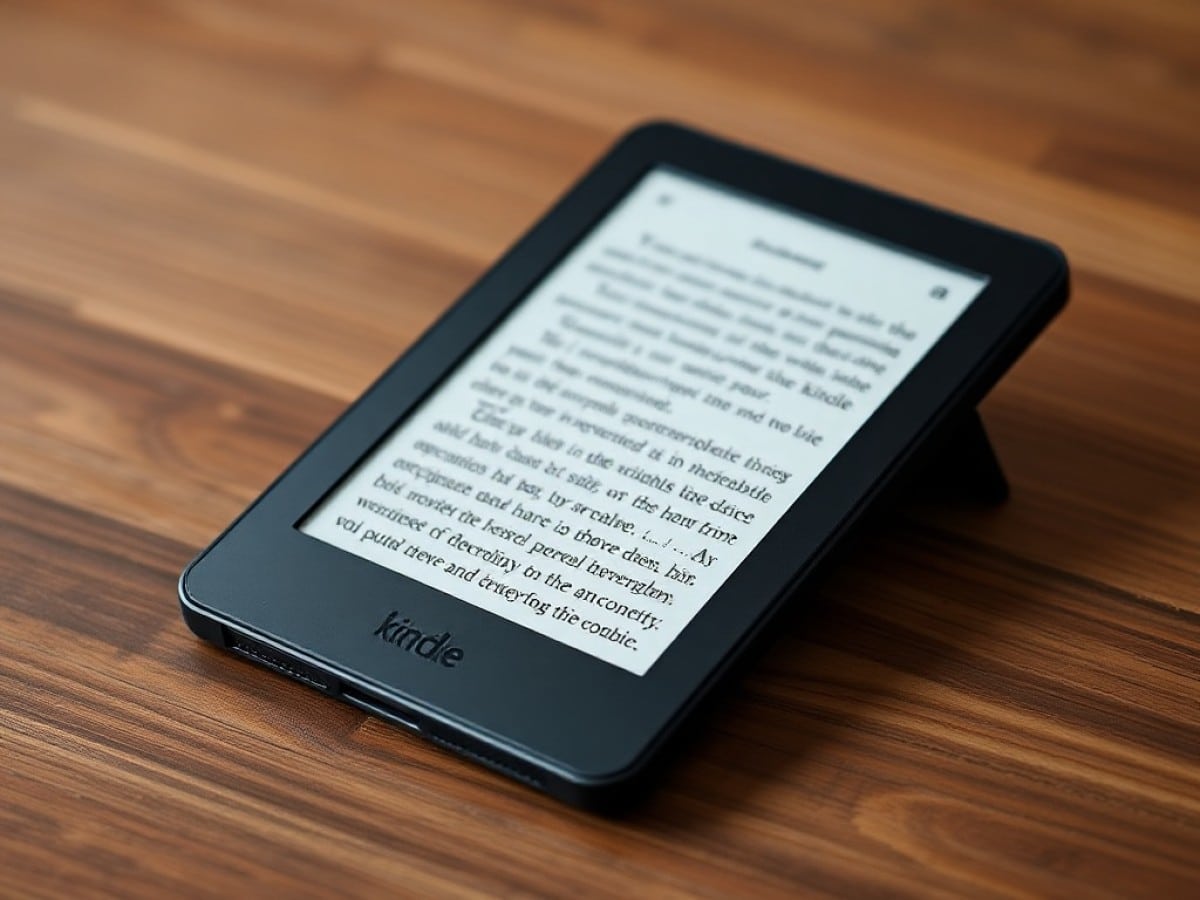
The Kindle Scribe has quickly become my top Kindle pick
Scientists confirm: This is the most effective way to get your cat’s attention, according to new research
Elderly Couple Refuses Reserved Seats—Viral Train Standoff Sparks Fiery Debate on Courtesy
Having experienced several of the best Kindles over the years, I consistently reached for my Kindle Paperwhite to enjoy various novels. However, this preference has shifted since I began using the new Kindle Scribe. After a week of exploration and usage, I’m enamored with it. While I’m not giving up on the Paperwhite, the Kindle Scribe will be my primary device for reading both novels and monochrome comics.
The latest e-reader from Amazon has several standout features. Although it lacks a color e-paper display like its counterpart, the Kindle Scribe Colorsoft, it boasts a more refined design than previous models. Its light build is easy to hold for extended periods, and the 11-inch screen with auto-brightness reduces eye strain significantly.
For a deeper dive, you can check out my full review of the Kindle Scribe (2025). Below, I share why this model has become my preferred Kindle and why the Kindle Paperwhite might see less use from now on.
Enhanced Reading Comfort
On a Kindle Paperwhite, adjusting the font size and spacing can somewhat replicate the feel of reading a typical mass-market paperback, reminiscent of the inexpensive novels once bought at local stores. However, I’ve gradually transitioned to preferring larger paperbacks or hardcovers, which are easier on the eyes compared to their mass-market counterparts. Returning to the relatively smaller Kindle Paperwhite can feel quite abrupt.
With the Kindle Scribe, this is no longer an issue as its screen size matches or even surpasses that of a standard paperback or hardcover. As noted in my review, the default font size and line spacing are already set for optimal comfort. Although I experimented with different settings, I eventually chose the default as it was nearly perfect.
I generally prefer to read without the front lights of a Kindle, enjoying natural light similar to reading a physical book. I do this often with the Kindle Scribe, although I sometimes turn on its front lights to harmonize with the white bezels around the screen. I do wish the bezels were black, but it’s a minor issue. Regardless of the lighting setting, the Kindle Scribe’s display doesn’t strain my eyes like the display on devices such as the iPad Pro M5 might.
Ergonomic and Lightweight
The aluminum body of the Kindle Scribe gives it a more premium feel compared to the Paperwhite’s plastic frame. Although I don’t mind the latter—its rubbery back is quite comfortable—the Scribe’s sleek and robust body is more appealing. It’s also surprisingly light, slightly lighter than an 11-inch iPad Air M3 (14.1 ounces vs 16.2 ounces, respectively).
I typically hold the Kindle Paperwhite with both hands, similar to a real book, though sometimes I switch to one hand. While it’s not too challenging to hold the Scribe with one hand, my arm and wrist can only take it for so long before getting tired. This is a minor downside when reading, but it’s not a deal-breaker as I usually use both hands anyway.
Another small complaint is that the Scribe’s aluminum body can feel quite cold, especially as winter approaches. Naturally, it warms up as I hold it, but picking it up between sessions can be a bit unpleasant initially. I’m considering getting the Amazon Kindle Scribe Folio Cover to help with this.
Adaptable Reading Options
Kindles are excellent for book reading, yet they often fall short for comics due to smaller screens that don’t do justice to a comic’s layout. Manga, being in black and white, is somewhat easier to enjoy on a Kindle Paperwhite, but I find that an iPad mini provides a superior experience with its larger screen and clearer distinction between the white background and black ink. The Kindle Scribe changes this dynamic with its larger screen.
The Scribe’s expansive 11-inch e-paper display, roughly the size of a typical American comic book page, combined with its crisp 300ppi resolution and paper-like texture, offers a delightful comic reading experience. Manga looks particularly impressive on the Kindle Scribe. However, it’s important to note that all comics appear in black and white. For color, the Kindle Scribe Colorsoft would be necessary.
The Kindle Scribe enhances my reading choices as it adeptly handles both novels and black and white comics, making it more convenient than constantly switching between a Kindle and an iPad depending on the content I’m reading.
Keep Reading!
The primary appeal of the Kindle Scribe is its ability to support writing and drawing. This feature works as intended, though it’s not particularly exciting to me since I prefer not to write by hand. If you’re interested in taking notes or sketching, the Kindle Scribe will serve you well. For me, the standout aspect remains the immersive reading experience, at which the Scribe excels.
I was charmed from the moment I unboxed the Kindle Scribe, and this sentiment has persisted. I still appreciate the Kindle Paperwhite and will likely use it during tight flights like my upcoming trip to CES next month. However, except for certain scenarios, the Kindle Scribe will now be my primary device for enjoying novels and black and white comics.
- Physical books are great, but Kindles offer a modern edge
- Tips on setting and managing bookmarks on your Kindle
- A notable downside of the Kindle Colorsoft that’s worth mentioning
Follow Tom’s Guide on Google News and add us as a preferred source to get our latest news, analysis, and reviews in your feeds.