

Scientists confirm: This is the most effective way to get your cat’s attention, according to new research
Elderly Couple Refuses Reserved Seats—Viral Train Standoff Sparks Fiery Debate on Courtesy
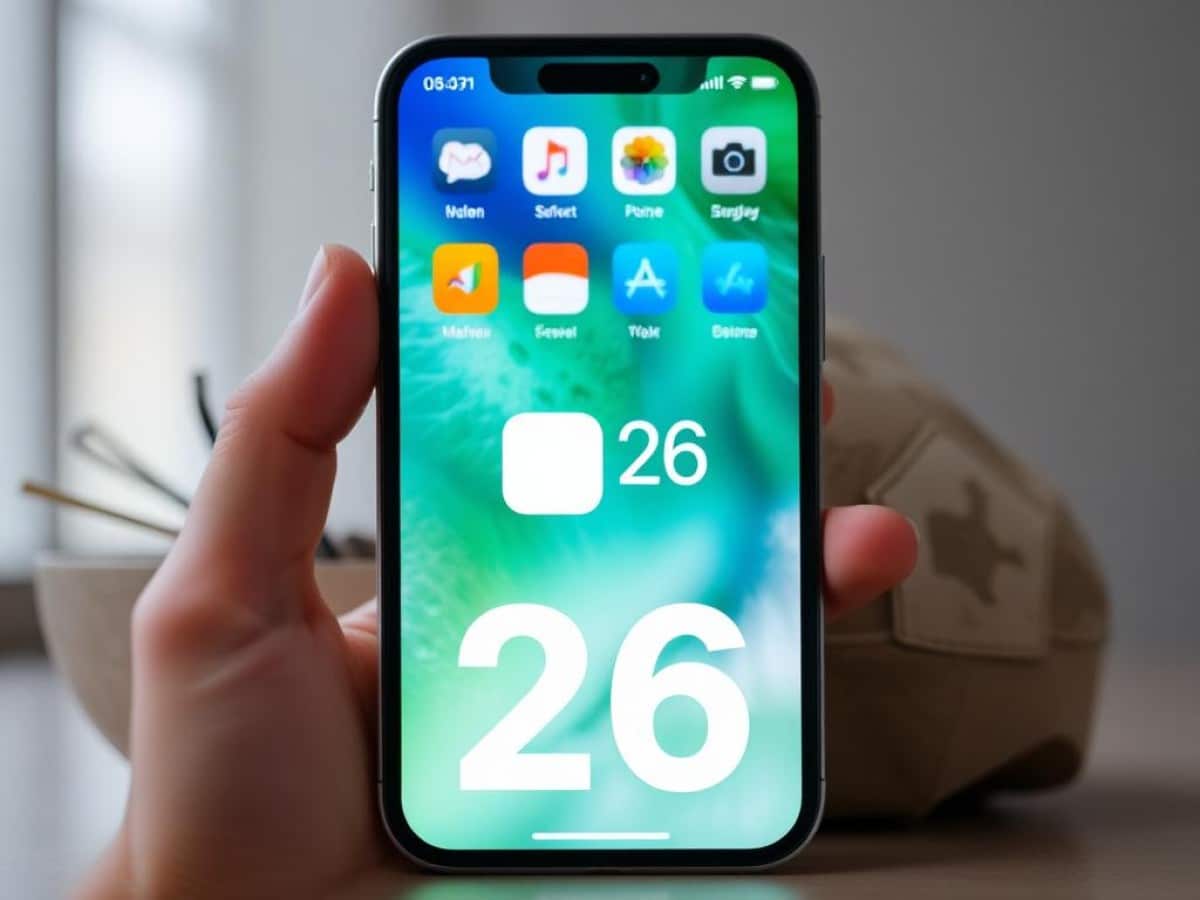
Apple introduces iOS 26, a significant upgrade to its mobile operating system. This update goes beyond mere tweaks, adding several new features. Here’s everything you need to know about this release.
- Why iOS 26 instead of iOS 19?
- When is iOS 26 releasing?
- Which iPhones are compatible with iOS 26?
- What are the new features of iOS 26?
- Comments
Why You Should Never Reheat These Foods in the Microwave – The Hidden Dangers Experts Warn About
I tried the top 5 guard dogs—here’s what makes these breeds the ultimate protectors
Apple’s annual tradition, nearly 20 years running, continues into 2025 with the launch of a new version of the iPhone’s mobile operating system. Here’s a comprehensive look at the updates, compatibility, and availability of iOS 26.
Why iOS 26 instead of iOS 19?
The update’s version number itself is noteworthy. Following iOS 18 in 2024, one might expect iOS 19 next, but that’s not the case. Don’t worry, you haven’t time-traveled to 2032. Apple has opted to synchronize the version numbers across its operating systems. Hence, in 2025, we’ll see iOS 26, iPadOS 26, macOS 26, watchOS 26, tvOS 26, and visionOS 26.
When is iOS 26 releasing?
As per tradition, the release of iOS 26 was announced during the keynote at the Worldwide Developers Conference (WWDC), a gathering focused on developers and software innovations from Apple. Prior to its official launch, iOS 26 underwent several beta versions. The first public beta was released in late July 2025, followed by more iterations. The final deployment date was revealed alongside the announcement of the iPhone 17 during the keynote on September 9: iOS 26 became available for compatible iPhones starting September 15, 2025.
Which iPhones are compatible with iOS 26?
The newly introduced iPhone 17 models, including the 17 Air, 17 Pro, and 17 Pro Max, come preloaded with iOS 26. Older models require an update to access the new OS. Here’s the complete list of iPhones that are compatible with iOS 26:
- iPhone SE (2nd generation or later)
- iPhone 11, 11 Pro, 11 Pro Max
- iPhone 12, 12 mini, 12 Pro
- iPhone 13, 13 mini, 13 Pro, 13 Pro Max
- iPhone 14, 14 Plus, 14 Pro, 14 Pro Max
- iPhone 15, 15 Plus, 15 Pro, 15 Pro Max
- iPhone 16, 16 Plus, 16 Pro, 16 Pro Max
- iPhone 16e
For iPads compatible with iPadOS 26, refer to the following list:
- iPad (8th generation and later, including those with A16 chip)
- iPad mini (5th generation and later, including with A17 Pro chip)
- iPad Air (3rd generation and later, including with M2 or M3 chips)
- iPad Pro 11-inch (1st generation and later)
- iPad Pro 12.9-inch (3rd generation and later)
- iPad Pro M4
To start using iOS 26 right away, check out our guide on how to install the update and explore its features.
What’s new in iOS 26?
Here we discuss the major additions in iOS 26. Remember, some features are only available on the newest iPhone models, especially those requiring Apple Intelligence. Additionally, regulations in Europe might delay the availability of certain features on Apple devices.
A Redesigned Interface with “Liquid Glass”
This is a standout feature. After years of little change in design, the interface in iOS 26 noticeably differs from previous versions. “With the optical qualities of glass and a seamlessly smooth experience, Liquid Glass brings a new, expressive look to the lock screen, home screen, Control Center, apps, and more,” says Apple. The transparency effects are indeed extensive.
Both Samsung and Microsoft have pointed out the similarities between this proclaimed revolutionary design and features they have previously introduced. Nevertheless, other Android manufacturers have begun to emulate Liquid Glass.
Apple had to make adjustments during the various beta phases, particularly to enhance the readability of certain elements by reducing the Liquid Glass effect. Future updates may further tweak the formula.
New Features for iMessage
With iOS 26, Apple has introduced several updates to its messaging app, essentially catching up with features that have been available on other platforms for some time. Here are the main additions:
- Adding wallpapers: Now, you can set wallpapers in your conversations, visible to all participants. iOS 26 offers a selection, but you can also choose from your own images or photos.
- Creating polls: Monday or Tuesday? At a bar or someone’s house? Star Trek or Star Wars? Instead of tallying responses manually, you can now publish a poll directly in iMessage.
- Adding a contact from a group chat: If you’re in a discussion and want to quickly create a contact card for a participant, just press the Add Contact button.
- Seeing who is typing: An indicator now appears when someone is typing in a group chat.
- Selecting part of a message: When you hold your finger on a text bubble, a new Select option appears, allowing you to choose a portion of the text for copying and pasting. Previously, only the whole message could be selected.
- Filtering messages from unknown numbers: By enabling this option, all messages sent from a number not in your contacts will be directed to a dedicated folder.
Improved Management of Unwanted Calls
Two new features enhance call management in iOS 26. The first is an option called Call Screening. Essentially, the iPhone answers for you, and a voice asks the caller to state their name and the reason for the call. Once this information is displayed on your screen, your device rings, and you can choose to answer or not.
The second feature is Hold Assistance. When you call a service that puts you on hold, you can have your iPhone wait in line for you. You’ll be notified when it’s your turn.
An Adaptive Lock Screen
The iPhone’s lock screen becomes smarter with iOS 26. The time display now adjusts based on the background photo to occupy more space if needed, all the while staying behind the main subject.
For the first time, you can place widgets at the bottom of the iPhone’s lock screen. Additionally, if you own an iPhone 12 or later, you gain a 3D (parallax) effect that makes the photo appear to move as you tilt the device.
Enhanced Battery Management
Available only on the iPhone 15 Pro and later, adaptive energy management mode aims to extend battery life. In practice, it allows the system to adjust various settings on the fly: reducing screen brightness, “allowing some actions to take more time” (without further details), or automatically activating energy-saving mode when the battery falls to 20%.
The dedicated battery menu on the iPhone has been improved with iOS 26. It now displays the screen and background time used by an app, helping you understand its impact on battery life. Tapping an app in this menu provides more details.
Also noteworthy is a much-anticipated feature: displaying the remaining charging time. Once the iPhone is plugged into a charger or placed on a charging pad, the lock screen shows the remaining time until the battery reaches 80% and 100%, right above the clock. This information is also available in the Battery section of the Settings app.
Expanding Apple Intelligence to Multiple Apple Applications
AI features prominently in iOS 26. Apple Intelligence continues to expand its capabilities through integration into various applications. For instance, it enables instant translation of SMS received in iMessages and calls in FaceTime, either through subtitles or vocally in the Phone app.
You can also use Smart Actions in Shortcuts. There are several available: changing the tone of a text, rewriting it, creating an image with the Playground generator, creating a table or list from a text, summarizing it… You can define your own shortcuts.
We should also note visual intelligence, which allows AI to “see” what is displayed on your iPhone screen to respond to specific queries. This is similar to what Gemini does on Android.
Apple states that “visual intelligence is available with iOS 18.2 (or later) on the iPhone 16, iPhone 16 Plus, iPhone 16 Pro, and iPhone 16 Pro Max, with iOS 18.3 (or later) on the iPhone 16e, and with iOS 18.4 (or later) on the iPhone 15 Pro and iPhone 15 Pro Max“.
Changes to CarPlay
The interface connecting the iPhone to cars gets a major update with iOS 26. The new Liquid Glass design is incorporated. Among the notable additions are support for widgets, a long-missing feature in CarPlay. Messaging replies have also been made more intuitive, allowing you to send a Tapback (emoji) from the vehicle’s display in response to a message. Incoming calls have been redesigned to appear more compact, leaving room for navigation information, for example.
Live Activities are now directly visible in CarPlay. These include the status of a flight, a delivery, or the score of a sporting event. Lastly, the ability to stream videos on the CarPlay screen via AirPlay has been added. For safety, this will only work if the vehicle is parked, as determined by the connected iPhone. Once movement is detected, the video will stop. This feature requires implementation by automobile manufacturers, and not all will support it.
Other New Features in iOS 26
iOS 26 doesn’t stop there. We also see AutoMix in Apple Music, which creates smooth transitions between songs, a new layout for the Photos app, an accessibility option designed for braille users, the ability to create multiple journals in the Journal app, and recording your video calls… The various updates to iOS 26 will add new items to this list. We will keep you updated in our articles.
Similar Posts
- iPhone, Mac, and iPad Users Win: Liquid Glass Now Tolerable With New Feature!
- iPadOS 26 Revealed: Experience the Most Revolutionary Upgrade in Years!
- Apple Releases All New Betas: iOS, iPadOS, macOS, tvOS, and watchOS 26.2 Now Available!
- iOS 26 Exclusive Features: Which Models Will Get Them?
- Revolutionize Your iPad Experience: iPadOS 26 Brings Mac-Level Multitasking & New Features!