
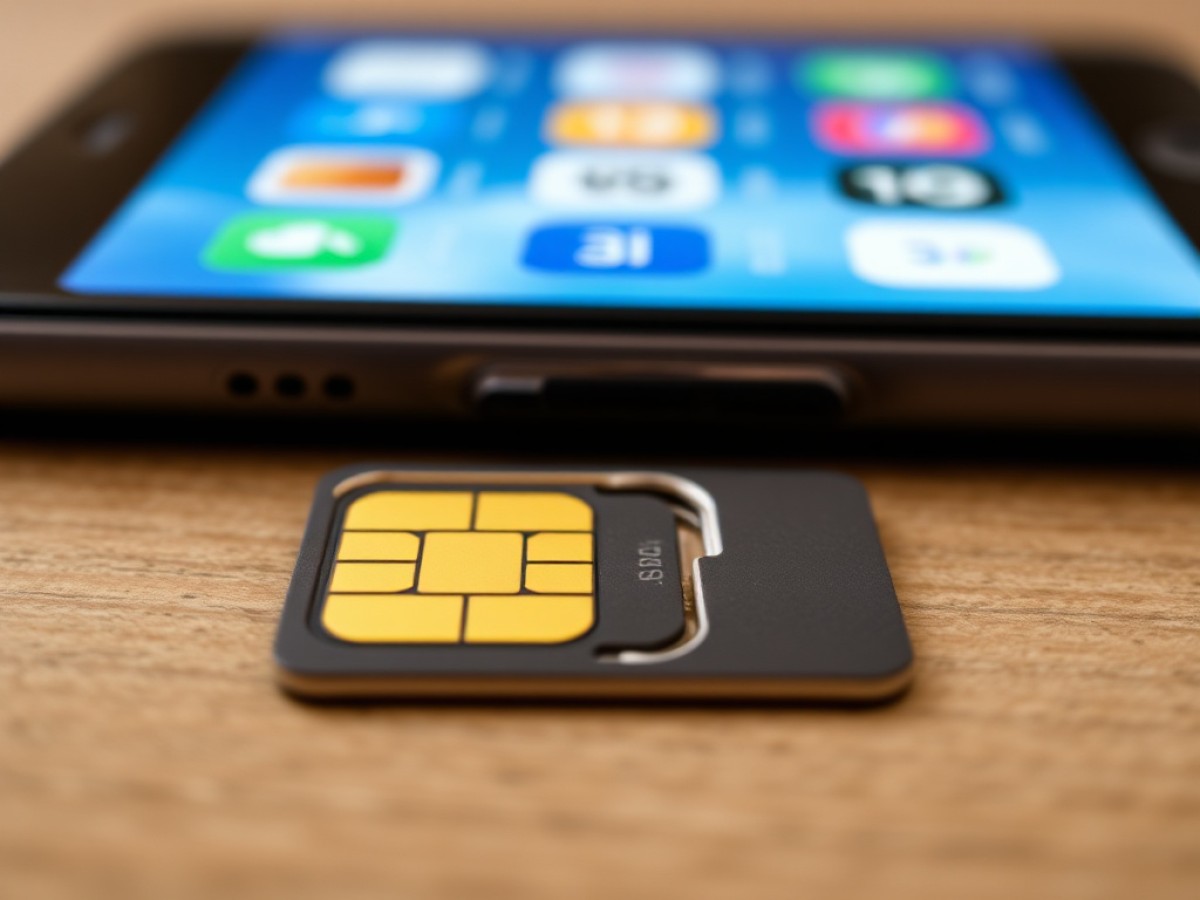
Learn how to change the four-digit PIN that activates the SIM card on your iPhone, step by step.
Scientists confirm: This is the most effective way to get your cat’s attention, according to new research
Elderly Couple Refuses Reserved Seats—Viral Train Standoff Sparks Fiery Debate on Courtesy
Typically preset to “0000” or “1234” depending on the mobile carrier, the PIN (Personal Identification Number) activates the SIM card and, by extension, allows connection to the mobile network. However, unlike the unlock code, which iPhone users often update, the PIN is usually left unchanged. Is it due to the fear of forgetting the new code? Or perhaps because this form of protection seems outdated compared to technologies like Face ID? Or because it’s easy to block the card remotely? Possibly. What’s certain is that changing this code on an iPhone is quite straightforward. Here’s how to do it.
How to Change Your iPhone PIN: Step-by-Step Guide
The procedure for changing the PIN on an iPhone is consistent across all models (refer to image one):
- Open the Settings app,
- Go to Cellular Data,
- If your iPhone has a single SIM or eSIM, directly select SIM PIN; if you have a dual SIM or eSIM, first choose the relevant number, then tap on SIM PIN.
- Enable the SIM PIN option, then enter your current PIN. Like at the start of your device, you have a maximum of three attempts,
- Click on Change PIN, and re-enter your current code.
- Enter your new PIN, which can be up to 8 digits, then confirm it.
Why You Should Never Reheat These Foods in the Microwave – The Hidden Dangers Experts Warn About
I tried the top 5 guard dogs—here’s what makes these breeds the ultimate protectors
What to Do if You Forget Your PIN?
The PIN consists of four digits and is provided by your carrier. To retrieve it, you can usually check your personal account on the carrier’s website, examine the plastic holder of your SIM card if you have kept it, or look through the documents provided when you signed up for the mobile service. If unsure, avoid guessing to prevent the card from being locked. It is often easier to contact your carrier directly.
If you enter the wrong PIN three times in a row and your card gets blocked, don’t worry. You can reset your PIN using the PUK code, which consists of eight digits. This code is also found on the plastic holder of your SIM card or in your personal account on the carrier’s website.
Similar Posts
- eSIM Guide: Activate Your Virtual SIM Card on iPhone Easily!
- iPhone Air’s eSIM Delayed: Free Pro Subscribers Must Wait!
- Here’s How To Easily Convert Your SIM Card Into an eSIM
- iPhone Handoff on iOS 27: Use Two iPhones With Just One Number!
- Apple Pay Revolutionizes Setup: Adding Cards to Your iPhone Easier Than Ever With Tap to Provision!

Jordan Park writes in-depth reviews and editorial opinion pieces for Touch Reviews. With a background in UI/UX design, Jordan offers a unique perspective on device usability and user experience across smartphones, tablets, and mobile software.