

Scientists confirm: This is the most effective way to get your cat’s attention, according to new research
Elderly Couple Refuses Reserved Seats—Viral Train Standoff Sparks Fiery Debate on Courtesy
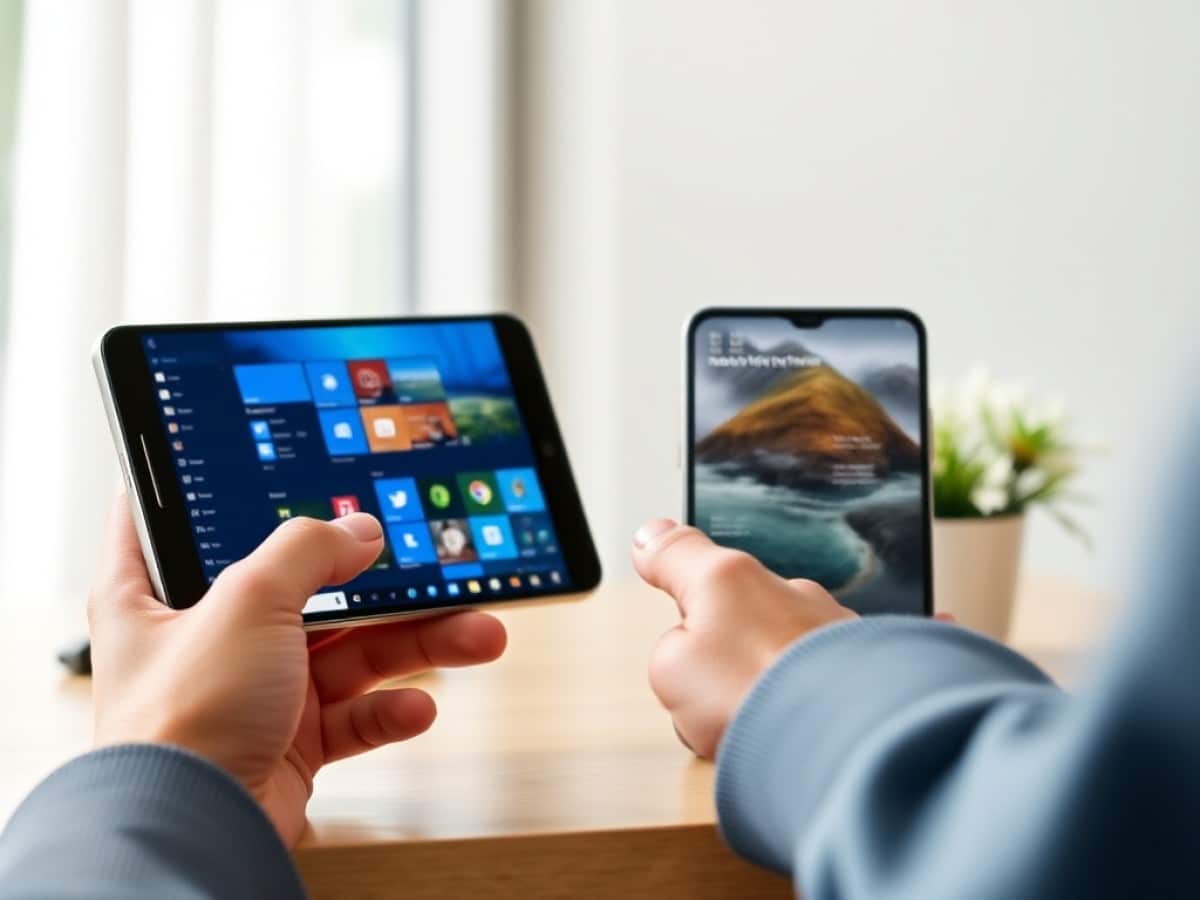
Recently, Microsoft has been actively working on enhancing the integration between Windows 11 and Android to provide a smoother user experience. Following several trials of new features aimed at this goal, the company is now rolling out an update to the Link to Windows application for widespread public use.
Link to Windows, also known as Lien avec Windows, is an app pre-installed on smartphones such as those from Samsung. It has been around for nearly ten years, but until recently, its capabilities were somewhat limited: the main control hub was always the PC.
However, Microsoft is now looking to improve the interoperability between Windows 11 and Android, aiming to offer a more seamless, continuous, and reciprocal experience across devices, where the smartphone also becomes a control center.
Strengthening Windows 11-Android Connections: Your Smartphone as Your PC’s Control Center
Why You Should Never Reheat These Foods in the Microwave – The Hidden Dangers Experts Warn About
I tried the top 5 guard dogs—here’s what makes these breeds the ultimate protectors
The Redmond-based company has started by developing features to this end, such as the ability to lock your Windows 11 PC from your Android smartphone with just one click using the new “Lock PC” button. This feature is especially handy if you’ve stepped away and forgotten to secure your PC.
Microsoft is now releasing update 1.25102.140.0 to make these capabilities available to the general public: as reported by Windows Latest, there is no longer a need to join the Windows Insider program or install a beta version to take advantage of them.
Monitor Your PC’s Battery Level and Network Quality from Your Smartphone
A key feature introduced in the latest Link to Windows update is the ability to now see your PC’s battery level – updated approximately every minute – as well as the network quality. There’s also a new “Recent” section, which lists your latest interactions such as clipboard items or files received.
Send Files from Your Smartphone to Your PC
Indeed, the update now facilitates the transfer of files from your smartphone to your PC by simply pressing the “Send Files” button. Moreover, files received from the PC now appear directly on the homepage, making them quickly accessible. It’s worth noting that Phone Link (or Mobile connecté) already allowed for the reverse (sending files from the PC to the phone).
Access Your PC’s Clipboard from Your Smartphone
If in September Microsoft was testing a new feature to automatically synchronize your Windows 11 and Android clipboards, it has now been implemented with the update. Once enabled via Windows Settings > Bluetooth and Devices > Mobile Devices, this feature allows you to access your PC’s clipboard without constantly having to open Link to Windows. A synchronized item can be deleted or shared with other applications.
Duplicate Your Smartphone’s Screen on Your PC from Your Smartphone
Another addition is the “Duplicate on PC” button to Link to Windows on Android. This makes the process of mirroring your smartphone’s screen to your PC simpler and faster: by integrating this button directly within the mobile app, it eliminates the need to go through Mobile connecté. It’s also worth mentioning that Microsoft is experimenting with a new button in the latest version of Mobile connecté: it enables the “Extended Mode” to enlarge the window of Android applications. While there is still work to be done, progress is certainly being made in the right direction.
Similar Posts
- Easily Transfer Files from Windows to Android: Discover the Ultimate Guide!
- This Tiny Gadget Erases All Barriers Between iPhone and Windows: But There’s a Big Catch!
- iOS 27 Update: Keyboard Now Suggests Copy-Paste Options!
- Microsoft Unveils New Start Menu: Exciting Update Coming to Windows 11
- Must-Update Now: Essential Google Pixel Update to Save Your Battery Life!