
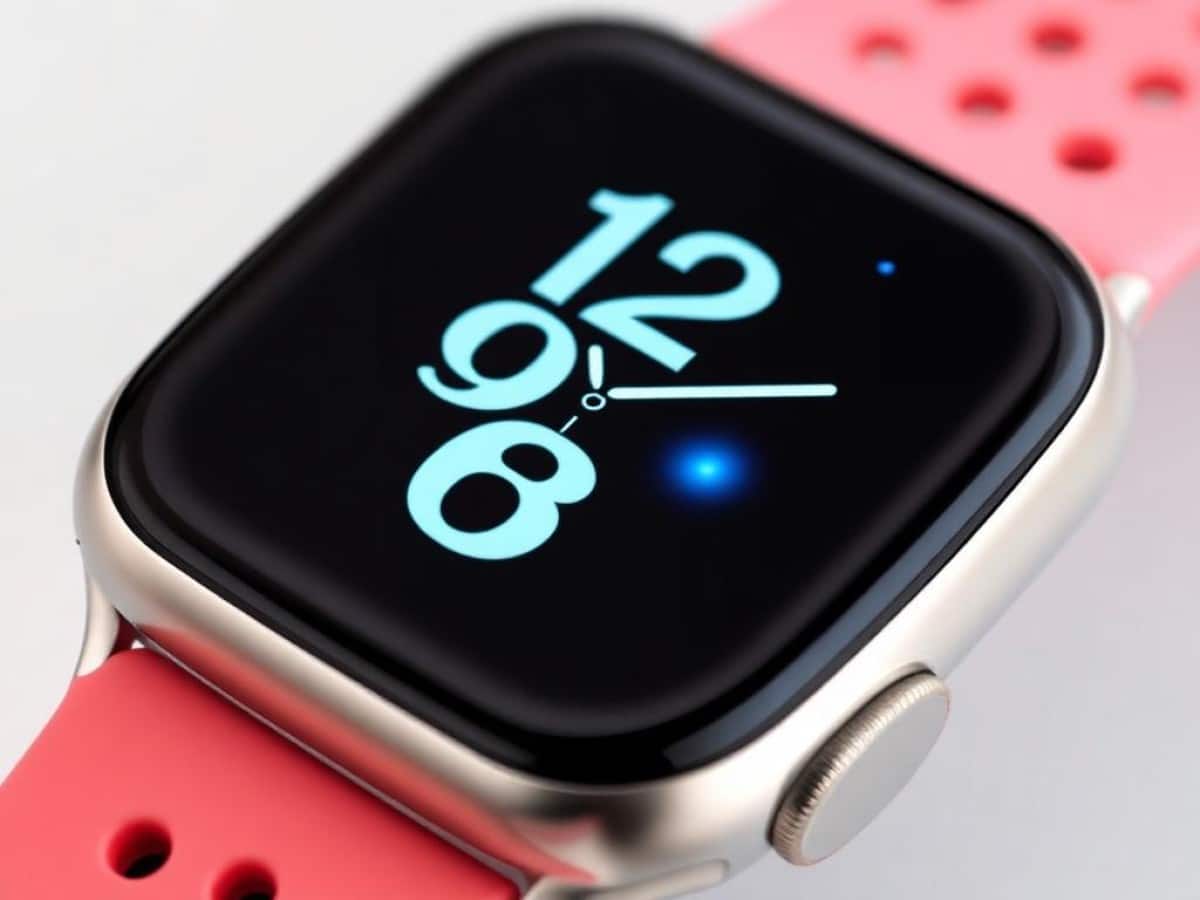
Resurgence of Blood Oxygen Measurement on Apple Watches in the U.S.
The capability to measure blood oxygen levels is being reinstated on the Apple Watch Series 9, Series 10, and Ultra 2 in the United States starting tonight. This update comes with the release of iOS 18.6.1 and watchOS 11.6.1. Apple announced in a press release that these updates include a redesigned blood oxygen measurement feature. This redesign aims to navigate around patents held by Masimo, whose alleged infringement by Apple led to the feature’s ban in the U.S. since January 2024. The workaround reportedly involves processing the measurement results on a linked iPhone.
Scientists confirm: This is the most effective way to get your cat’s attention, according to new research
Elderly Couple Refuses Reserved Seats—Viral Train Standoff Sparks Fiery Debate on Courtesy
Impact on Existing and Future Apple Watch Models
The Apple Watch models sold after the ban already included the necessary hardware; the feature was merely disabled through software. The installation of iOS 18.6.1 and watchOS 11.6.1 will reactivate this capability. Apple clarified that this update would not affect Apple Watches previously purchased with the original blood oxygen feature, nor those bought outside the United States.
Users in the U.S. who currently do not have the blood oxygen feature can access it by updating their paired iPhone to iOS 18.6.1 and their Apple Watch to watchOS 11.6.1. Following this update, the blood oxygen app sensors on the Apple Watch will perform measurements and calculations on the paired iPhone, and results can be viewed in the Breathing section of the Health app.
This decision to reinstate the blood oxygen measurement feature follows a recent approval by U.S. customs authorities, which validated the changes initiated today. The impact of this decision on the ongoing appeal trial between Masimo and Apple, with a verdict expected by year’s end, remains uncertain.
Update 19:33:
The updates are now available (see: iOS 18.6.1 and watchOS 11.6.1: Blood Oxygen Returns to the U.S.).
Similar Posts
- Apple Watch Oxygen Sensor Battle: Apple Loses Round Against Masimo
- Apple Watch Sales Decline: Two-Year Downward Trend Revealed
- Apple Watch Update: watchOS 11.6.2 Released to Fix Bugs!
- New Apple Watch Models in September: SE 3, Series 11, Ultra 3 Unveiled!
- watchOS 11.5 Hits RC Stage: Launch Imminent, What to Expect!

Ethan Rivers focuses on Android smartphones, emerging mobile platforms, and operating systems. With a critical yet fair perspective, he evaluates devices on performance, design, and ecosystem compatibility.