

Scientists confirm: This is the most effective way to get your cat’s attention, according to new research
Elderly Couple Refuses Reserved Seats—Viral Train Standoff Sparks Fiery Debate on Courtesy
Android 16 continues its gradual rollout on compatible smartphones. Motorola has expanded its testing program to include eight additional models. Here’s a look at which devices can get early access.
Android 16 signifies a shift in the development pace of Google’s mobile operating system. Major updates are no longer exclusively tied to the release of Pixel devices, and new features are being introduced more swiftly. This approach allows third-party manufacturers to test upcoming OS versions earlier than before.
Motorola is among the companies actively participating in this shift. Having initially offered the update to a few of its premium models, it is now broadening its testing program. Eight new smartphones are joining the Android 16 beta. These include a variety of models from different categories such as foldables, mid-range, and business phones.
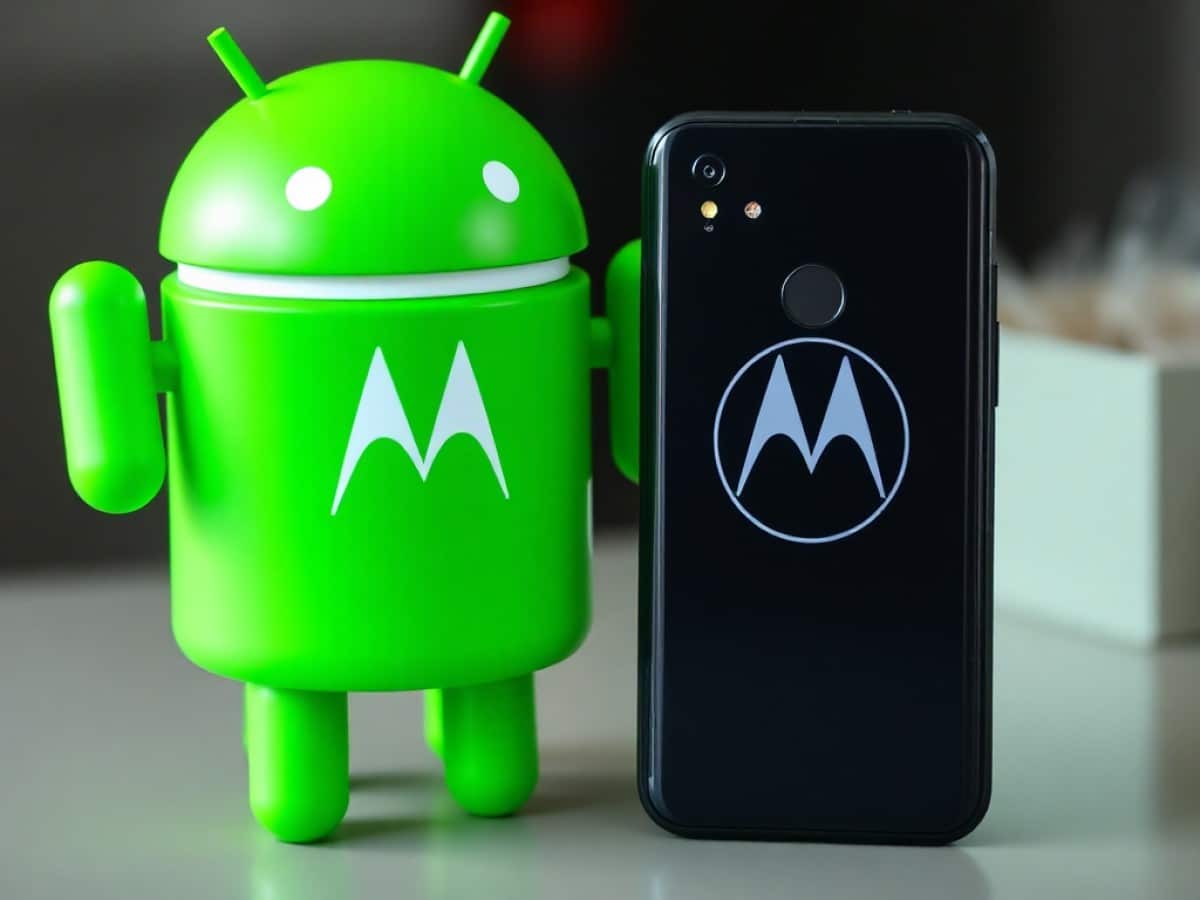
Motorola Expands Android 16 Beta to Include Eight More Models Including Razr and Edge
Why You Should Never Reheat These Foods in the Microwave – The Hidden Dangers Experts Warn About
I tried the top 5 guard dogs—here’s what makes these breeds the ultimate protectors
Motorola is expanding its Android 16 beta testing program to more devices. Several models from its Razr, Edge, G, and ThinkPhone lines are now eligible. The testing phase is active in various global regions, including the USA, Europe, India, and Brazil. Users in these areas can experience some of the new features of the operating system, like Live Updates or enhanced audio settings, ahead of others.
Here is the complete list of Motorola smartphones eligible for the Android 16 beta:
- Motorola Razr 40
- Motorola Razr 40 Ultra
- Motorola Razr 2023
- Motorola Razr+ 2023
- Motorola Edge 60 Neo
- Motorola Edge 50 Neo
- Motorola G85
- Motorola ThinkPhone 25
To join the beta version, you must first create an account on Motorola’s official community website. Click on the profile icon at the top right of the screen, then on “Register“. Complete the form and verify your email address. Once your account is activated, you will be prompted to choose a username for the platform. Next, you should register your smartphone’s IMEI number in your profile and enable the MFN (Motorola Feedback Network) option. You can then view the beta programs available for your device and apply.
After you register and are approved, you will receive a notification to download Android 16. However, it is recommended not to install this version on a smartphone used daily. The beta may contain bugs or be unstable. It is mainly intended for users eager to explore the new features of the OS before they are officially released.
Similar Posts
- Motorola Unveils Two Smartphones Under €200: What Do They Look Like?
- Android 16 Unveiled: Release Schedule, Compatible Smartphones, and Update Insights
- Apple Unveils iOS 26, macOS Tahoe Public Betas: Get a First Look Now!
- Galaxy Z Flip 7 Series Unveiled: Apple and Motorola’s Influence Clearly Evident
- Google Pixel Superfans Rejoice: Test the Next Smartphone Before Anyone Else!