
Scientists confirm: This is the most effective way to get your cat’s attention, according to new research
Elderly Couple Refuses Reserved Seats—Viral Train Standoff Sparks Fiery Debate on Courtesy
Each year, the smartwatch market springs to life during the summer, following a now well-established schedule. Samsung releases its Galaxy Watch, followed by Google’s Pixel Watch in August, and Apple wraps up with its Apple Watch in September.
This year, Google isn’t trying to reinvent the wheel with its new Pixel Watch 5. Although the design remains similar to previous generations, the American brand nonetheless offers a more refined watch, more advanced in sports tracking and health prevention, while strongly focusing on AI.
But does the watch have enough features to convince against the competition or the previous Pixel Watch 4? That’s what we’ll find out in this complete review.
Google Pixel Watch 5Specifications
| Model | Google Pixel Watch 5 |
|---|---|
| Dimensions | 45 mm x 45 mm x 12.3 mm |
| Technology | Li-Ion |
| Wi-Fi Standard | Wi-Fi 6 (ax) |
| Screen Resolution | 480 x 480 pixels |
| Panel | AMOLED |
| Internal Memory | 64 GB |
| Weight | 36.7 g |
| Accelerometer and Electronic Compass | Yes |
| Sleep Analysis | Yes |
| Ambient Light Sensor | Yes |
| Protection Rating | IP68, 5ATM |
| Product Sheet |
The watch for this review was provided by the manufacturer.
Google Pixel Watch 5Timelessly Minimalist Design
Let’s make it clear right away, a Pixel Watch looks very much like another Pixel Watch. This is hardly surprising as, since the first generation of Google’s watch in 2022, the manufacturer has opted for minimalism.
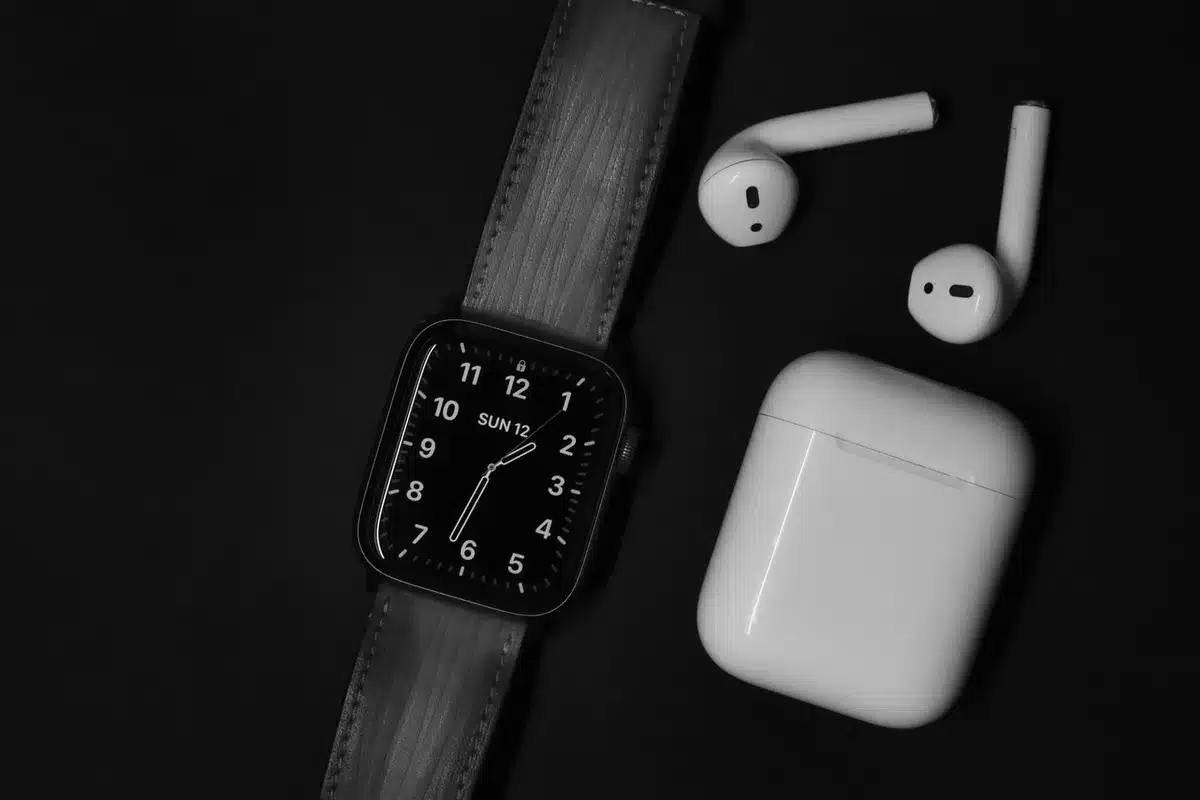
Like the two previous generations of the brand’s watches, the Pixel Watch 5 is available in two sizes, with a 41 mm version and a 45 mm model:
- Google Pixel Watch 5 41 mm: 41 x 41 x 12.3 mm, 31 grams without strap
- Google Pixel Watch 5 45 mm: 45 x 45 x 12.3 mm, 36.7 grams without strap
However, nothing differentiates the Pixel Watch 5 from a Pixel Watch 4. It has exactly the same format, thickness, and weight from one generation to the next. Essentially, the Pixel Watch 5 looks like a simple black disc, a kind of pebble. In fact, almost nothing protrudes, neither the crown nor the bezel. Only the rotating crown, positioned at three o’clock, reminds us that it is a watch.
As already indicated for previous models of the brand, but worth repeating here: this design is particularly ingenious. In fact, without prominent elements, the Pixel Watch 5 will be more customizable through the choice of dial or strap.
Especially since Google offers several versions of straps with sporty models in rubber or fabric, but also versions in metal or leather. Some straps also integrate a horn system that will add a little more character to the watch. In short, this apparent minimalism allows you to modify the watch as you see fit.
It should be noted, however, that Google does not offer a standard strap attachment system and you will necessarily have to opt for a strap designed for the Pixel Watch 5. Moreover, for the default strap provided, Google has decided to slightly modify its formula. We still have a sports strap, but the company has replaced the fluoroelastomer with hydrogenated nitrile rubber. A sensible choice for a watch that puts so much emphasis on health as fluoroelastomer is suspected to decompose into PFAS.
It is regrettable, however, that Google still insists so much on its flap system of the strap, which slips between the strap and the skin. Samsung has finally opted for a classic system with its Galaxy Watch 9, easier to put on the wrist each day, and we would have liked Google to follow the steps of its Korean competitor.
Regarding materials, the Google Pixel Watch 5 benefits from an aluminum case back and a Gorilla Glass 5 3D coating for the screen. While these materials ensure good screen lightness, we would have appreciated at least sapphire glass to better protect the panel from scratches. Especially in the absence of a bezel to protect it from shocks. In use, the watch manages to be quite easily forgotten on the wrist.
Finally, the Pixel Watch 5 benefits from IP68 certification and 5 ATM water resistance. It can therefore be worn without fear in the rain and even for swimming in a pool, but not for deep-sea diving. Good point, Google offers, as with the Pixel Watch 4, a watch that is easily repairable for users who wish to do so, but also a customer service that allows changing some damaged components.
Google Pixel Watch 5An Unchanged Screen
If Google has not changed the design of its smartwatch compared to the 2024 version, the same goes for the screen of the Pixel Watch 5.
Last year, Google was introducing its new display called “Actua 360”. A marketing term that mainly means that the company had managed to reduce the bezels around the screen so that the display occupies a larger area on the watch. Naturally, the same goes for this year, with a screen similar to that of the Pixel Watch 4:
- Google Pixel Watch 5 41 mm: 426 x 426 pixels, 320 pixels per inch, 1.33 inches in diameter, screen that occupies 68% of the watch’s surface;
- Google Pixel Watch 5 45 mm: 480 x 480 pixels, 320 pixels per inch, 1.5 inches in diameter, screen that occupies 72% of the watch’s surface.
As usual with Google, and as with most other smartwatches, the Google Pixel Watch 5 is also equipped with an AMOLED screen allowing for infinite contrast.
Moreover, Google has kept the same peak brightness as on the Pixel Watch 4, with a watch capable of going up to 3000 cd/m². This is standard for smartwatches on the market (like the Apple Watch Series 11 or the Samsung Galaxy Watch 9), but some models do better, and the Galaxy Watch Ultra 2 even goes up to 5000 cd/m². In any case, the watch proves to be bright enough for everyday use and exercise to not be bothered by sunlight reflections.
In addition, there is of course an always-on display mode that will allow you to display certain information on the black disc of the watch at all times.
However, the Pixel Watch 5 retains one of the biggest flaws of previous generations in terms of display. It is impossible to manually configure scheduled hours for the “sleep mode” in order to automatically disable the always-on display and the function that turns on the screen when lifting the wrist.
You will necessarily have to modify it by hand at bedtime and when waking up, rely on sleep detection for automatic activation, or, if you have a Google smartphone, synchronize the modes between the watch and the smartphone. Unfortunately, this synchronization is only offered with Google Pixel smartphones and not those from other manufacturers.
Finally, in terms of watch faces, the Pixel Watch 5 is initially offered with about thirty models. You can download many more from the Google Play Store, but, especially, create them to your tastes using Gemini Intelligence, as we will see later.
Google Pixel Watch 5An AI Watch… Still Limited in France
The Google Pixel Watch 5 benefits from the latest version of Google’s OS for smartwatches, Wear OS 7.0. Like all watches under Wear OS, it is compatible only with Android smartphones, from Android 12, and not with iPhones.
To pair the watch with your phone, you will need to download the Google Pixel Watch app from Google’s Play Store. Moreover, to retrieve health data, it will go through the Google Health app, which replaces Fitbit. Too bad, we would have liked to have only one app to install.
Google Pixel Watch
On the hardware side, while we expected Google to use Qualcomm’s new high-end processor, the Snapdragon Wear Elite, this is not the case. Unlike Samsung with its Galaxy Watch 9 and Galaxy Watch Ultra 2, the American brand opted for a revised version of its supplier’s old chip, a Snapdragon W5 Gen 2 called “Accelerated”.
Combined with a low-power Cortex M55 chip, the Snapdragon W5 Gen 2 Accelerated is supposed to be 20% more performant than the chip in the Pixel Watch 4, notably thanks to an increase in RAM, from 2 to 3 GB. Moreover, Google has doubled the storage compared to last year to reach 64 GB.
This more powerful chip combined with the increased memory will mainly allow the Pixel Watch to benefit from new functions related to Google’s AI, Gemini Intelligence.
We find not only Gemini as a voice assistant, accessible, as on the Pixel Watch 4, with a simple wrist lift, but also in several functions of the watch.
This is notably the case for the creation of customized watch faces. In the watch face menu, a new “create” option will launch Gemini Intelligence to allow you to describe the style of watch face you want to create. For example, you can opt for a watch face with certain complications, certain shades, or a certain graphic style.
However, the function quickly shows its limits, as we are dealing here only with a generation of fonts for a digital watch face. Despite several attempts, I have not been able to generate an analog watch face. Similarly, apart from the numbers, the rest of the watch face remains very classic, with complications in the norm of what Google usually offers.
Gemini Intelligence is also supposed to offer more functions such as proactive suggestions, which take advantage of the information present in the Google applications connected to Gemini to offer you info based on the context.
However, these suggestions are only offered to users who also have a Google Pixel 11 smartphone and, above all, are not planned for France. The same goes for the generation of widgets by Gemini. Unlike the watch faces, this function, although announced by Google, does not seem to be available in France, at least for now.
As for the watch controls, we have a rather classic navigation, using the two buttons (the rotating crown and the side button):
- swipe down: quick settings
- swipe up: notifications
- swipe left and right: application tiles
- single press on the crown: list of applications
- long press on the crown: power off menu
- double press on the crown: Google Wallet
- single press on the side button: recent applications
- long press on the side button: Gemini
- double press on the side button: return to the previous application
Unfortunately, Google does not allow customizing certain controls. We would have appreciated being able to configure a shortcut, for example, to the workout application, instead of a double press, but this is not possible.
As an alternative, Google again offers its one-handed gestures with the double pinch or wrist twist to reject a call, scroll through notifications, or stop an alarm.
The Google Pixel Watch 5 is also equipped with a microphone and a speaker serving not only for Gemini voice commands but also for making phone calls via Bluetooth or 4G. It also integrates contactless payment via Google Wallet. Moreover, like all Wear OS watches, it includes the Google Play Store and its large application ecosystem. You can thus download applications for Spotify, WhatsApp, Citymapper, Bring, Strava, Calm, or Sleep As Android.
Finally, like the “Now Bar” at Samsung or the “Live Activities” on Apple Watch, the Pixel Watch benefits from a new function called “preview”. In practice, when you launch or follow an activity, it will remain displayed at the bottom of your dial to indicate its progress. It can be, for example, a sports workout, the score of a football match, or the tracking of an Uber delivery.
Google Pixel Watch 5Excellent Tracking for Sport and Health
For health and physical activity tracking sensors, Google uses the same arsenal as on the Pixel Watch 4.
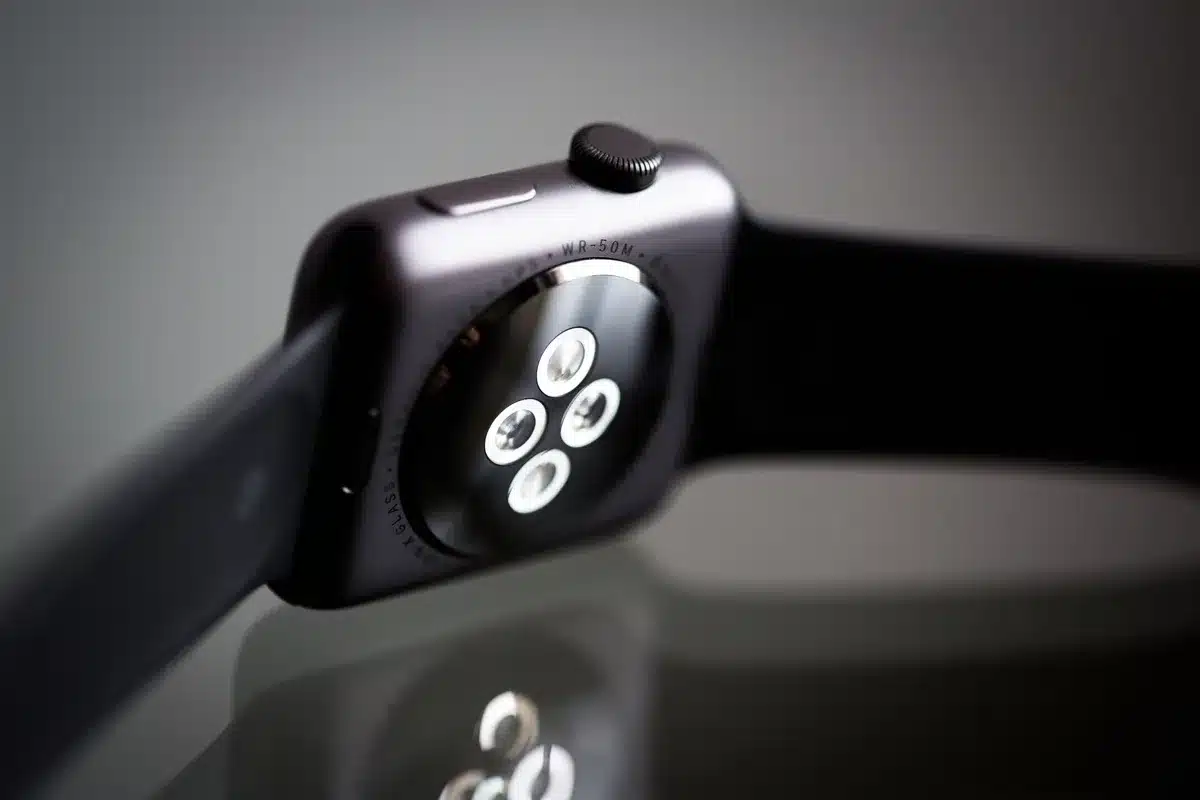
Thus, we find an optical heart rate monitor, an optical pulse oximeter, an electrocardiogram, a gyroscope, an accelerometer, a continuous electrodermal activity sensor, a barometric altimeter, a compass, and a GPS.
The GPS Accuracy of the Google Pixel Watch 5
For geolocation tracking, the Pixel Watch 5 uses, on paper, the same formula as the Pixel Watch 4. We therefore have a GNSS chip compatible with GPS, Galileo, Glonass, Beidou, and QZSS constellations. Moreover, the watch is compatible with dual-frequency GNSS tracking to ensure more precision in difficult environments, such as urban canyons.
Similar Posts
- Huawei Watch Fit 5 Pro Review: Sports Precision Without the Weight or Cost!
- Samsung Galaxy Watch 8 Review: Sleek Design Meets Innovative Features
- Samsung Galaxy S25 Ultra vs Google Pixel 9 Pro XL: Discover the Ultimate Smartphone Champion!
- Huawei Watch Fit 4 Review: Precision Meets Affordability in This Smartwatch!
- Samsung Galaxy Watch 8 Classic Review: A Smartwatch That Packs a Punch!

Maya Singh is a senior editor covering tablets and hybrid devices. Her work explores how these tools reshape digital productivity and learning. She also contributes to feature editorials on emerging tech.