
Scientists confirm: This is the most effective way to get your cat’s attention, according to new research
Elderly Couple Refuses Reserved Seats—Viral Train Standoff Sparks Fiery Debate on Courtesy
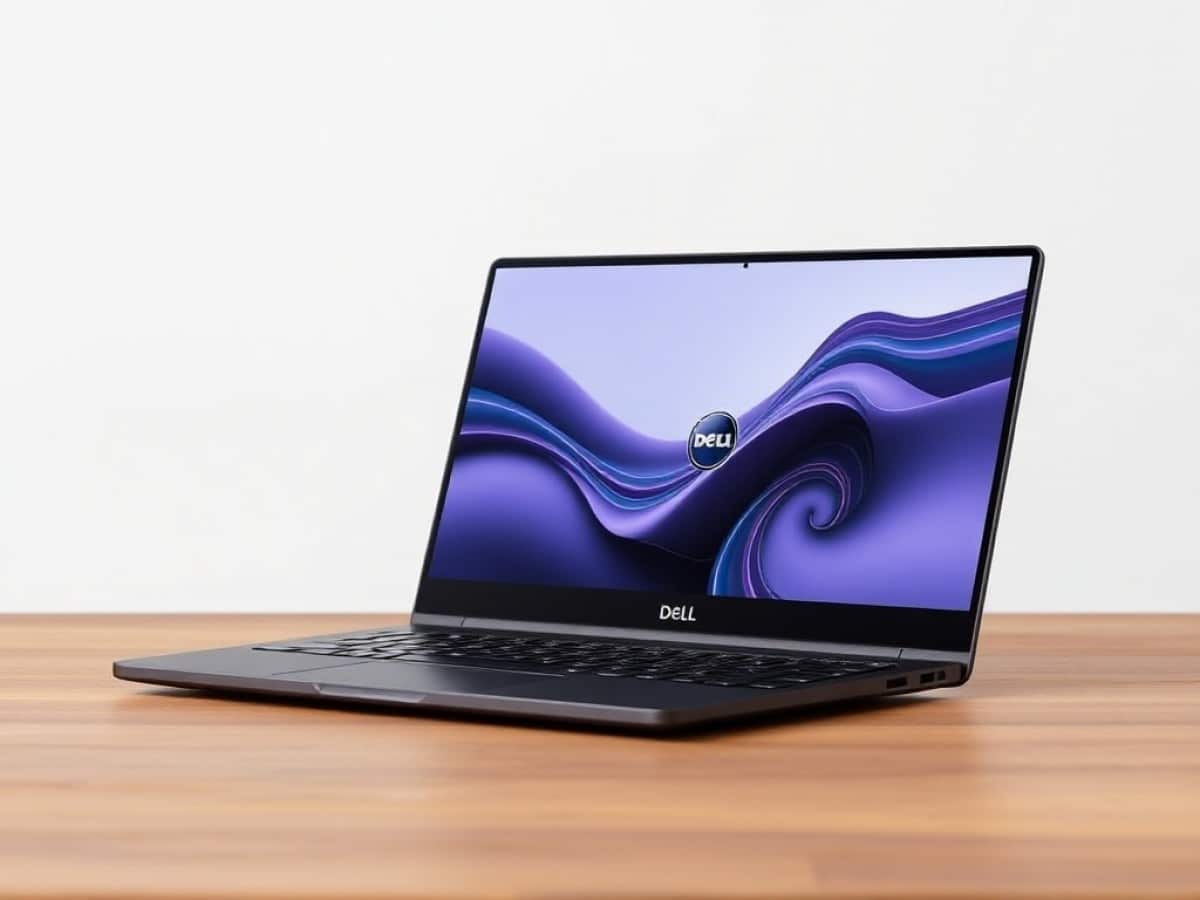
Dell has somewhat confused its customers and reviewers with its new multi-tier range of laptops launched last year. Hence, 2026 marks the much-anticipated return of its true star: the XPS series, starting with the Dell XPS 14. For this occasion, the laptop is equipped with the processor of choice for the latest generation of ultraportables: the Intel Core Ultra 300, affectionately known as Panther Lake.
Technical Specifications
| Model | Dell XPS 14 (2026) |
|---|---|
| Dimensions | 309.52 mm x 14.62 mm |
| Display Technology | LCD |
| Processor (CPU) | Core Ultra X7 358H, Core Ultra 5 325 |
| Graphics Chip (GPU) | Intel ARC Graphics |
| Memory (RAM) | 16 GB |
| Internal Memory | 512 GB |
| Appearance | Metal |
| Operating System (OS) | Microsoft Windows 11 |
| Weight | 1360 grams |
| Depth | 209.71 mm |
| Product Sheet |
Design
Well, it’s certainly the return of the Dell XPS, but it’s also… a Dell XPS. The manufacturer has not altered the formula since the “Plus” chassis became the official design deployed across the board. This chassis continues to be extremely pleasing, promoting an almost “all-in-one block” aluminum design philosophy that works perfectly well on such a compact format.
The most striking feature naturally remains the immense trackpad that seamlessly blends into the body, although its boundaries are now discreetly marked. Other common aspects are still present: a controlled thickness of 1.5 centimeters, a weight of 1.36 kilograms, and always that perfect build quality, which is reassuring. However, let’s be clear: we’re no longer dealing with originality here. We are in the realm of proven designs.
Keyboard and Trackpad
The keyboard layout might still surprise some as it features very large, square keys that are as close together as possible. Yet, they remain exceptionally comfortable, with their unbeatable stability and generous travel distance.
The trackpad, particularly large and featuring haptic feedback, continues to be a pleasure to use. Its discreet integration into the chassis is visually appealing. Dell was one of the first manufacturers in the Windows ecosystem to rival Apple in this area, and the effort is still appreciated today.
Connectivity
Here’s where the issue lies, as always. On the left, there are two USB-C Thunderbolt 4 ports. On the right, one more USB-C Thunderbolt 4 port and a combo jack. That’s it.
Dell continues to bet on the “dongle life,” while other manufacturers have proven that the 14-inch format does not necessarily have to be limited in this regard. On the wireless side, we have Wi-Fi 7 and Bluetooth 6.0. No complaints there!
Webcam and Audio
The Dell XPS 14 of 2026 incorporates an 8-megapixel 1080p sensor, whose output is simply excellent. Beautiful colors and limited noise… It’s rare to see this quality of output on a laptop, regardless of the category.
As for audio, there’s nothing particularly noteworthy. The speakers are effective without being outstanding, above average without surpassing it.
Display
In our test configuration, the Dell XPS 14 of 2026 is equipped with a 14-inch diagonal OLED touchscreen supporting a resolution of 2880 x 1800 pixels, equivalent to a 3:2 ratio. The panel is tactile and provides a refresh rate of up to 120 Hz.
Using our probe and the CalMAN software by Portrait Displays, we find coverage of 170% of the sRGB space for 114% of the DCI-P3 space. The maximum SDR brightness is measured at 396 cd/m², a bit low for outdoor use, but effective indoors.
The average color temperature is measured at 6080 kelvins, slightly too warm compared to the 6500K NTSC standard sought. Finally, the average delta e00 is measured at 2.88, perfect, with a well-controlled maximum deviation of 4.59 on sky blue tones. An excellent experience overall, which could have benefited from a bit more brightness.
Software
Nothing new under the sun here. We are naturally under Windows 11, with Dell Optimizer software to take control of the fine settings of the device. It still works very well, with a pleasant interface and clear explanations.
The manufacturer still leverages its Support Assist application to promote its paid maintenance services, but also some features that have lost much of their interest today. It would be nice to see some consolidation in the future.
Performance
In our test configuration, the Dell XPS 14 of 2026 benefits from the Intel Core Ultra X7 358H. This 16-core, 16-thread SoC can ramp up to 4.8 GHz. It is coupled with 32 GB of LPDDR5X RAM at 9600 MT/s, and naturally benefits from the integrated Intel Arc B390 graphics circuit. Finally, we find 1 TB of storage on PCie Gen 4.
Benchmarks
We are familiar with this SoC by now. But under Cinebench 2026, scores of 3362 points in multithread and 498 points in single-thread raise a flag: we are not on a chassis that allows it to fully express itself. For comparison, it is surpassed by several hundred points by the MSI Prestige 14 Flip AI+ or even the GalaxyBook 6 Pro (by nearly 1000 points here) on the same technical platform.
This is even more true on 3DMark and Steel Nomad Light, where the score of 5750 points remains below the 6000 points we had seen so far on the platform. This score can even drop to 4700 points on constant use, since the small body of the Dell XPS 14 does not allow the efficiency required to sustain the heat and performance of the chip.
In its defense: some 16-inch laptops already struggled to do so. And even somewhat breathless, the computer continues to offer interesting performances for its format. But here’s the thing: do not expect full performance from Panther Lake, rather 85% of it.
The internal storage offers the performances expected for this generation nearing its end.
Cooling and Noise
At least, the Dell XPS 14 knows how to manage the noise of its fans. While these can be heard on heavy synthetic tasks, they remain a low background noise in an office. As often with Panther Lake, chassis temperature is limited to 45°C.
Battery Life
Despite its small chassis, the Dell XPS 14 of 2026 integrates a good 70 Wh battery. It recharges through a 100-watt power supply included.
On office use, with the screen brightness set to 50%, we find a battery life between 11 and 12 hours. For what Panther Lake is capable of, this is somewhat disappointing. A bit of optimization would be welcome.
Price and Availability
The Dell XPS 14 of 2026 is available starting at 1849 euros with the Intel Core Ultra 5 325 and an LCD screen. For our test configuration, but with 512 GB of storage, the price rises to 2499 euros.
Dell XPS 14 (2026)
at the best price
There are no offers at the moment, discover
-
Acer Predator Triton 14 AI PT14-52T
2 899,99 €
8/10
Read the review -
Asus ProArt P16
2 239,99 €
Read the review
-
Lenovo ThinkPad X1 2-in-1 Gen 10 Aura Edition (14ʺ Intel)
2 526 €
8/10
Read the review
Similar Posts
- Acer Swift 16 AI (2026) Review: Experience the Best of Intel and Acer in One Product!
- Dell 14 Premium Review: Powerful Ultrabook, But on the Heavier Side!
- Minisforum MS-03 Review: Panther Lake Unleashed: Triple 10 GbE & Dedicated GPU Slot!
- Silent & Durable Honor Laptop Under €1000: But There’s One Annoying Flaw!
- MSI Prestige 14 Flip AI+ Review: Unveiling the Hybrid PC with Core Ultra X7 Power!

Maya Singh is a senior editor covering tablets and hybrid devices. Her work explores how these tools reshape digital productivity and learning. She also contributes to feature editorials on emerging tech.