
Scientists confirm: This is the most effective way to get your cat’s attention, according to new research
Elderly Couple Refuses Reserved Seats—Viral Train Standoff Sparks Fiery Debate on Courtesy
After dominating the mini PC market, Chinese brands like Acemagic and Geekom are making strides into the laptop segment.
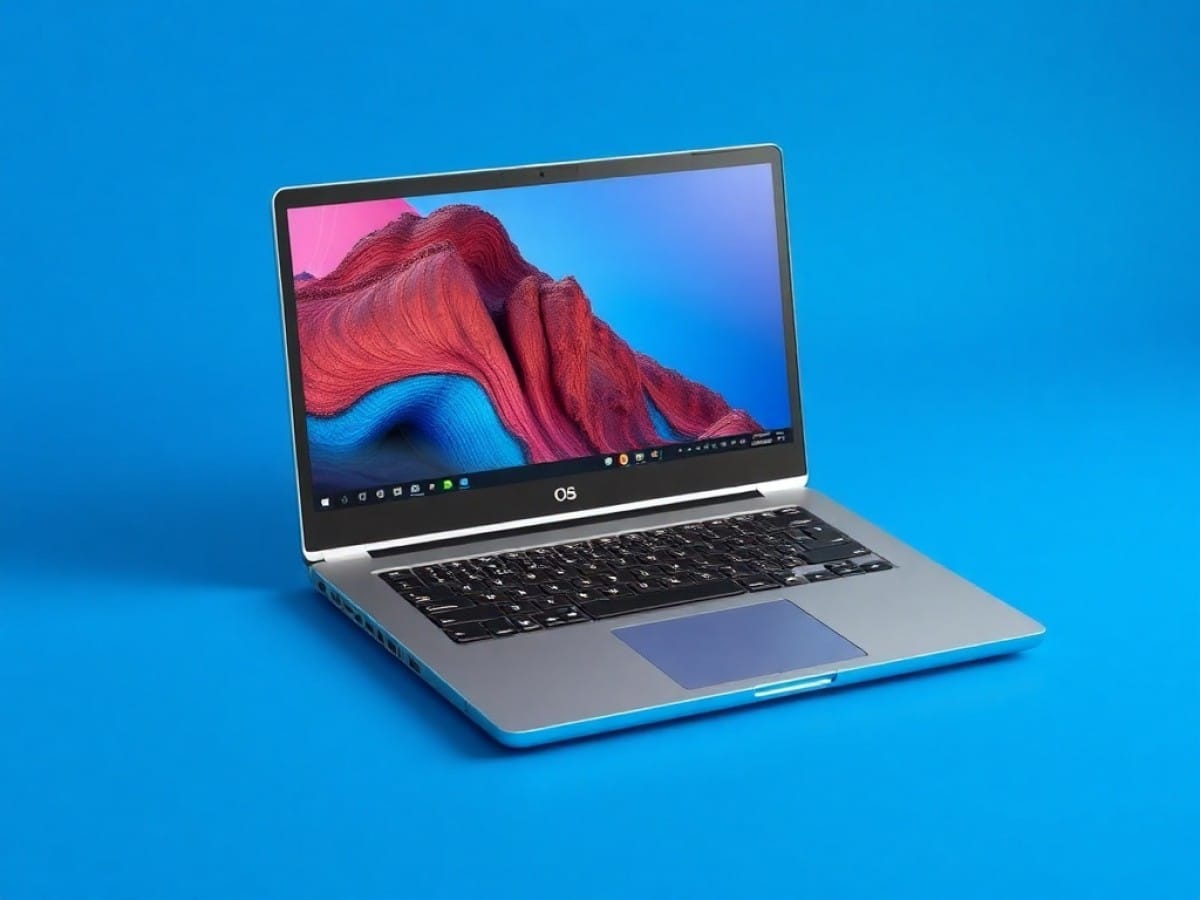
I spent a few weeks with the Acemagic RX16, a device that boasts a Ryzen 7 and a metal chassis for the price of a mini PC. On paper, it’s quite an appealing proposition.
| Specifications | Acemagic RX16 |
| CPU | AMD Ryzen 7 7735HS (8 cores, 16 threads, up to 4.8 GHz)
now available with AMD Ryzen 7 H255 |
| GPU | AMD Radeon 680M (iGPU RDNA 2)
or AMD Radeon 780M (RDNA 3) with the Ryzen 7 H255 |
| RAM | 16 GB DDR5 4800 MHz (Hoge Tech/Micron) |
| Storage | 512 GB SSD NVMe PCIe |
| Screen | 16 inches IPS, 1920 x 1200 (16:10), 60 Hz |
| Battery | 51 Wh (4400 mAh) |
| Weight | 1.8 kg |
| Connectivity | USB-C (100W PD), HDMI, USB-A 3.2, 3.5 mm jack, microSD |
Examining the specs, the Acemagic RX16 offers a configuration that you’d normally pay an additional 200 or 300 euros for at brands like Asus or HP.
Acemagic RX16
Why You Should Never Reheat These Foods in the Microwave – The Hidden Dangers Experts Warn About
I tried the top 5 guard dogs—here’s what makes these breeds the ultimate protectors
Read the test
-
Amazon
€709 -
Cdiscount Marketplace
€817
The best laptops
All Acemagic laptops
So, what are the strengths?
You are greeted by a stardust gray aluminum chassis.
It’s sleek, it’s thin (18.5 mm), and the assembly doesn’t creak under pressure. It’s clear that Acemagic wanted to mimic the design cues of the MacBook Air, but in a larger 16-inch format.
The hinges allow for nearly 180 degrees of opening, which is handy for sharing your screen in meetings, but they could be a tad more rigid. If you use it on your lap on the train, the screen tends to wobble with every bump.
The presence of a power button that doubles as a fingerprint reader is a welcome feature. It’s quick, effective, and it saves you from having to type your password in public.
One huge advantage of these lesser-known brands is that they haven’t yet entered into dubious contracts with unnecessary antivirus software publishers. Here, you get almost a “stock” Windows 11 Professional with no unnecessary software installed.
The Ryzen 7 7735HS APU performs admirably. With its 8 cores, it handles multitasking with ease. My tests on Geekbench 6 show a score of 1975 in single-core and 8324 in multi-core, placing it on par with much more expensive machines.
| AMD Ryzen 7 7735HS | Single-Core Score | Multi-Core / Multi-Thread Score |
| Geekbench 6.5.0 | 1975 | 8324 |
| Cinebench 2024 | 90 pts | 663 pts |
| Cinebench 2026 | 447 pts (Single Core) / 365 pts (Single Thread) | 2640 pts |
It benefits from a dual-fan system connected by two heat pipes. For a 35-45W processor, that’s pretty serious. However, the blade design seems quite basic, which explains the constant 45 dB “woosh” whenever the machine is put under stress.
Note that there is a second M.2 slot available. This is a major strength of these chassis.
And the weaknesses
But make no mistake: as soon as you lay your hands on the keyboard, reality catches up. It’s a QWERTY layout. Yes, Acemagic provides stickers or a silicone membrane for switching to AZERTY, but it’s a bit of a kludge. If you’re not a touch typist, the visual aspect takes a hit and the feel becomes somewhat spongy.
The trackpad is large, which is good, but the click is a bit too loud for my taste. Nonetheless, the glide is precise, and Windows 11 gestures are perfectly recognized, preventing you from wanting to throw the machine out the window after ten minutes.
The screen, although spacious, is severely lacking in vibrancy. With about 250 nits of brightness, don’t expect to work in direct sunlight on a terrace. It’s adequate for a well-lit office, but the colors are somewhat dull (covering about 45% of the sRGB space). This is a significant compromise.
However, software support remains a big question mark. Will Acemagic offer BIOS or driver updates in two years? Probably not. You’ll have to rely on the automatic updates from Windows Update and generic AMD drivers, which work 99% of the time, but it’s something to keep in mind.
And in terms of performance, Acemagic made a strategic mistake: the RAM is single-channel. On an iGPU like the Radeon 680M, this is problematic. It hampers graphic performance by nearly 30%. If you really want to play games like League of Legends or Counter-Strike smoothly, you’ll definitely need to add a second DDR5 RAM stick right after purchase.
The cooling is handled by a dual fan system. In office settings, the RX16 is silent, barely noticeable. However, as soon as you start rendering video or playing games, the fans ramp up (about 45 dB). It’s not an annoying high-pitched whine, more of a substantial “woosh” of air, but it’s definitely there.
As for battery life, it’s rather disappointing. The 51 Wh battery is too modest for a 16-inch screen and an “HS” series processor (high performance). Expect about 5 hours of mixed-use (web browsing, Slack, Spotify).
When you open up the chassis, you’ll see a fair amount of black adhesive tape and loose cables (including those from the speakers and Wi-Fi antenna). It’s obvious that we’re not dealing with companies like Microsoft, Asus, or Razer: the internal layout is basic.
What do we think about Chinese laptops in the end?
As you may have noticed, this isn’t a review per se. No score, no conclusion.
Acemagic uses the formula that has made Chinese mini PCs successful. AMD APUs that deliver very powerful CPU/iGPU performance, often at a price 100 to 300 euros lower than big brands with equivalent specifications.
In return, these Chinese brands sometimes cut corners on the screen (brightness/colors), keyboard (US QWERTY), speakers, and pre-factory testing quality.
Building a laptop is quite different from a mini PC, mainly due to thermal constraints, integration, and reliability on the go.
Mini PCs have more room for large fans, effective heat pipes, and better airflow, which allows for stable performance without severe throttling even under heavy load.
Laptops, on the other hand, are ultra-thin (often less than 2 cm thick), with compact heat pipes and small/fast fans that get clogged quickly, leading to overheating and rapid performance loss. This requires years of optimization, which manufacturers of mini PCs are less adept at when transitioning to laptops.
Moreover, laptops endure shocks, dust, temperature fluctuations, and humidity while traveling, which accelerates wear (battery, hinges, dust in fans).
That’s why the “new” laptops from Acemagic or Minisforum often receive mixed reviews: good at the start, excellent value for money, but issues with customer service and medium-term reliability, unlike major brands like Asus and Lenovo, which have well-established processes.
However, there’s still reason to be optimistic for some of these mini PC brands entering the laptop market, especially those that invest in quality and support, even though the road ahead is long.
For us, if you’re looking to invest in a machine like this, it’s best to opt for platforms like Amazon, Cdiscount, Fnac… and thus through a retailer with buyer protection.
Price and Availability
The Acemagic RX16 is regularly priced around 530 to 630 euros on Amazon or the official site. It’s an aggressive positioning that competes with under-equipped plastic PCs from major retailers.
Availability is good, but I strongly recommend purchasing through a retailer like Amazon to benefit from their A-to-Z guarantee.
Acemagic RX16
at the best price
-
Amazon
€709 -
Cdiscount Marketplace
€817
Similar Posts
- GMKtec EVO-X2 Review: AMD Strix Halo Power, 128GB RAM, iGPU Rivals RTX 4060!
- Geekom A9 Max Review: Is This Mini-PC the Ultimate Power-to-Cost Champion?
- Geekom A7 Max Review: Small Size, Big Performance – Don’t Be Fooled!
- Framework Laptop 16 Review (2025): I Upgraded My Laptop with a RTX 5070 GPU!
- AMD Radeon RX 9070 Review: Does It Stand a Chance Against the RX 9070 XT?

Maya Singh is a senior editor covering tablets and hybrid devices. Her work explores how these tools reshape digital productivity and learning. She also contributes to feature editorials on emerging tech.