
Scientists confirm: This is the most effective way to get your cat’s attention, according to new research
Elderly Couple Refuses Reserved Seats—Viral Train Standoff Sparks Fiery Debate on Courtesy
Having a NAS at home ensures that your data is always accessible without the need to spend heavily on a cloud subscription. Similarly, replacing a bulky desktop with a mini-PC saves space without significantly sacrificing performance.
Rather than offering two separate products, Minisforum has merged the best of both worlds with the N5 MAX AI NAS. This device not only combines NAS and mini-PC capabilities but also includes top-notch components to handle any situation: an AMD Ryzen AI Max+ 395 processor, 10 GbE connectivity, and five 3.5-inch storage bays.
Technical Specifications
The review is based on a product loaned by Minisforum.
| Model | Minisforum N5 MAX AI NAS |
|---|---|
| Dimensions | 199 mm x 202.4 mm x 252.3 mm |
| Graphic Chip (GPU) | AMD Radeon 8060S |
| RAM | 64, 128 GB |
| Internal Memory | 128 GB |
| Operating System (OS) | Microsoft Windows 11, MinisCloud OS |
| Weight | 5800 grams |
| Product Details |
Elegant Design, Built to Evolve
Minisforum's foray into the NAS market logically involves a new type of chassis design. It’s challenging to fit five 3.5-inch bays into a typical mini-PC case. However, whether it’s the N5 NAS, N5 PRO NAS, N5 Air AI NAS, or N5 MAX AI NAS, the philosophy and thus the chassis are quite similar. The design cleverly houses all electronic components in the lower part of the NAS, creating two distinct “chambers.”

One part of the NAS is dedicated to storage space, while the other houses everything from the CPU to the M.2 SSDs, RAM, and the cooling system. The intelligence of this design is further exemplified in the case of the N5 MAX AI NAS, where the motherboard is mounted on rails. By simply removing two screws, it can slide out for easy access to the machine’s internals, making it simple to upgrade the configuration.
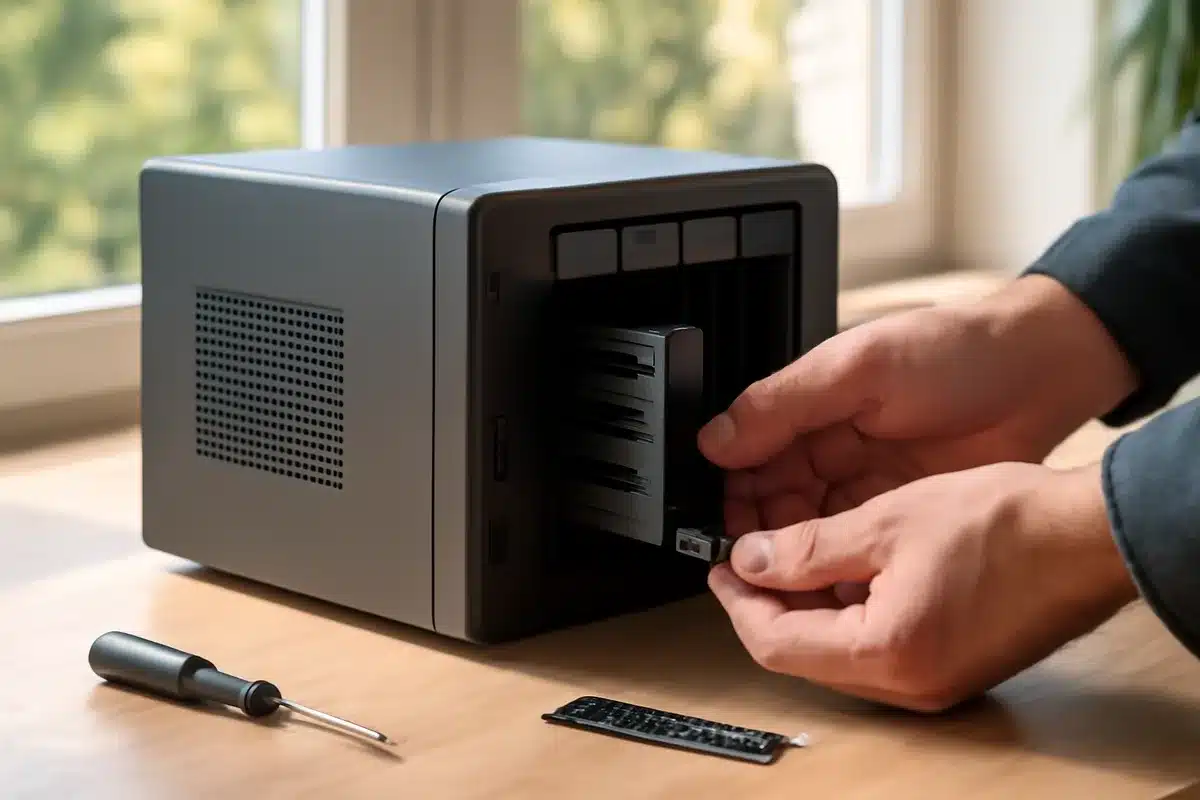
As for the NAS part, it’s slightly less original but still very well executed. The front panel is magnetic and easily removable, revealing the five 3.5-inch bays, each equipped with a cradle for easy installation of the storage unit. It’s clear that Minisforum has drawn inspiration from the best in the field, and the whole setup exudes reliability. However, it’s worth noting that it’s not possible to lock each cradle into its bay, a security feature offered by many competitors.
Despite this, the overall aesthetics of the product, which adopts a classic parallelepiped shape and makes good use of premium materials, are not diminished. The chassis is made of steel for added robustness, although this means a considerable weight: the NAS measures 199 x 202.4 x 252.3 millimeters and weighs just over 5.8 kilograms.
Abundant and Modern Connectivity
The nearly 6 kg weight should be immediately put into perspective. First, by the materials used, since, as mentioned, the N5 MAX AI NAS is entirely made of steel, ensuring undeniable robustness. This is also justified by the integration of the power supply unit: it’s somewhat rare in the world of mini-PCs – a bit less so for NAS – but this allows for simpler cable management. Moreover, this does not detract from the power supply’s strength, as Minisforum offers a 250 W unit, a perfect match for the installed components.
The N5 MAX AI NAS features a three-pin power port that connects to the mains and is just one of many available connectors. On the back of the product, we find an HDMI 2.1 port, one USB-A 2.0, and another USB 3.2 Gen 2 port. More interestingly, Minisforum does not skimp on quality with two USB4 V2 ports capable of 80 Gbps, also supporting display (DP 2.0) and power delivery (15 W). Finally, two RJ45 ports are present to ensure network connection: they are nothing less than 10 GbE!
On the front of the mini-PC/NAS, there are also two USB ports. The first is a USB-C 3.2 Gen 2, while the second is a third USB4 port (40 Gbps, DP 2.0, PD 15 W). Yes, we have a total of three USB4 ports! Lastly, Minisforum has integrated one more USB port, a USB-A 3.2 Gen 1 found on the motherboard, inside the chassis. Its purpose? To allow for the installation of a USB drive to deploy your preferred OS, for example.
Top-Tier Components
Choosing your OS might seem odd at first, but it quickly becomes apparent given the versatility of the N5 MAX AI NAS. To power its device, Minisforum relies on the highly popular AMD Ryzen AI MAX+ 395 CPU. This processor features 16 cores/32 threads with a Zen 5 architecture and a maximum frequency of 5.1 GHz. Even better, it includes a Radeon 8060S GPU with 40 RDNA 3.5 compute units capable of up to 2.9 GHz. To complete the trio, AMD has also included an NPU rated for a maximum of 50 TOPS, providing a total of 126 TOPS for the entire chip.
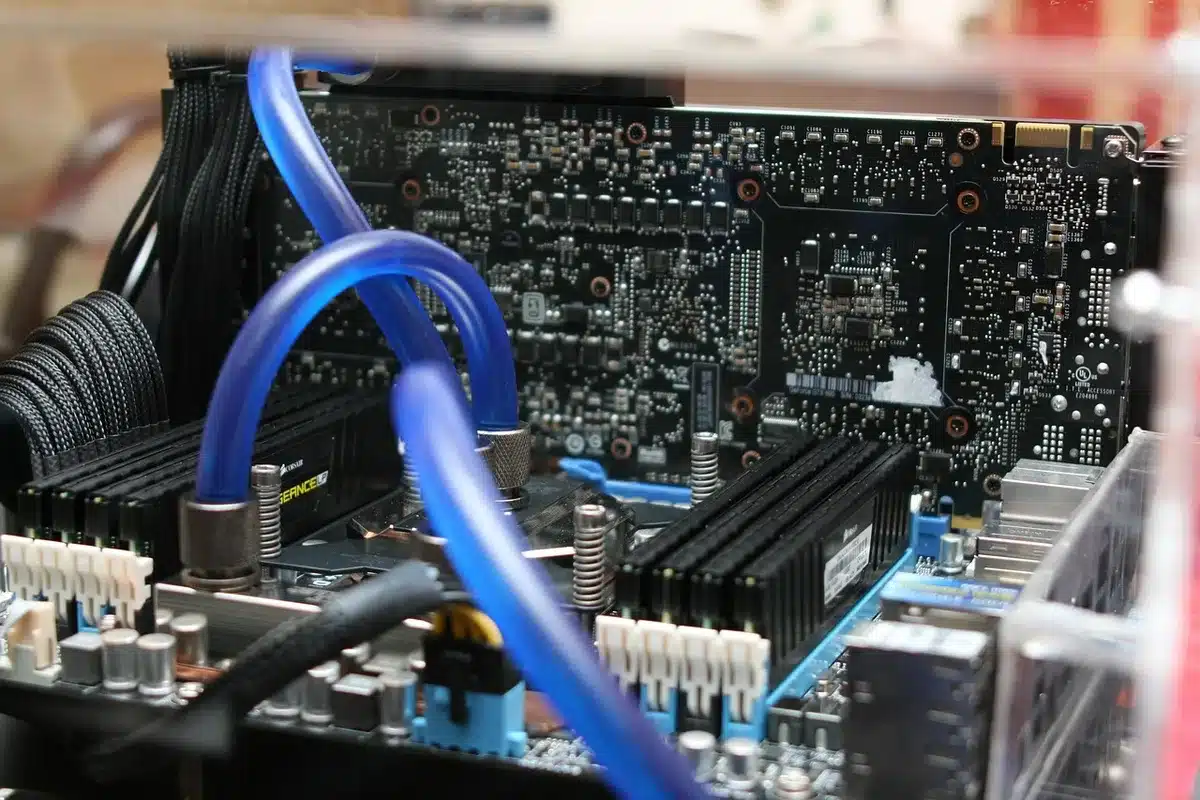
This chip, known by the codename Strix Halo, has often made headlines as it is the first CPU capable of convincingly running even the most demanding games without the need for a dedicated graphics card. Moreover, it does this without significantly increasing power consumption: its TDP is rated at 55 W by default, with possible configurations between 45 and 120 W. Therefore, it should not overly heat up a compact PC that must also manage the heat from up to five hard drives.
The heart of the NAS section includes five classic trays that rely on a standard SATA interface. Officially, they accept hard drives up to 32 TB for a maximum capacity of 160 TB. However, Minisforum mentions a total capacity of 200 TB because it also includes five M.2 slots for SSDs up to 8 TB each: 5 x 32 TB of hard drives plus 5 x 8 TB of M.2 SSDs indeed add up to 200 TB.
It’s worth noting that, by default, the N5 MAX AI NAS comes with a pre-installed M.2 2280 SSD with a capacity of 128 GB on which the MinisCloud OS is pre-installed. It is entirely possible to replace it with a larger one and also to change the operating system, but more on that shortly.
Before we get to that, let’s also discuss the RAM: Minisforum offers, at your choice, either 64 GB or 128 GB of LPDDR5 soldered to the CPU. This is important to consider: while storage and connectivity are highly scalable, the same cannot be said for the RAM, which, remember, is shared between the CPU and the GPU.
Operating System Freedom
As mentioned, Minisforum ships its N5 MAX AI NAS with a 128 GB M.2 SSD on which Miniscloud OS is pre-installed. While functional, this OS provides the bare minimum for such a versatile PC/NAS. File sharing, user management, and backup are included in an OS that, however, cannot compete with software from long-time NAS specialists like Synology, ASUSTOR, QNAP, or Terramaster, which offer much more comprehensive, pleasant, and functional software.
Miniscloud sometimes lacks responsiveness, and although Minisforum frequently updates it, it still suffers from quite a few debilitating bugs. More troubling, the services and features are limited, despite the presence of a docker manager to allow for a lot of things not initially planned. These are just a few examples, but the hardware monitoring part of the PC/NAS is quite limited, some options still appear in Chinese, and the interface is not always very “clean.”
However, Minisforum is aware of Miniscloud’s limitations and allows, or even encourages, the installation of your own OS. Like some manufacturers such as Terramaster, an internal USB-A port has been placed to simplify the deployment of live-OS on a USB drive.
Of course, it’s also possible to access the BIOS of the N5 MAX AI NAS to completely revise the boot and decide to install the OS of your choice. Minisforum does things quite well since all Windows drivers are available for download from its website.
Better yet, since we’re talking about an AMD platform (CPU, GPU, NPU, and chipset), numerous drivers exist, whether we’re talking about Windows or Linux. You can very well create your own configuration or rely on all-in-one solutions like OpenMediaVault, Rockstor, TrueNAS, or Unraid. We were impressed by how easily we were able to deploy these kinds of solutions and, especially, by how effectively they then worked.
For our more in-depth trials, we nevertheless favored installing Windows 11 to revert to something more typical in terms of a mini-PC. As mentioned, the software installation posed no problem since all drivers are provided by Minisforum, but also because the AMD platform is well-known. As with any PC – which the N5 MAX AI NAS ultimately is – it only takes a few tens of minutes to have a fully functional Windows 11… but without a license.
And in Practice, How Does It Perform?
We tested the N5 MAX AI NAS in both configurations: as a NAS and as a mini-PC.
As a NAS
While the N5 MAX AI NAS has the advantage of combining the functions of a NAS and a mini-PC in a single machine, we decided to divide our tests into two main categories. We began with the purely NAS operation of the machine.
Operation involves inserting several units into the available bays. Unsurprisingly, everything we expect from a 2026 NAS is here: trays capable of accepting 2.5-inch units (screws provided necessary) or 3.5-inch units (screwless system), RAID capabilities up to RAID 5 and RAID 6 for protection in case of failure, and the choice between ZFS and ext4 file systems. No, BTRFS is not on the menu.
We won’t go back over this, but currently, the Miniscloud OS does not do justice to Minisforum hardware. Certainly, it contains all the functionalities of a 2026 NAS, but in most cases, it remains quite basic: the multimedia tools (Albums, Movies, Music) are very poor, there is no video surveillance module, the system monitoring has a horrible ergonomics, and the tiny application portal highlights these limits.
However, it remains usable. Data sharing poses no problem, and the power of the configuration allows several people to work on the NAS without difficulty. Below, we measured the performance of the NAS via CrystalDiskMark, and we’re a bit surprised by the results. Not that the speeds are bad, but we are quite far from saturating the 10 GbE controller.
To be sure, we conducted the same CrystalDiskMark test after changing the operating system and swapping Miniscloud for Windows 11. As you can see, the results are quite different, proving that our storage units (Kingston DC600M SSDs) are not to blame: the network controller gets a little lost along the way, although it’s not scandalous.
Before fully enjoying the N5 MAX AI NAS under Windows 11, we continued our NAS tests for a routine check. We deliberately broke the RAID 6 stack we had created to assess the time needed for its reconstruction. Well, know that the Ryzen AI MAX+ 395 works wonders: simply put, we had never seen a NAS rebuild our stack made up of 100 GB divided into eight large files and 10 GB divided into more than 4,000 small files so quickly. A record, that’s all.
As a Mini-PC
The other aspect of the N5 MAX AI NAS is its use as a mini-PC. There, you can install quite a few things, but we limited ourselves to Windows 11. As we said, the installation procedure posed no problem, and in just a few tens of minutes, we found ourselves on the Microsoft OS desktop. It’s worth noting right away: it’s possible to manage up to four screens thanks to the three USB4 ports that complement the HDMI port.
There’s not much more to say: the N5 MAX AI NAS is then a Windows PC like any other Windows PC, knowing that the hardware configuration makes things extremely comfortable with a minimum of 64 GB of RAM, a 16-core Zen 5 processor, and its 40 RDNA 3.5 compute units. Rather than dwell on the use of the machine, we prefer to show you its performance.
First, on Cinebench 2026, only the CPU part is tested. We have indeed skipped the GPU test. The Zen 5 architecture of the Ryzen AI Max+ 395 allows for decent single-thread/single-core scores, but it’s obviously in multi-threads where things get more interesting: with more than 7,100 points, the N5 MAX AI NAS is well ahead of the GMKtec EVO-T2S we tested recently, but also ahead of the MS-S1 Max from Minisforum. Both hardware and software optimizations are not strangers to this excellent performance.
To drive the point home, we conducted measurements on Blender benchmark. There, the Ryzen AI MAX+ 395 again performs very well, but it’s especially noteworthy that the performance is much higher when the AMD processor’s GPU part is involved. In general, Radeon chips perform less well than GeForce on this test, but there’s still no comparison between a GPU and a CPU.
We conclude these “general” measurements with PCMark, the synthetic tool par excellence. By simulating countless usage scenarios of a machine (office work, video conferencing, photo editing, video editing, 3D modeling…), it offers a broad overview of the machine’s potential, and it must be said that it’s rather good. Nearly 10,000 points overall and, especially, more than 16,000 on both the productivity and digital content creation tests, it’s unheard of on a mini-PC without a dedicated graphics card!
The power and therefore the impact of the Radeon 8060S solution had to be verified more precisely. To do this, we set things straight with 3DMark and our three scenes of choice: Fire Strike, Time Spy Extreme, and Steel Nomad. Each time, the results are very interesting. We’re still far from a real graphics card, but the scores are high and suggest good results against real video games, even demanding ones.
First, Shadow of the Tomb Raider. It runs rather very well, even without activating any “assistance” like FSR. At 1920 x 1080, with details at a minimum, we exceed 200 frames per second. So, of course, we max out the details, and there, it’s better than any mini-PC ever tested at Frandroid: 138 frames per second, and the assurance of never dropping below the 100 fps mark.
We move on to something much more demanding, Cyberpunk 2077 by the Polish studio CD Projekt RED. A technological showcase widely used by NVIDIA, the game now also runs very well on AMD hardware, and the N5 MAX AI NAS is here to prove it. We stayed at 1920 x 1080 and activated FSR 3.1 with image generation, but what a show. With details on “low,” we flirt with 260 fps, and in “ultra,” we’re still at nearly 170 fps, so why not activate ray tracing? It obviously drops, but FSR works wonders: in low ray tracing, we’re at 150 fps and in ultra ray tracing, we’re close to 90 fps. Impressive.
There are few scenarios for which the N5 MAX AI NAS might not be ready, and to drive the point home, we conducted a few tests in local AI with “generative” benchmarks designed by UL, already the publisher of PCMark
Similar Posts
- Minisforum MS-02 Ultra Review: World’s Most Compact PC with GeForce RTX 5060 Unveiled!
- Geekom A9 Max Review: Is This Mini-PC the Ultimate Power-to-Cost Champion?
- GMKtec EVO-X2 Review: AMD Strix Halo Power, 128GB RAM, iGPU Rivals RTX 4060!
- Minisforum AI X1 Pro-470 Review: Is This the Ultimate Mac Mini Killer?
- Minisforum MS-03 Review: Panther Lake Unleashed: Triple 10 GbE & Dedicated GPU Slot!

Maya Singh is a senior editor covering tablets and hybrid devices. Her work explores how these tools reshape digital productivity and learning. She also contributes to feature editorials on emerging tech.