
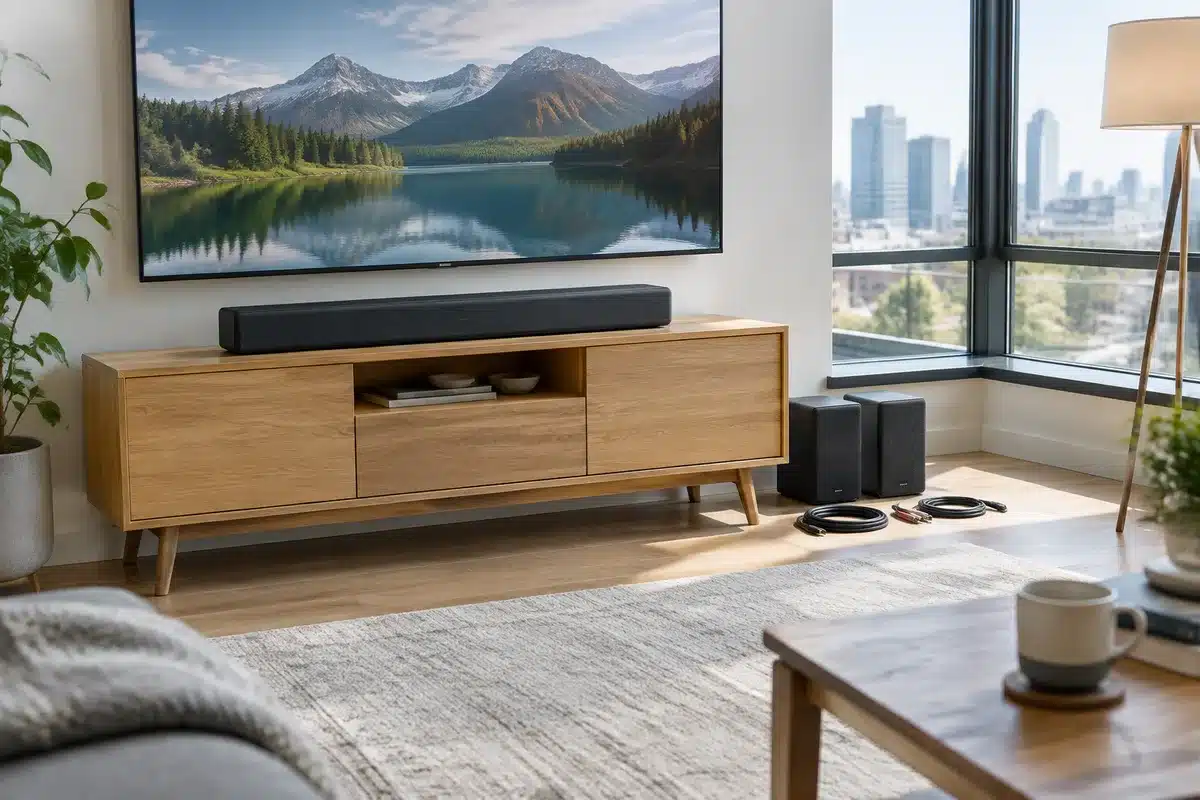
For years, the Beam line relied largely on software processing to create the impression of height. The Sonos Beam Gen 2, released in 2022, was the latest model to take that approach. The Beam Ultra marks a major change: Sonos has redesigned the acoustics from the ground up while keeping the compact form factor that made its predecessors popular. Priced at €699, it promises a convincing three-dimensional Dolby Atmos soundstage, balanced music playback and deeper integration with Sonos’s multiroom ecosystem.
Scientists confirm: This is the most effective way to get your cat’s attention, according to new research
Elderly Couple Refuses Reserved Seats—Viral Train Standoff Sparks Fiery Debate on Courtesy
On paper, the Beam Ultra looks appealing, particularly given Sonos’s track record with surround sound and Dolby Atmos. The company has already demonstrated its expertise with products such as the excellent Sonos Era 300.
But how does the Beam Ultra perform by itself? Is it necessary to add a pair of Sonos rear speakers or a subwoofer? Here’s what we found.
| Beam Ultra vs Gen 2 | Sonos Beam Ultra (2026) | Sonos Beam Gen 2 (2021) |
|---|---|---|
| Drivers | 9 drivers plus 2 passive radiators; Dolby Atmos 5.1.2 | 5 drivers; Dolby processing without height channels |
| Upward-firing drivers | Yes: two full-range drivers angled at 25 degrees and fitted with waveguides | No |
| Dialogue enhancement | Yes, with dedicated AI processing | Yes |
| Bluetooth audio | Yes | No |
| Wi-Fi | Dual-band Wi-Fi 6 (2.4 and 5 GHz) | Dual-band Wi-Fi 4 (802.11n) |
| Calibration | Yes, using the soundbar’s built-in microphones | Yes, but only with an iPhone or iPad |
| USB-C | Yes: line input for a computer, USB audio source or turntable with an adapter | No |
| Dimensions (W × H × D) / weight | 700 × 69 × 105 mm / 3.6 kg | 651 × 68.6 × 100 mm / 2.8 kg |
| Launch price | €799 | €499 |
Sonos Beam UltraTechnical specifications
| Specification | Sonos Beam Ultra |
|---|---|
| Dimensions | 75 cm × 10.5 cm × 6.3 cm |
| Spatial audio | Dolby Atmos |
| HDMI ports | 1 |
| HDMI eARC | Yes |
| Wi-Fi | Yes |
| Subwoofer | No |
| Rear speakers | Simulated |
This review was carried out using a speaker loaned by the manufacturer.
Sonos Beam UltraDesign
In appearance, the Beam Ultra stays close to the familiar Sonos aesthetic. Its relatively small dimensions—750 × 65 × 105 mm—mean it should fit in front of most televisions without obscuring the bottom of the screen.

The bar is available in matte black or white. It retains the perforated polycarbonate grille introduced with the Gen 2, replacing the fabric covering used on the original Beam. The surface is easy to clean, and the grille is neatly fitted.
The top panel has been updated with Sonos’s newer touch controls. To change the volume, slide a finger along the shallow channel; separate capacitive controls let you skip between tracks. These sit alongside the familiar play/pause control and the button for activating the voice assistant.
Sonos Beam UltraA deliberately limited set of connections
At the back, the Beam Ultra has an HDMI eARC port for receiving audio from a television or projector. There is no additional HDMI input, so devices such as a Blu-ray player or game console need to be connected to the TV, which then sends their audio to the soundbar.
The bar supports all Dolby audio formats, but not DTS. That should not be a major issue: over eARC, a television can convert DTS sound into multichannel PCM, with support for up to eight channels. The Beam Ultra can then reproduce the audio with a sense of height.
The HDMI connection also supports CEC, allowing the television or projector’s remote control to adjust the soundbar’s volume.
Sonos has included a USB-C port that can act as an auxiliary line input, although using it requires the company’s optional USB-C-to-3.5 mm adapter. This makes it possible to connect an external analogue source, such as a pre-amplified turntable or a portable player’s headphone output. Audio can then play through the Beam Ultra or be shared with other Sonos speakers on the same Wi-Fi network.
For music, you can stream over Wi-Fi using AirPlay, or play tracks through the Sonos app after linking your music-streaming service. The soundbar also supports Bluetooth playback.
The connections are set into a recessed area, keeping the plugs tucked out of sight behind the bar.
There is also a physical switch for disabling the Beam Ultra’s microphone when you do not want to use the Sonos voice assistant.
Sonos Beam UltraInside: eleven acoustic components
The most substantial changes from the Gen 2 are found inside the Beam Ultra. It now has nine Class D digital amplifiers, each assigned to drive one of its nine active drivers. The previous generation had five drivers.
Four elliptical woofers handle the bass and lower midrange, working alongside two passive radiators. This arrangement helps a compact speaker produce deeper, more forceful bass than its size might suggest. The passive radiators move in response to the active woofers, adding low-frequency output that the active drivers could not produce as effectively on their own.
High frequencies are handled by five tweeters: one in the centre for dialogue, two at the sides to widen the stereo image, and two more aimed towards the ceiling to create Dolby Atmos height effects. Sonos has fitted the upward-firing tweeters with acoustic waveguides to manage how the sound spreads. Their output is directed towards the ceiling, where it reflects back down towards the listening position.
Sonos Beam UltraThe app and ecosystem: the Sonos experience
For this review, Sonos supplied not only the Beam Ultra but also a pair of Sonos Play speakers to position behind the listening area.
It is worth noting that you can use the Beam Ultra without installing the Sonos app. Connect it to a television or projector’s HDMI port and it is ready to play; the TV’s remote can control the volume.
However, access to the full range of settings and the option to add speakers both require the Sonos app. It quickly detects the soundbar, installs any available firmware update and then offers to add nearby Sonos speakers to the system.
One useful tip when setting up two Play speakers in the same colour: switch them on one at a time. If both are powered up together, it can be unclear which one the app has found first, making it harder to assign the correct left and right surround positions. Turning them on separately lets you name each speaker in sequence—for example, left surround first and right surround second.
The app immediately offers to calibrate the Beam Ultra using Sonos Trueplay. This model uses its built-in microphones to measure the sound of the calibration tones. The process is automatic and takes a little over a minute.
Calibration measures how sound travels through the room and uses that information to optimise the soundstage for the space.
When adding extra speakers, you also need to make a small manual adjustment by telling the app roughly how far they are from your listening position.
The app includes tone controls, audio compression settings and dialogue enhancement. The compression option includes a night mode for keeping louder moments from disturbing other people in the home, while dialogue enhancement offers four AI-powered levels. You cannot directly adjust the level of the centre channel, which carries dialogue, but the intensity of the height effects can be changed.
The soundbar automatically remixes audio across its available channels. As a result, stereo music is upmixed into a 5.1.2 presentation, adding surround and height information.
The Beam Ultra also works with the Sonos Ace Ultra headphones. Pressing one of the headphones’ buttons transfers the television audio from the soundbar to the headset. Pressing it again sends playback back to the Beam Ultra, which resumes immediately.
Sonos Beam UltraA big sound from a small bar
First, let’s look at the Beam Ultra’s tonal balance. Its sound is consistent with the signature Sonos has developed over the years: fairly neutral, weighty in the bass for such a compact speaker, rich in midrange detail without becoming tiring during extended listening, and smooth in the treble. This balance works well for both films and music, giving the Beam Ultra an advantage over many rivals.

Its dynamic performance is also impressive. The amplification handles changes in volume confidently without making the sound harsh or overwhelming. At one metre, maximum output is approximately 90 dB, with a peak of 96 dB in the lower midrange that helps give impacts extra punch.
Is a separate subwoofer essential? No. Our frequency-response measurements show that the Beam Ultra can deliver substantial volume down to around 60–70 Hz, which is low enough for bass to sound reasonably deep and powerful. A Sonos Sub will add greater output below 60 Hz and create a more dramatic cinema-style rumble, but the Beam Ultra is enjoyable on its own.
Measurements show the bass sitting slightly ahead of the midrange and treble. That does not translate into an excessive low end: human hearing is less sensitive to bass than to midrange frequencies, and the overall impression is well balanced. The gap between the frequency ranges narrows at high volume—as is normal, since soundbars tend to reduce their bass output when pushed hard—but the result remains pleasing. That is particularly useful for listeners who like to turn things up.
The front soundstage
Despite measuring only 75 cm across, the Beam Ultra produces a surprisingly wide stereo image, helped by its side-firing waveguides. The dedicated centre tweeter does an excellent job with speech clarity, supported by the new AI dialogue-enhancement system. Voices remain clean, clear and easy to distinguish, even during explosive action scenes or in older films with less polished dialogue.
The stereo effect is pronounced, with sounds appearing well beyond the physical edges of the soundbar. I tested the Beam Ultra with a projector and a 100-inch screen, and the sound consistently seemed to extend across the picture. Adding a pair of Sonos Play speakers behind the listening position made the front soundstage feel wider still.
Surround sound
The soundbar inevitably runs into physical limitations here. Its processing can create a convincing sense of lateral immersion—Sonos describes the virtual presentation as 7.1.2—but surround effects do not consistently seem to come from directly behind the listener. They can reach that area, though the rearward sounds tend to be light on body and impact, with most of their energy in the treble. This is not a failure on Sonos’s part so much as a limitation of trying to create rear channels from a single unit positioned in front of you.
Adding the two Play speakers as surrounds makes an immediate difference. The sound bubble becomes fuller, and sounds behind the listener gain both definition and impact. Depending on the programme, effects can seem to come from far away or move close to the listening position. Pans between the front and rear are smooth, with no obvious change in tone; Sonos appears to have chosen closely matched drivers. With the extra speakers in place, the system delivers a powerful and convincingly immersive home-cinema experience.
Height effects
The Beam Ultra offers a more convincing sense of height than the Beam Gen 2, thanks to its dedicated upward-firing drivers. Rain, thunder and aircraft can all seem to spread across the ceiling. It does not create the dense, enveloping overhead sound of a full Dolby Atmos cinema, but the audio genuinely appears to come from above. Rear Sonos Play speakers help position these effects over the listener and sometimes slightly behind them—something the soundbar cannot achieve as effectively on its own.
In short, the Sonos Beam Ultra can create a broad front soundstage, with height and surround effects, despite its compact size. Rear speakers or a subwoofer will make the experience more substantial, but neither is a requirement for enjoying the bar.
Sonos Beam UltraPrice and competition
The Beam Ultra comes in black or white and is priced at €699. At this level, few soundbars can stand on their own without needing a subwoofer to add weight or wireless surround speakers to create a more enveloping presentation.
One alternative is the excellent Sennheiser Ambeo Plus, although it costs at least €300 more.
The Sennheiser Ambeo Mini, which sells for around €650, is a closer competitor and also delivers high-quality sound. However, it does not have upward-firing drivers for height effects.
Bose’s Smart Soundbar, available for roughly €500, also features upward-firing drivers and dialogue-enhancement processing. Its sound is more recessed in the midrange and brighter in the treble. That tuning is enjoyable, but less neutral than the Beam Ultra’s presentation.
To strengthen the surround effects, you can pair the Beam Ultra with two Sonos Era 100 SL speakers, which cost €400 per pair, or with a pair of Sonos Play speakers for €700 if you want to avoid power cables. For deeper bass, Sonos offers the Sub Mini for about €500. A package including the Beam Ultra, two Era 100 speakers and the Sub Mini costs around €1,570.
Sonos Beam Ultra: available from approximately €665.64
Similar Posts
- Sonos Sale Alert: Discounts on Speakers, Soundbars, Subwoofers & Headphones!
- Sonos Play Review: Discover the Ultimate Portable Speaker That Delivers on All Fronts!
- Denon Home 600 Review: This Smart Speaker Almost Does It All!
- Bose Lifestyle Ultra Speakers Review: Small Size, Big Ambition!
- Bose Lifestyle Ultra Review: Experience the Power of Immersive Dolby Atmos Sound!

Maya Singh is a senior editor covering tablets and hybrid devices. Her work explores how these tools reshape digital productivity and learning. She also contributes to feature editorials on emerging tech.