
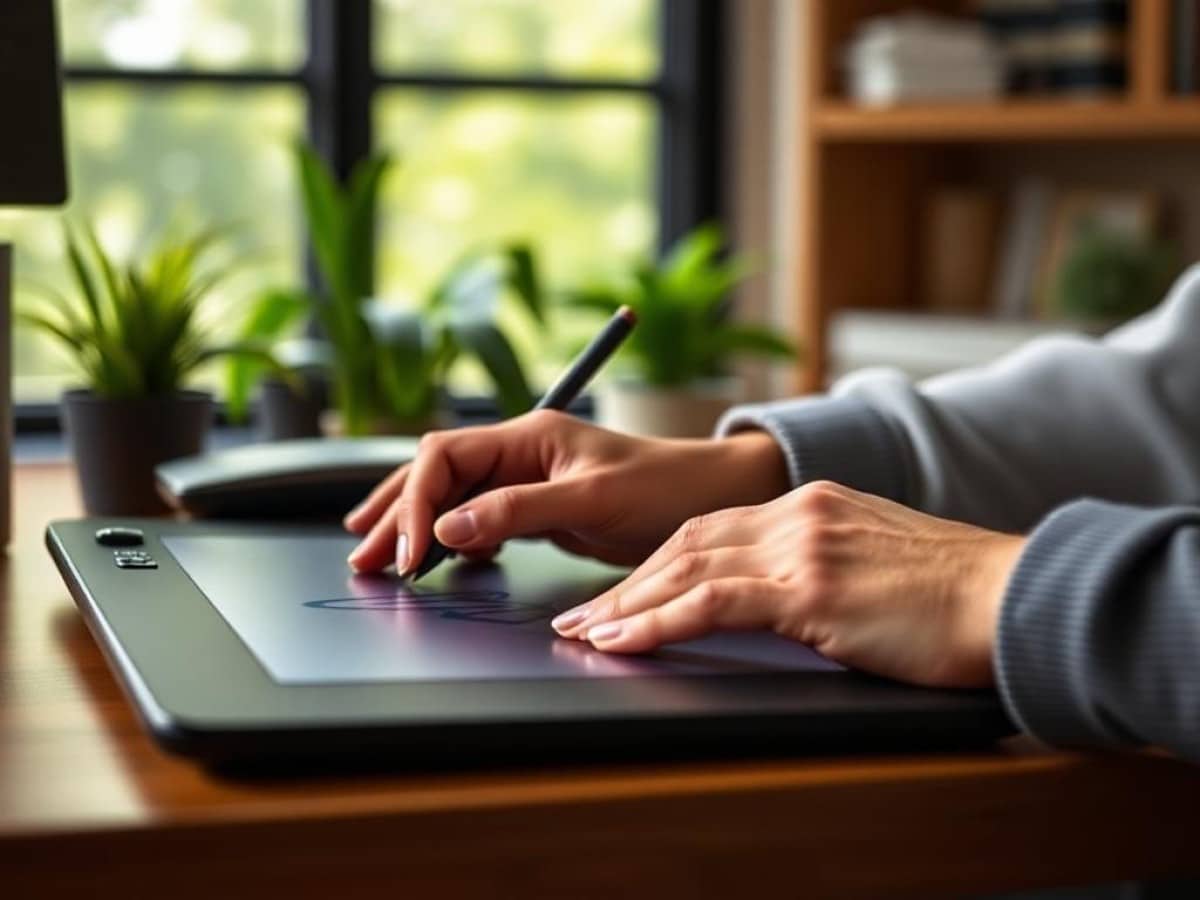
Who would have thought that drawing on a screen could be so satisfying?
Scientists confirm: This is the most effective way to get your cat’s attention, according to new research
Elderly Couple Refuses Reserved Seats—Viral Train Standoff Sparks Fiery Debate on Courtesy
After spending 40 years navigating life, I decided to switch from my traditional mouse to a new Wacom tablet—and surprisingly, my arms feel…just fine?
Indeed, after only a week of getting acquainted with it, I find the Wacom Cintiq 24 Touch a highly viable alternative to my old setup of a trackball and vertical mouse, much more than I initially imagined for someone as technically challenged as myself.
Wacom tablets are typically seen as tools for the artistically inclined, those adept at using a stylus like the Pro Pen 3 with its three shortcut buttons and 8,192 pressure sensitivity levels.
Personally, I feel like a novice, almost like I’m back in school struggling with my first art project, as I awkwardly adapt to the Wacom pen. It’s been a week since I connected the Cintiq 24 Touch to my main work computer, and I’m still catching myself reaching out for my old trackball mouse whenever I need to scroll through a document. Transitioning to this new tool has significantly slowed down my workflow, which used to be seamless with a mouse.
However, I’m beginning to appreciate life on the Wacom side of the mouse/tablet divide, notably the significant reduction in arm pain and discomfort by day’s end. While the Cintiq 24 Touch may be out of reach financially on a journalist’s salary, I see the potential benefits of using an affordable Wacom tablet (like the Intuos) as a mouse substitute.
Who knew slowing down could feel better
Although I’ve only been experimenting with the Wacom Cintiq 24 Touch for a short time, I’ve already noticed a significant reduction in the fatigue in my forearms, wrists, and upper arms. I suspect this might be linked to the slower pace I’ve adopted with the tablet.
When I was using my Elecom Huge trackball mouse, my hand would constantly rest on it, allowing for rapid movements and clicks throughout the day. Now, with the Cintiq, every action feels more deliberate as I need to physically pick up the pen each time I want to do something on my screen. Initially, this felt like a drawback because I thought constantly picking up and placing down the pen would strain my hands. However, it turns out that this change has forced me to rely more on keyboard shortcuts, which has not only sped up my workflow but also reduced the constant strain on my hand from mouse use.
Moreover, the fact that I’m not keeping my hand poised over a mouse all day seems to have alleviated the chronic fatigue and tightness in my wrists and shoulders. While using the Pro Pen 3 stylus does occasionally aggravate my carpal tunnel if I grip it too tightly, as long as I maintain a relaxed hold, I find the Cintiq to be a surprisingly comfortable alternative to a mouse.
That said, I’m somewhat concerned that I’m still in the initial phase of excitement and haven’t yet fully understood the long-term implications of using the Wacom Cintiq 24 Touch versus a traditional mouse. For instance, part of the reason I’m experiencing less arm fatigue could simply be due to my slower pace with the Pro Pen 3. Once I regain my former speed, will the old aches and pains resurface?
The only way to find out is to keep going. Stay tuned!
Follow Tom’s Guide on Google News for the latest updates, how-tos, and reviews. Don’t forget to hit the Follow button.
- We benchmarked Cyberpunk 2077 on Mac M1 to M4 — the numbers don’t lie
- I review laptops for a living — here’s the 5 best accessories I recommend for back to school
- I’ve been using the new Spotlight in macOS Tahoe 26 — and it’s an absolute game-changer
Similar Posts
- Wacom MovinkPad 11 Review: Great Drawing Tablet With Limited Features
- Prime Day Alert: Incredible $279 iPad 11 Deal Ends Soon – Grab Yours Now!
- Best Back-to-School Tablet Deals 2023: Top Picks From iPad, Samsung, and Microsoft Starting at $209!
- Top 3 Samsung Tablets of the Year: Find Out Which Ones We Recommend!
- OnePlus Pad 3 Review: Why It’s Time to Switch from Your iPad!

Tobias Nguyen covers mobile technology and social media trends. He combines a background in digital marketing with a passion for emerging tech to provide readers with data-driven insights and practical tech usage tips.