
Scientists confirm: This is the most effective way to get your cat’s attention, according to new research
Elderly Couple Refuses Reserved Seats—Viral Train Standoff Sparks Fiery Debate on Courtesy
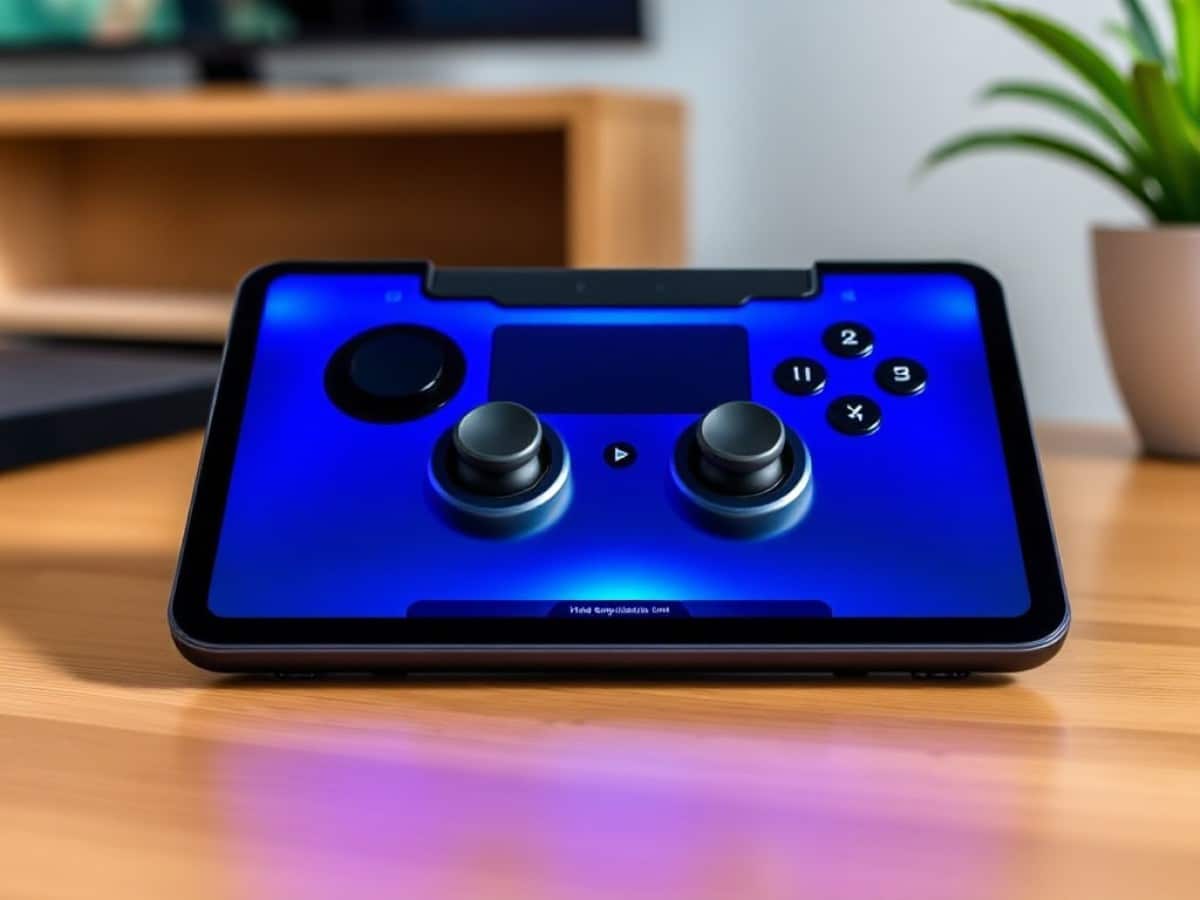
Since 2022, I’ve had an iPad, but it wasn’t until I tried out the Razer Kishi V3 Pro XL that I really started to appreciate its capabilities. This mobile gaming controller has transformed my iPad into a gaming beast, rejuvenating the whole experience. The Kishi V3 Pro XL comes equipped with impressive TMR thumbsticks, four additional buttons, and tactile triggers, all within an ergonomic frame.
The controller features full-sized triggers and thumbsticks and supports passthrough charging, making it a must-have for mobile gaming enthusiasts. However, its high price might be a deterrent, especially since it lacks rumble and haptic feedback on Apple devices.
|
Specs |
Razer Kishi V3 Pro XL |
|---|---|
|
Price |
$199 / £164 |
|
Connectivity |
USB-C |
|
Compatibility |
iPad Pro (11 and 13 inches), iPad Air (11 and 13 inches), iPad (10.9 inches), Android tablets (USB-C) |
|
Layout |
ABXY |
|
Triggers |
Analog |
|
Thumbsticks |
TMR |
|
Back buttons |
Yes, two |
|
Shoulder buttons |
Yes, two |
|
Rumble |
Yes, Razer Sensa HD Haptics |
|
Dimensions |
12.91 x 4.36 x 2.54 inches |
|
Weight |
10.97oz |
|
Color |
Black |
|
Battery |
Built-in, passthrough |
- What is it? A gaming controller for iPads and USB-C tablets
- Who is it for? Anyone who enjoys gaming on the go and wants a comfortable controller
- How much does it cost? The Razer Kishi V3 Pro XL is available for $199 / £164
- What do we like? The ergonomic design, TMR thumbsticks, passthrough charging, and compatibility with many tablets
- What don’t we like? No rumble or haptics on iOS/iPadOS and the premium price tag
From its ergonomic design and passthrough charging, to its powerful TMR thumbsticks and clicky triggers, the Razer Kishi V3 Pro XL is an absolute must-have accessory for iPad owners.
Extremely comfortable and ergonomic
I’ve tested and used my fair share of mobile and tablet gaming controllers. Some have been good; some have been bad; and a few have been peerless in the comfort department. The Razer Kishi V3 Pro XL falls into the third category as it’s one of the comfiest controllers I’ve used — despite its big footprint.
The Kishi V3 Pro XL’s plate where the tablet sits measures 12.91 x 4.36 x 2.54 inches when the controller is outstretched, enabling it to accommodate a 13-inch iPad Pro. Even so, it doesn’t feel unwieldy to handle. It weighs 10.97oz without a tablet inserted, and with my iPad Air 10.9-inch slotted in, the controller weighs 1.73lbs, and I haven’t found it too heavy to hold. Having used the controller for a six-hour straight gaming stint, my hands didn’t feel fatigued or like they were cramping from the controller’s design.
This is also partly due to the ergonomic, chunky grips which feel similar to the ones you’ll find on the likes of the Xbox Elite Wireless 2 ($179). In fact, the Kishi V3 Pro XL feels like what you’d get if you sliced a Razer Wolverine V3 Pro ($199) down the middle and slotted a tablet in between the two grips. That itself speaks volumes about the Kishi V3 Pro XL as the Wolverine V3 Pro is undoubtedly the best premium PC game controller on the market.
I love the full-sized thumbsticks and triggers too which, again, feel like the ones on the Wolverine V3 Pro. I’m a big fan of offset thumbsticks as they feel more ergonomic to me (and something I always miss on my PlayStation DualSense). All in all, the Kishi V3 Pro XL is an excellent, ergonomic controller designed for all-day play.
Compatible with many tablets
If you already own an iPad or an Android tablet, the Razer Kishi V3 Pro XL is the right choice for you. It’s compatible with the iPad Pro (11 and 13 inches), the iPad Air (11 and 13 inches), the standard iPad (10.9 inches), and USB-C Android tablets. You can connect it to your PC too, thanks to the included cable, and use it as a regular gamepad.
Included in the box are two sets of rubber bumpers for adjusting the controller to your device size, alongside two swappable thumbstick caps (one tall concave and one short convex). I found the rubber bumpers super easy to replace, and I’d recommend trying out the different sizes to ensure that your tablet fits snugly.
Powerful TMR sticks
The Razer Kishi V3 Pro XL boasts outstanding gaming performance, thanks to its TMR thumbsticks, mouse-like analog triggers, high polling rate, and more. I tested the controller with my iPad 10.9-inch, as I mentioned earlier, and played my favorite PS5 games via the PS Remote Play app. First, its polling rate can be set to either 1,000Hz or 4,000Hz, adjustable via the Razer Nexus companion app. Having tested both, I didn’t experience any latency issues or input lag.
Next, the TMR thumbsticks. Tunnel Magneto Resistance (TMR) sensors are superior to Hall Effect ones (which are also great in their own right), as they use weak electromagnetic waves rather than strong ones. This means that smaller adjustments and minute movements are picked up by the sensors, and the boost to accuracy in racing and FPS titles is certainly noticeable.
I tested this out by playing Need for Speed Heat, and I instantly noticed the performance difference between playing the game on my DualSense versus the Kishi V3 Pro XL. Thanks to the latter’s TMR sticks, I was able to not only maintain a straight line while driving, I could also go right up to the rear bumper of the car ahead of me and overtake right before making contact. This gave me a bit of a competitive advantage. I found the thumbsticks very comfortable too (I used the short convex caps), and thanks to how responsive they were, I was able to easily navigate down the winding mountain roads and turn tight corners.
I also appreciated being able to make minute adjustments in FPS titles, such as Cyberpunk 2077.
Similar Posts
- Android Rival to iPad Mini: RedMagic Astra 2’s OLED Display Is a Game-Changer!
- Discover Why the Lenovo Legion Tab 3 Outshines the iPad Mini as the Ultimate Compact Tablet
- Hurry: Score $100 Off Apple’s iPad Mini 7 During Prime Day!
- Samsung Galaxy Tab S11 Ultra vs. iPad Pro M5: Which is the Better Buy?
- iPad Pro M5 vs. M4 Comparison: Discover the Most Significant Upgrades!

Tobias Nguyen covers mobile technology and social media trends. He combines a background in digital marketing with a passion for emerging tech to provide readers with data-driven insights and practical tech usage tips.