
Scientists confirm: This is the most effective way to get your cat’s attention, according to new research
Elderly Couple Refuses Reserved Seats—Viral Train Standoff Sparks Fiery Debate on Courtesy
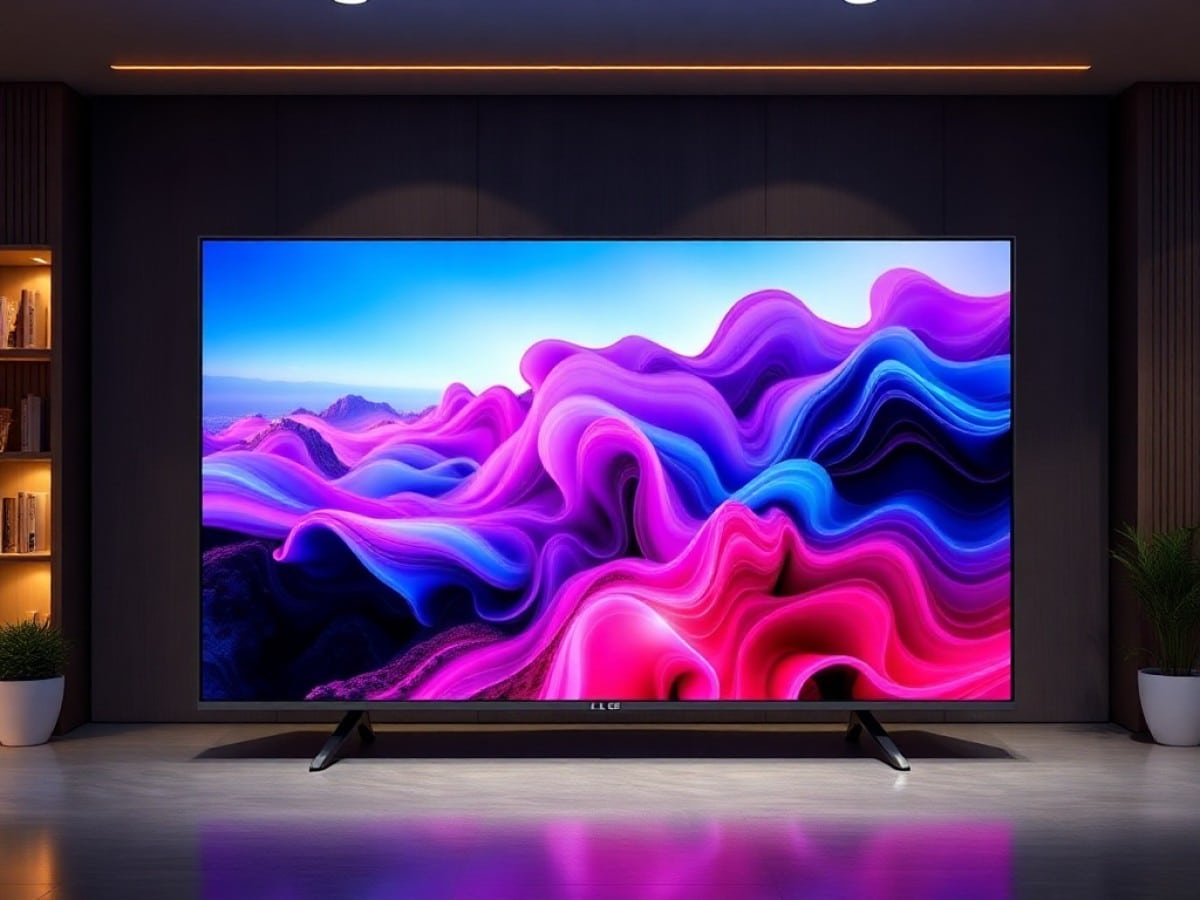
The 2026 LG OLED65G6 is the flagship of LG’s consumer OLED lineup, positioned just below the ultra-exclusive Signature Wallpaper W6 and above the C6 and B6 models. It directly follows the 2025 G5, which introduced the Primary RGB Tandem OLED technology, but significantly corrects its shortcomings, particularly the issues of posterization, dimming, and overshoot that slightly tarnished its reputation.
This evolution includes a new image processing processor as well as an improved anti-reflective filter to better combat room light sources.
Against its competitors, the G6 must defend its legitimacy on several fronts. In 2026, serious rivals include the Samsung S95H (S99H), the Panasonic Z95B, and the Philips OLED+911 and OLED+951, as well as to a lesser extent, the Sony Bravia 8 II, each defending their respective strengths in image quality and video processing. The G6 series is available in several sizes: 48, 55, 65, 77, 83, and 97 inches – with the 48 and 97 using a different panel featuring lower peak brightness.
LG OLED65G6Technical Specifications
| Model | LG OLED65G6 |
|---|---|
| Screen Size | 65 inches |
| Maximum Resolution | 3840 x 2160 pixels |
| Display Technology | OLED |
| Backlighting | Unknown |
| HDR Compatibility | Dolby Vision, HDR10 |
| Refresh Rate | 165 Hz |
| Processor | Alpha 11 4K Gen 3 |
| VRR | Yes |
| ALLM | Yes |
| Audio Power | 60 watts |
| Compatibility | Dolby Atmos |
| Channels | 4.2 |
| Integrated Soundbar | Unknown |
| Audio Outputs | Headphones, Speakers, Optical |
| HDMI Ports Number | 4 |
| HDMI ARC/eARC | Yes |
| Antenna Input | 1 |
| Satellite Input | 1 |
| USB Ports Number | 3 |
| Optical Output | 1 |
| Headphone Jack | Yes |
| Analog Audio/Video Input | 0 |
| Ethernet | Yes |
| PCMCIA (CI+) Port | Yes |
| Wi-Fi Version | Wi-Fi 5 (ac) |
| Bluetooth Version | 5.3 |
| NFC | Unknown |
| External Box | No |
| Frame / Stand Color | Black |
| Stand Position | Central |
| VESA Standard | 300 x 300 mm |
| Operating System (OS) | webOS |
| Assistant | LG ThinQ, Google Gemini, Microsoft Copilot |
| AI Features | Yes |
| Airplay Compatible | Yes |
| Chromecast Compatible | Yes |
| Microphone on the Remote | Yes |
| TV Dimensions without Stand (WxHxD) | 1441 mm x 826 mm x 24.4 mm |
| TV Dimensions with Stand (WxHxD) | 1441 mm x 910 mm x 263 mm |
| TV Weight without Stand | 23.8 kg |
| TV Weight with Stand | 28.1 kg |
| Energy Efficiency | F |
| Durability Index | 8.2 |
| Product Sheet |
LG OLED65G6An Elegant and Masterful Gallery Design
The LG OLED65G6 retains the aesthetic approach of the G series, making it a piece designed as much for admiration as for viewing. Its slim and polished silver aluminum frame encircles the panel with tasteful simplicity, without any unnecessary adornments.
The panel’s thickness remains impressively minimal, almost rivaling that of the Wallpaper model, and the back of the device has been designed to allow nearly flush wall mounting thanks to a mounting system embedded within the TV’s structure itself.
Compared to the C6 series, this one features a slightly thicker profile as it incorporates a cooling system for the panel.
For installation, LG offers two distinct purchase configurations. Keep in mind that the 48, 55, and 65-inch models are shipped with both a stand and a wall-mounting bracket. The stand is also optionally available, which will be useful for TVs in the 77-inch and larger diagonals as they are shipped without a stand in the box.
Two installation heights are offered to accommodate the presence or absence of a soundbar placed under the screen. The difference is 4 cm between the two positions, offering a maximum elevation of 9 cm relative to the stand. Count on a base that is 48 cm wide by 26 cm deep.
An integrated cable management system ensures the entire installation remains perfectly tidy, whether the TV is mounted on the wall or placed on its stand.
LG OLED65G6Connectivity That Matches the Product
The LG OLED65G6’s connectivity features are identical to those of the previous generation of LG TVs. It presents a generous and well-thought-out ensemble to meet the needs of the most demanding users. Thus, the TV has four HDMI 2.1 inputs, each offering a maximum bandwidth of 48 Gbps, allowing uncompromised transmission of 4K signals at 120 Hz with HDR, as well as PC signals at 4K at 165 Hz.
The eARC feature is supported on HDMI port 2, allowing the transmission of high-resolution multichannel audio to a compatible soundbar or AV amplifier without any loss of quality. Three USB ports are also present, with one oriented laterally for easy temporary connections, and two oriented downwards, grouped with the rest of the connectors.
The rest of the downward-oriented connectivity includes two additional HDMI inputs, a LAN Ethernet port for a stable wired network connection, an optical digital audio output, as well as inputs for DTT and satellite antennas. A connector for an external infrared remote control is also present. Note that Wi-Fi is integrated, and Bluetooth allows connecting wireless headphones, keyboards, or speakers.
The issue of screen burn-in — known as burn-in — deserves to be addressed transparently for any OLED TV. As with previous generations, the OLED65G6 incorporates LG’s usual protections, grouped together in the settings: automatic brightness adjustment according to static content, logo detection to reduce long-term impact, and the ability to launch screen refresh cycles, in addition to those done automatically during standby. Also note the possibility of activating the pixel shifting function.
A Mixed Review for the Remote
The remote provided with the LG OLED65G6 is a recurring topic in reviews of the TV, and this year again, it fails to match the quality of such a premium device. It is exactly the same as on the 77C6. Made of matte black plastic, without backlighting, it is unpleasant to use in the darkened setting of a home cinema room.
Fortunately, its gyroscopic nature with an on-screen pointer allows for very easy navigation through the menus. Pointing, clicking, and scrolling through content with near-surgical precision is infinitely more comfortable than navigating blindly with directional keys. Note the appearance of a button marked with a small heart that allows setting a shortcut.
LG OLED65G6Subjective Image Mode: A Decisive Leap in Quality
Moreover, note that all C6, G6, and W6 series use the LG Hyper Radiant Color system. Under this “marketing” name are grouped the technologies Brightness Booster, the image processing of the Alpha 11 AI Gen 3 processor, deep blacks (Perfect Black), and reflection management (Reflection Free) as well as the most vivid colors ever produced on an OLED TV (Perfect Color and Tandem OLED).
The LG OLED65G6 thus uses Primary RGB Tandem technology with 4 layers, a type of WOLED OLED panel in which the red, green, and blue subpixels are stacked in multiple layers to multiply brightness and color richness. This approach, introduced on the G5 in 2025, had represented a significant technological leap compared to previous WRGB OLEDs but suffered from visible flaws in color transitions and black fades.
On the G6, LG has resolved these issues by introducing 12-bit per color channel processing, moving from 1,024 levels to 4,096 levels of precision per channel, and a 13-bit luma channel that doubles the rendering capacity in brightness of highlights. Thanks to the Alpha 11 AI Gen 3 processor, which is capable of handling this.
The result is immediately noticeable on the screen. The available image modes are: Filmmaker, Home Cinema, Vivid, Standard, Expert (bright room), and Expert (dark room), as well as a Game Optimizer mode. Note also a Custom Image mode which allows, as in previous years, to choose between several image samples, those preferred, if applicable.
In everyday use, unsurprisingly, the Filmmaker mode remains the reference for cinema and streaming content, with color accuracy and grayscale precision that rival professional mastering monitors. This year, LG specifically worked to align the settings of this Filmmaker mode with those of the Sony BVM-HX3110 reference monitor, used in Hollywood studios. We will see this in the chapter dedicated to measurements, a little further down.
Regarding brightness, note that the 48G6 features Brightness Booster Pro technology while other sizes up to 83 inches use a more advanced version, Brightness Booster Ultra (classic version for the 97 inches) replacing Brightness Booster Ultimate. This is notably where the difference will be made with the 77-inch C6 (and 83 inches) that rely on Brightness Booster Pro technology, therefore less bright.
What does it look like on the screen?
For test sequences from streaming platforms like Netflix, Disney+, or Apple TV, the G6 delivers remarkably uniform images. Black fades are now managed with impeccable fluidity.
No more banding or posterization effects in dark scenes or explosion sequences.
In 4K Blu-rays like The First Man, the blacks are perfect and no detail is lost in the dark corners of the image. The details are truly striking. Explosions are extremely well rendered in Mad Max: Fury Road and one appreciates the color gradients and also the screen brightness in Pan, for example.
Furthermore, motion handling is also exemplary. The G6 perfectly reproduces content at 24 frames per second without judder or unwanted motion blur, and for viewers sensitive to the natural judder of cinema, the Cinematic Movement option in the TruMotion menu uses AI to subtly smooth the image without introducing the dreaded “soap opera” effect.
50 Hz content from terrestrial television is also reproduced
Similar Posts
- TCL X11L Review: Can Mini-LED SQD Truly Rival Premium OLED TVs?
- Sony Bravia 7 II Review: More Affordable True RGB Mini LED Than Bravia 9 II!
- I Tested the LG OLED77C6 TV: Experience Next-Level OLED Brilliance and Features!
- I Explored Samsung’s R95H TV: Experience Top-Tier 75-inch Micro RGB Brilliance
- Tested: Haier H65S80GUX – A Precision-Focused 65-Inch TV at Just €600!

Maya Singh is a senior editor covering tablets and hybrid devices. Her work explores how these tools reshape digital productivity and learning. She also contributes to feature editorials on emerging tech.