
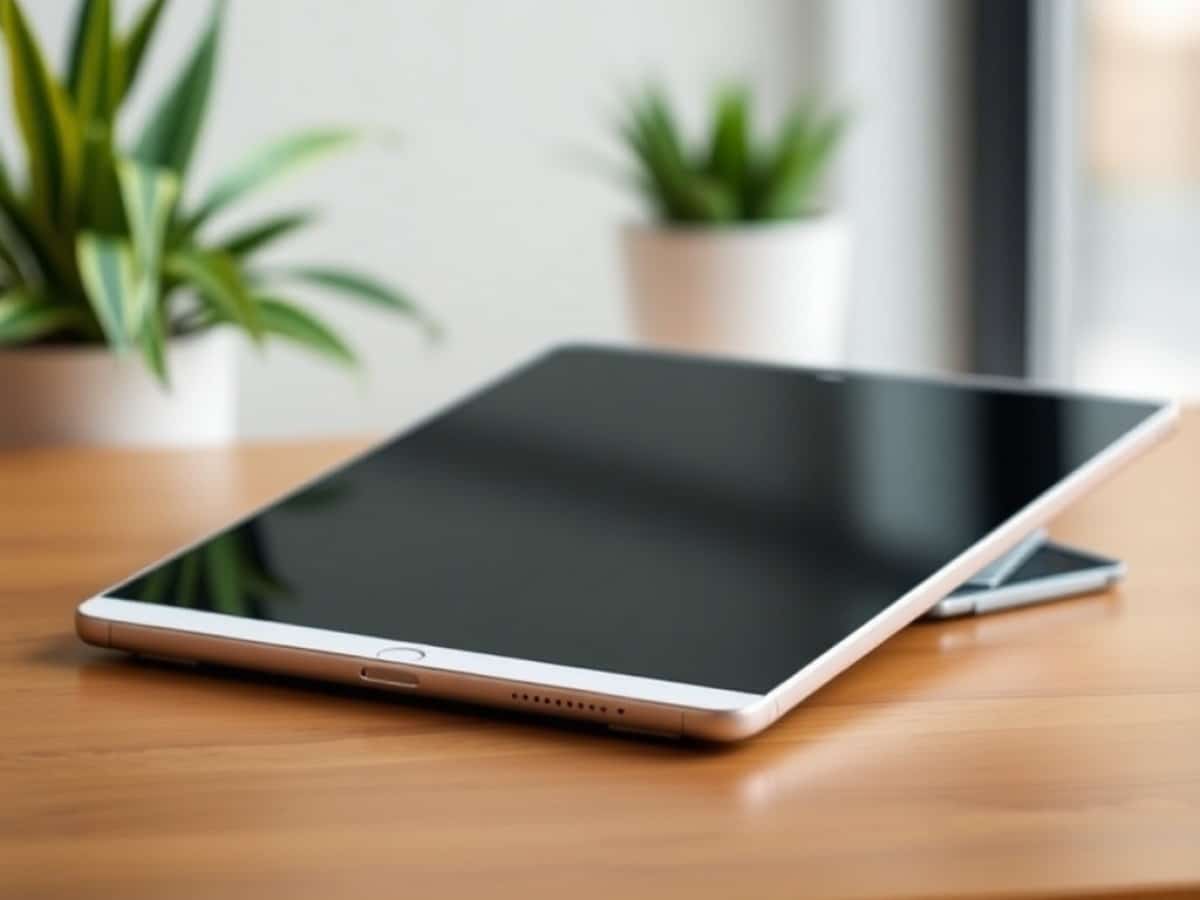
Have an old iPad? Here are 5 great ways to repurpose it
Scientists confirm: This is the most effective way to get your cat’s attention, according to new research
Elderly Couple Refuses Reserved Seats—Viral Train Standoff Sparks Fiery Debate on Courtesy
If you recently upgraded to a newer model like the iPad Air M3 or the iPad Mini 7, your old iPad might just be gathering dust in a drawer somewhere. Despite being outdated and possibly unsupported by the latest software updates, these older models are still quite capable of performing various useful tasks.
Rather than disposing of it as electronic waste or selling it for a negligible amount, consider transforming your old iPad into a device that addresses daily needs. Whether it’s enhancing productivity, controlling your smart home, or providing entertainment, there’s still plenty of utility left in your old tablet.
1. Transform it into a secondary display
Adding another monitor can significantly increase your productivity, but purchasing a new monitor can be expensive. Instead, your old iPad can serve as a wireless secondary display for your computer in just a few steps.
For Mac users, Apple’s Sidecar feature allows you to easily turn your iPad into a second screen. Simply log both devices into the same Apple account, connect to the same Wi-Fi network, navigate to System Settings, select ‘Displays’, and choose your iPad. It will seamlessly extend your Mac’s desktop.
Why You Should Never Reheat These Foods in the Microwave – The Hidden Dangers Experts Warn About
I tried the top 5 guard dogs—here’s what makes these breeds the ultimate protectors
Windows users can opt for third-party solutions like Duet Display or Spacedesk. Download the application on both your PC and iPad, connect them via Wi-Fi or a USB cable, and enjoy a dual display setup. This is ideal for keeping essential apps like email open, or for more comfortably managing tasks across multiple screens.
2. Convert it into a smart home dashboard
Install your old iPad in a central area like the kitchen or entryway and use it as a dedicated control panel for your smart home devices such as lights, thermostats, and security cameras.
If you’re using Apple’s HomeKit, the pre-installed Home app is perfect for managing your devices. Set up is straightforward: pair your devices with the app, categorize them by rooms, and program scenes or routines. For non-HomeKit devices, you can use alternatives like SmartThings or Google Home. The main benefit is having a constant, dedicated interface for controlling your smart devices without needing to use your phone.
It’s a good idea to keep the iPad plugged in; most models can handle continuous charging without any issues.
3. Repurpose it as an e-reader
Turn your old iPad into an e-reader and gain access to a vast library of books across multiple platforms like Apple Books, Kindle, and others without spending additional money on devices like a Kindle.
Unlike dedicated e-readers, an iPad allows you to shop for books from multiple retailers. Adjust your display settings to reduce blue light and consider setting up a Focus mode to minimize distractions, enhancing your reading experience.
4. Use it as a digital photo frame
An old iPad can be set up as a digital photo frame, cycling through an album of cherished memories. Use apps that sync with cloud services like iCloud, Google Photos, or Dropbox to continually update the displayed photos without manual intervention.
Consider purchasing a frame that complements your interior decor to house the iPad, either mounted on the wall or placed on a stand. This not only recycles your old device but also adds a personal touch to your living space.
5. Make it a dedicated gaming console
Older iPads can still handle many games available on the App Store, including those available through Apple Arcade. This can be particularly useful for children, as you can set parental controls to manage usage times and app purchases.
Connect a Bluetooth game controller for an enhanced gaming experience, particularly for games that benefit from a larger display.
Don’t forget to follow Tom’s Guide on Google News and add us as a preferred source to stay updated with our latest news and reviews. Be sure to hit the Follow button!
- Exploring iPad tips: 15 shortcuts professionals can’t live without
- How to enhance your Mac’s performance for free
- Is your mechanical keyboard unclean? Here’s a quick guide on how to clean it
Similar Posts
- Apple Releases iOS 16.7.15 and 15.8.7: Critical Updates Fix Security Flaws!
- Amazon Phases Out Support for Older Kindle Models: What It Means for Your E-Reader
- iPadOS 26 Unveiled: Key Features, Compatible Devices, and Fresh Updates
- Top Tablets Under $500: Discover Our Expert Reviews and Top Choices!
- SwitchBot AI Art Frame Review: Digital Photo Frames Are Far From Dead!

Tobias Nguyen covers mobile technology and social media trends. He combines a background in digital marketing with a passion for emerging tech to provide readers with data-driven insights and practical tech usage tips.