

A few days after making its integrated agent generally available, Figma is rolling out a set of new capabilities designed to bring designers, engineers and product managers into the same workspace.
Scientists confirm: This is the most effective way to get your cat’s attention, according to new research
Elderly Couple Refuses Reserved Seats—Viral Train Standoff Sparks Fiery Debate on Courtesy
Figma is pushing further to make its design platform a single place to build products end-to-end. Following the Config 2026 announcements in June, the company has opened up code on the canvas in beta, launched a built-in specifications editor, and added an integration with the Payload CMS. Dylan Field, Figma’s cofounder and CEO, explained that customers frequently prefer collaborating together on the canvas rather than leaving the design environment to work with code agents in a terminal or an IDE.
Prototypes backed by real code, created right on the canvas
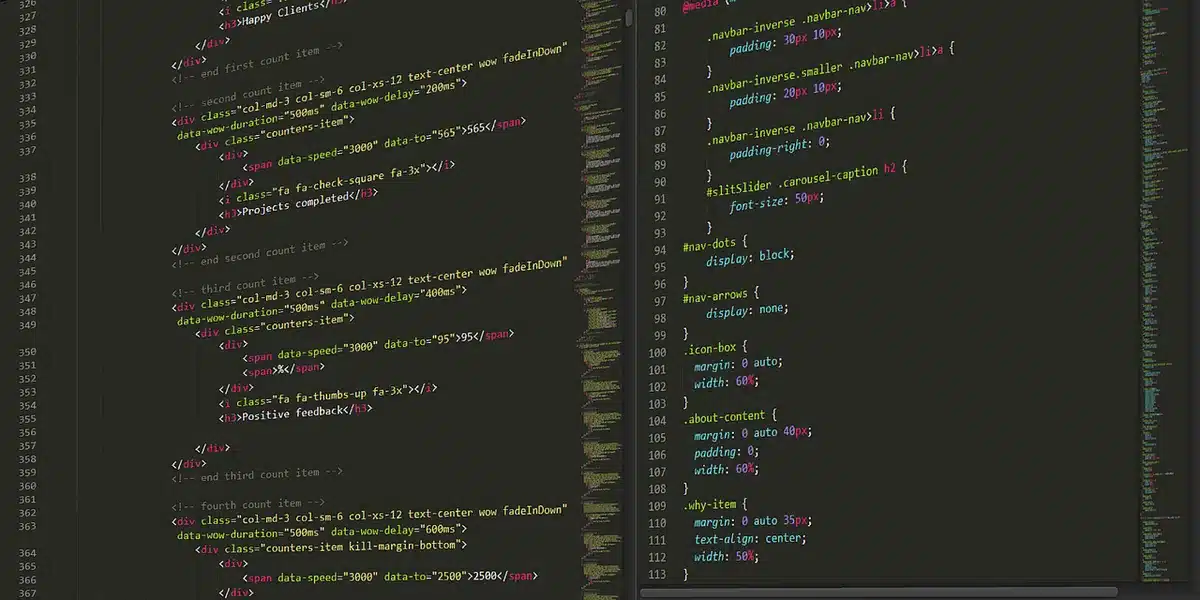
Figma’s new “code layers” let teams create, iterate on, modify and compare prototypes that are tied to actual source code, all without leaving the Figma Design canvas. These code-backed prototypes can be pushed forward toward production-ready applications. There are three primary ways to generate a code layer:
– Ask the Figma agent via a prompt,
– Import from a GitHub repository,
– Use a third-party code agent that connects through Figma’s MCP server.
Existing static mockups can also be transformed into interactive code layers. Figma’s MCP server has been extended with about 20 new partner integrations, including names such as Open Code, Dia and Meta Muse, expanding the ecosystem of tools that can plug into code layers.
Alongside code layers is the in-product Figma agent, which first appeared in beta in May. This AI assistant lives inside Figma Design and leverages a team’s components, variables and design system to produce variations, apply bulk edits, or auto-document a library. On October 6 the agent moved to general availability with lower latency, the ability to search Figma files from the chat, and configurable instructions so teams can provide it with the context of their design libraries. One notable change at GA: use of the agent now consumes AI credits, whereas it was free during the beta period.

Figma Specs: a native Markdown editor to capture intent for people and agents
Introduced at the same time, Figma Specs is a native Markdown editor intended to capture a project’s intent and implementation details. These spec documents are meant for both human team members and for AI agents that will execute tasks. A spec can exist as its own file within Figma or sit alongside work directly on the canvas. Beyond the usual Markdown capabilities, Specs can reference canvas elements and embed FigJam diagrams, code layers, or interactive mockups, making documentation and design tightly coupled.
Figma is also consolidating design system management into a centralized area where teams can gather design libraries, code libraries and guidelines in one place. Instead of attaching multiple scattered context sources, teams can connect a single design system and use Figma’s new visualization and improvement tools to maintain and evolve those systems.
Payload arrives in Figma Make so generated apps can use real data
Payload, the open-source CMS and backend that joined Figma earlier this year, is now integrated with Figma Make. Apps created by prompt inside Make can rely on Payload to create, publish and manage content and data from within the same environment. Figma reports that Payload downloads have grown roughly sixfold over the past 12 months.
Why You Should Never Reheat These Foods in the Microwave – The Hidden Dangers Experts Warn About
I tried the top 5 guard dogs—here’s what makes these breeds the ultimate protectors
In practical terms, several roles can work off the same dataset: designers can build interfaces populated with real content; marketers can create and update that content via an integrated admin panel; and developers can extend or customize the application using Payload’s open-source framework.
These features will be rolled out gradually over the coming weeks, with availability varying by feature and account. Code layers are available today in an open beta; precise access rules and further details are documented on Figma’s support center.
Similar Posts
- Figma Unleashes AI Agents: Revolutionize Design by Creating and Modifying Components!
- Figma Revolutionizes Creativity: Unites Design, Code, and AI on One Canvas!
- Figma Unveils AI Agent in Collaborative Workspace: Revolutionize Your Design Process!
- Figma Integrates Claude Code: Transform Designs with AI-Generated Code!
- Figma’s Latest Features: AI-Powered Code Generator, Vector Drawing, Website Creation Unveiled!

Jordan Park writes in-depth reviews and editorial opinion pieces for Touch Reviews. With a background in UI/UX design, Jordan offers a unique perspective on device usability and user experience across smartphones, tablets, and mobile software.