

Scientists confirm: This is the most effective way to get your cat’s attention, according to new research
Elderly Couple Refuses Reserved Seats—Viral Train Standoff Sparks Fiery Debate on Courtesy
Let’s be frank: very few users actually need bleeding-edge hardware. For the vast majority, any laptop that runs a web browser covers most daily needs. While Apple promotes its MacBook Neo with this idea in mind, Acer responds with the Swift Air 14 — the model we’ve evaluated here.
Specifications
| Model | Acer Swift Air 14 (2026) |
|---|---|
| Dimensions | 313.9 mm x 12.9 mm |
| Resolution | 1920 x 1200 pixels |
| Display type | LCD |
| Processor (CPU) | Core 5 320 |
| Graphics (GPU) | Intel Graphics |
| Memory (RAM) | 8 GB |
| Internal storage | 512 GB |
| Finish | Metal |
| Operating system (OS) | Microsoft Windows 11 |
| Weight | 1,190 grams |
| Depth | 222.6 mm |
| Product page |
Appearance and build
When you expect a sub-€1,000 Acer laptop, a lot of the usual compromises come to mind. Yet the Swift Air 14 surprises by elevating its materials and finishing. The lid and top frame are crafted from aluminum with a pleasant feel, a clear step up from the more typical plastic used on many budget models; the only plastic now sits on the underside cover hiding the internals.
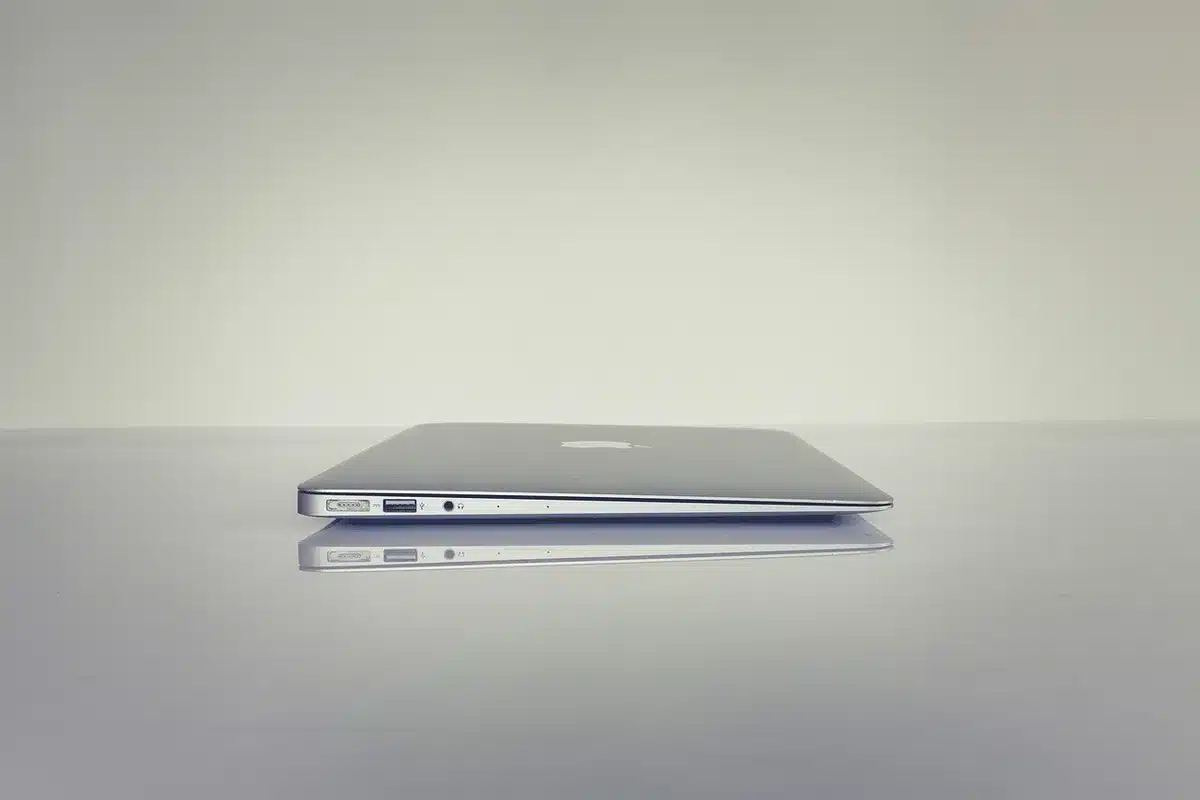
The compact 14-inch footprint helps, but Acer has balanced the design so the device weighs just 1.19 kg and measures about 1.3 cm thick. That makes it easy to slip into a bag or carry between classes and meetings, and the hinge is well-tuned to let you open the laptop with a single hand — a small but welcome convenience.
Keyboard and trackpad
On the input front Acer sticks to a familiar layout: widely spaced keys with scissor switches. Key travel is adequate, but the feedback is a little soft and the top case flexes noticeably while typing. It works fine for document work, though it lacks the satisfying firmness some users prefer.

The touchpad offers a smooth glide, yet its click mechanism feels spongy and occasionally fails to register light presses. You’ll need to press a bit more decisively than expected. The backlit keyboard is a nice touch, however, and overall the input hardware is acceptable for the price bracket.
Ports and connections
Port selection includes two USB-C ports with Thunderbolt 4 support on the left side, and on the right you’ll find a USB-A 3.2 Type-A port plus a 3.5 mm headphone jack.
Having Thunderbolt 4 at this price is a pleasant surprise, but note there’s no native HDMI output — you’ll need to rely on the USB-C connectors, often via an adapter, for external displays or some peripherals.
Wireless connectivity is modern: the laptop supports Wi‑Fi 6E (including the 6 GHz band) and Bluetooth 5.3.
Camera and sound
The webcam is a 1080p unit on paper, but in practice its output is unimpressive — dynamic range management is poor and noise levels are high, giving the impression of a lower-resolution sensor in many lighting conditions.
Audio quality from the built-in speakers is disappointing: the sound is thin and the treble can become harsh. For comfortable listening, use wired headphones via the jack or pair a Bluetooth headset or external speakers.
Display
The Swift Air 14 features a 14-inch IPS LCD panel with a 1920 x 1200 resolution (16:10). The panel supports a variable refresh rate ranging from 30 Hz up to 120 Hz, which is a plus for smoothness when available.
Using our probe and CalMAN from Portrait Displays, we measured 103% coverage of the sRGB color space and about 70% of DCI-P3. Peak brightness reaches around 357 cd/m², reasonable for this segment, and the contrast ratio is approximately 1,168:1 — adequate for an IPS LCD.
White point averaged around 6,310 K, fairly close to the D65 reference of 6,500 K. Color accuracy yielded an average Delta E 2000 of 3.99 (acceptable but not highly accurate), with the largest deviation at 8.31 on red tones. All in all, this panel performs decently for the price — not exceptional, but certainly usable.
Software and preinstalled apps
The Swift Air 14 ships with a heavy load of preinstalled promotional apps. Acer has a habit of bundling extras, and here that tendency is pronounced — which is unfortunate given the machine’s 8 GB of RAM. We strongly recommend cleaning out the unnecessary apps before you try to multitask heavily.
That said, Acer’s AcerSense utility is useful for fine-tuning system behavior. The company also includes several widgets and small apps, some of which feel redundant — especially certain photo-oriented tools that most users won’t need.
Performance
Under the hood sits Intel’s Core 5 320, a new system-on-chip designed to compete with low-cost Apple silicon options. It packs six cores (two performance cores and four efficiency cores), with the performance cores able to reach up to 4.6 GHz. The unit we tested pairs the CPU with 8 GB of LPDDR5X memory at 7,467 MT/s and a 512 GB PCIe Gen 4 SSD.
Benchmarks
In Cinebench 2026 the laptop scored 1,499 points in multithread and 434 points single-thread. The takeaway is clear: you’re looking at performance roughly equivalent to Intel silicon from a couple of generations back. Multithreaded power is limited, so this isn’t a machine for demanding content creation.
The single-thread result is more favorable and matches our day-to-day impression: the system remains snappy for general office tasks and web browsing.
Graphics performance is modest — a 3DMark Steel Nomad Light score of 1,137 is low for current standards. It’s fine for light video decoding and casual multimedia, but forget about gaming or heavy GPU workloads.
The PCIe Gen 4 SSD’s performance is somewhat underwhelming for a Gen 4 drive; sequential write rates in particular are on the slower side, which can make the system feel less responsive under heavier file operations compared with faster NVMe drives.
Thermals and acoustics
The Swift Air 14 doesn’t run particularly hot — the chassis rarely exceeds 40 °C even under substantial load. However, the cooling fans can be slightly more noticeable than you might expect: their tone is a bit high-pitched and can stand out against environmental noise.
Battery life
Acer equips the Swift Air 14 with a fairly large 70 Wh battery for a laptop this size. It charges via USB Power Delivery, though the power brick is not supplied in the box.
In a standard office scenario with the screen set to 50% brightness, we recorded roughly 12–13 hours of use — a comfortable runtime for a compact laptop, even if it’s not record-breaking.
Acer claims up to 19 hours on paper, a laboratory figure we didn’t come close to in real-world office testing. The company also advertises a rapid-charge capability that brings the battery to 50% in around 30 minutes.
Price and availability
The Swift Air 14 is offered in a single configuration priced at €899.99. It frequently appears in promotions — at the time of this review it was selling around €699.99.
-
Boulanger
899,99 €
-
Fnac Marketplace
779,47 €
For comparison, Apple’s MacBook Neo launched at €699 in March but rose to €799 in June amid memory-driven price increases. At €799 it ships with an A18 Pro, 8 GB of RAM, and just 256 GB of storage. When the Swift Air 14 is on sale at €699.99, it undercuts that by €100 while offering twice the storage capacity.
Similar Posts
- Review: Acer Swift Edge 14 AI (2025) – Stunning, Lightweight Laptop Lacks Power
- Acer Swift 16 AI (2026) Review: Experience the Best of Intel and Acer in One Product!
- Acer Aspire 14 AI (2025) Review: Smart Sacrifices for an Unbeatable Price!
- Acer Chromebook Spin 514 Review: Seamless, User-Friendly Experience Unveiled!
- Altyk L16F Review: Impressive French Innovation? Find Out Now!

Maya Singh is a senior editor covering tablets and hybrid devices. Her work explores how these tools reshape digital productivity and learning. She also contributes to feature editorials on emerging tech.