
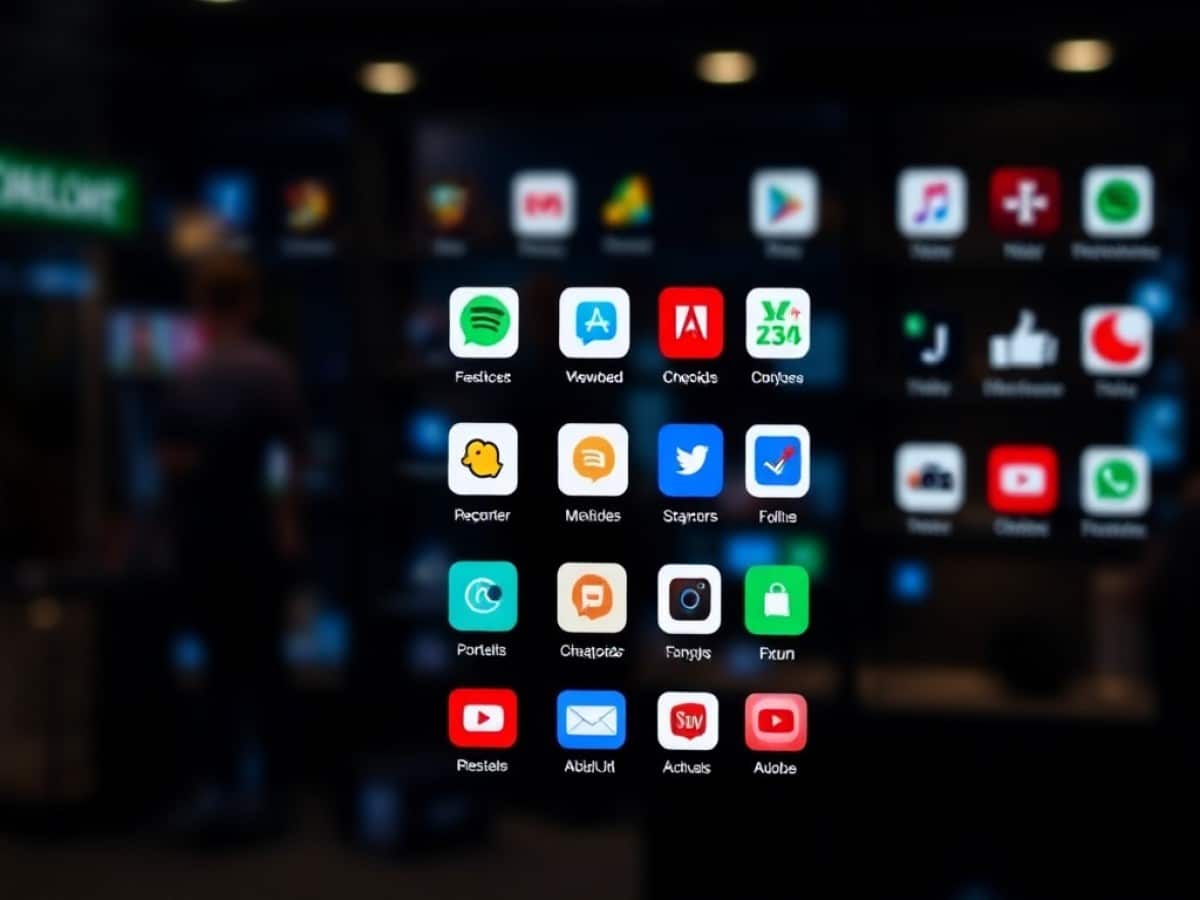
Launched on Wednesday, December 17, this directory provides access to applications developed by companies like Canva, Spotify, Adobe, and OpenTable, enhanced by the capabilities of ChatGPT.
Scientists confirm: This is the most effective way to get your cat’s attention, according to new research
Elderly Couple Refuses Reserved Seats—Viral Train Standoff Sparks Fiery Debate on Courtesy
As promised, ChatGPT now supports applications. On Wednesday, December 17, 2025, OpenAI officially introduced an app store where over a hundred “native experiences”, utilizing the chatbot’s capabilities, are already available. Companies like Canva, Adobe, Spotify, and Expedia have integrated their applications.
ChatGPT Introduces Its Own App Store
Available through the newly added Applications tab on the sidebar, or by directly entering chatgpt.com/apps in the address bar, this directory allows users to connect with numerous applications for tasks such as “ordering groceries, converting a layout into a presentation, or finding an apartment”, according to a blog post by OpenAI. Since Wednesday, ChatGPT has been able to connect with Adobe Photoshop for editing and styling images, Booking.com for hotel reservations, Expedia for planning trips, and Spotify for creating playlists and discovering songs or podcasts.
Why You Should Never Reheat These Foods in the Microwave – The Hidden Dangers Experts Warn About
I tried the top 5 guard dogs—here’s what makes these breeds the ultimate protectors
Still in beta, the Applications tab organizes the apps into three categories: Featured, Lifestyle, and Productivity. Currently, the store primarily features applications developed by large companies, each with its own presentation page briefly detailing its capabilities.
How to Install an App on ChatGPT?
To connect ChatGPT to an application, simply go to the app store, select an app, and click on the Connect button. Before installation, OpenAI discloses “what types of data can be shared with the third party”, the statement clarifies. For instance, the third party may access data like the user’s IP address and approximate location, as well as the user’s ChatGPT account data, including conversation history.
Users always maintain control: disconnect an app at any time, and it immediately loses access.
To use an installed app within a chat, simply mention it with an @ in a conversation, or revisit the app’s presentation page under the Applications tab and click on Start Chat. “We are also testing methods to recommend relevant and useful apps directly within conversation threads, based on indicators like conversational context, app usage habits, and user preferences”, adds OpenAI.
How to Develop an App for ChatGPT?
To create these new experiences integrated directly into the ChatGPT interface, developers can use the Apps SDK, which was launched in a preliminary version in October and is now in beta. Available at this link, this development kit is open source and based on the Model Context Protocol (MCP) developed by Anthropic, which enables AI models to connect to various data sources and external tools. Additionally, OpenAI provides documentation offering “coding tips and example applications”. And since this Wednesday, any completed app that adheres to the established guidelines can be submitted for approval, the company states.
Applications must adhere to OpenAI’s usage policies, be suitable for all audiences, and comply with third-party terms of use when accessing their content, OpenAI specifies.
Similar Posts
- Claude Enhances Productivity: Now Integrates with Slack, Figma, Canva, and More!
- Apple Music May Integrate with ChatGPT: Could This Change How You Listen to Music?
- ChatGPT Revolutionizes Meetings: Now Integrates with Google Drive, Outlook, GitHub!
- ChatGPT Mastery: How to Record, Transcribe, and Summarize Meetings Like a Pro!
- GPT-5 Powers ChatGPT: Now Accessing Your Gmail and Google Calendar Data!

Jordan Park writes in-depth reviews and editorial opinion pieces for Touch Reviews. With a background in UI/UX design, Jordan offers a unique perspective on device usability and user experience across smartphones, tablets, and mobile software.