

Scientists confirm: This is the most effective way to get your cat’s attention, according to new research
Elderly Couple Refuses Reserved Seats—Viral Train Standoff Sparks Fiery Debate on Courtesy
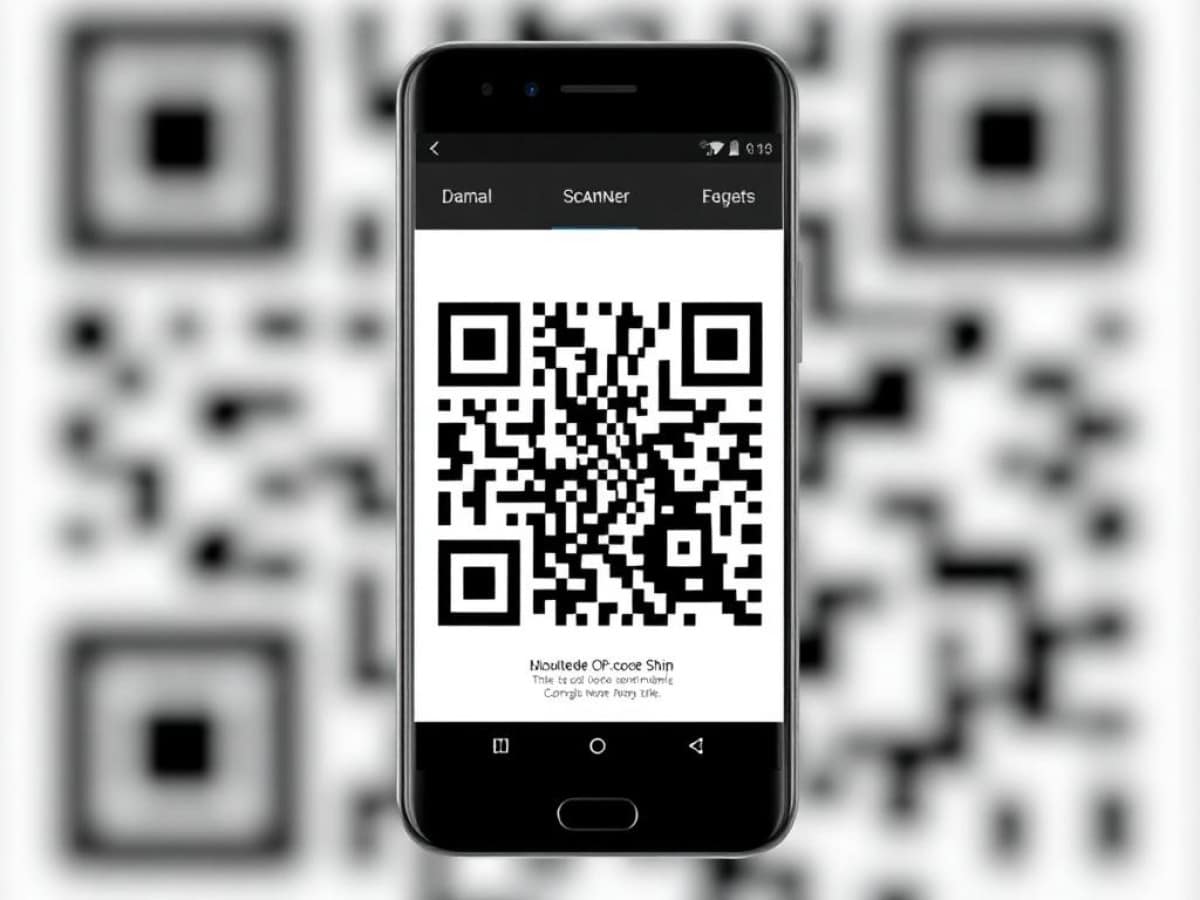
Scanning QR codes on Android is now easier and more functional. Google has updated its interface to include new options post-scan, a minor tweak that promises to streamline many everyday tasks.
QR codes have become an everyday tool. From payments and menus to authentication and file sharing, their use on mobile devices has become widespread. Android continues to roll out new features. For instance, Google is developing two new AI functions to enhance online shopping experiences, such as a virtual try-on system and a price drop alert. In line with these innovations, the QR code scanner has also received an upgrade.
In version 25.26.35 of Google Play Services, Google is launching a revamped version of its QR code scanner. Identified by 9to5Google, this update introduces several useful post-scan actions: copying text, sharing the link, or simply opening it. The interface has been redesigned, with buttons now grouped in a rounded area at the bottom of the screen. The phrase “Scan a QR code” has been made less obtrusive to avoid cluttering the display.
Why You Should Never Reheat These Foods in the Microwave – The Hidden Dangers Experts Warn About
I tried the top 5 guard dogs—here’s what makes these breeds the ultimate protectors
New Features like “Copy” and “Share” Added to Android’s QR Code Scanner
Once a QR code is detected, Android now presents a more functional box. Users can choose to open the link, copy it, or share it with a contact. These options are displayed in a layout that adheres to the Material You design aesthetics. Google has also repositioned the flashlight icon and the “Scan from a photo” option to the bottom of the screen, near the main button. All features are accessible without exiting the scanner. This update is designed to speed up use in common situations and reduce handling errors by making commands more visible.
This new design is part of a series of enhancements related to QR codes on Android. The Circle to Search feature already enables automatic recognition of QR codes. Google has also incorporated QR sharing into Quick Share. Additional features are in development, such as Identity Check, which could allow a connected watch to unlock a smartphone. If the new scanner interface doesn’t appear immediately, restarting the smartphone might resolve the issue.
Similar Posts
- Easily Transfer Files from Windows to Android: Discover the Ultimate Guide!
- Touch Reviews – U.S. High-Tech News, Apple, Mobile & Social Trends
- Google Photos Celebrates 10 Years: Multiple Exciting Gifts for Users!
- Google Expands AirDrop Support for Android: Seamless Sharing Just Got Better!
- Revolutionize Your Reading: Amazon Integrates AI Chatbot for Spoiler-Free Ebook Insights