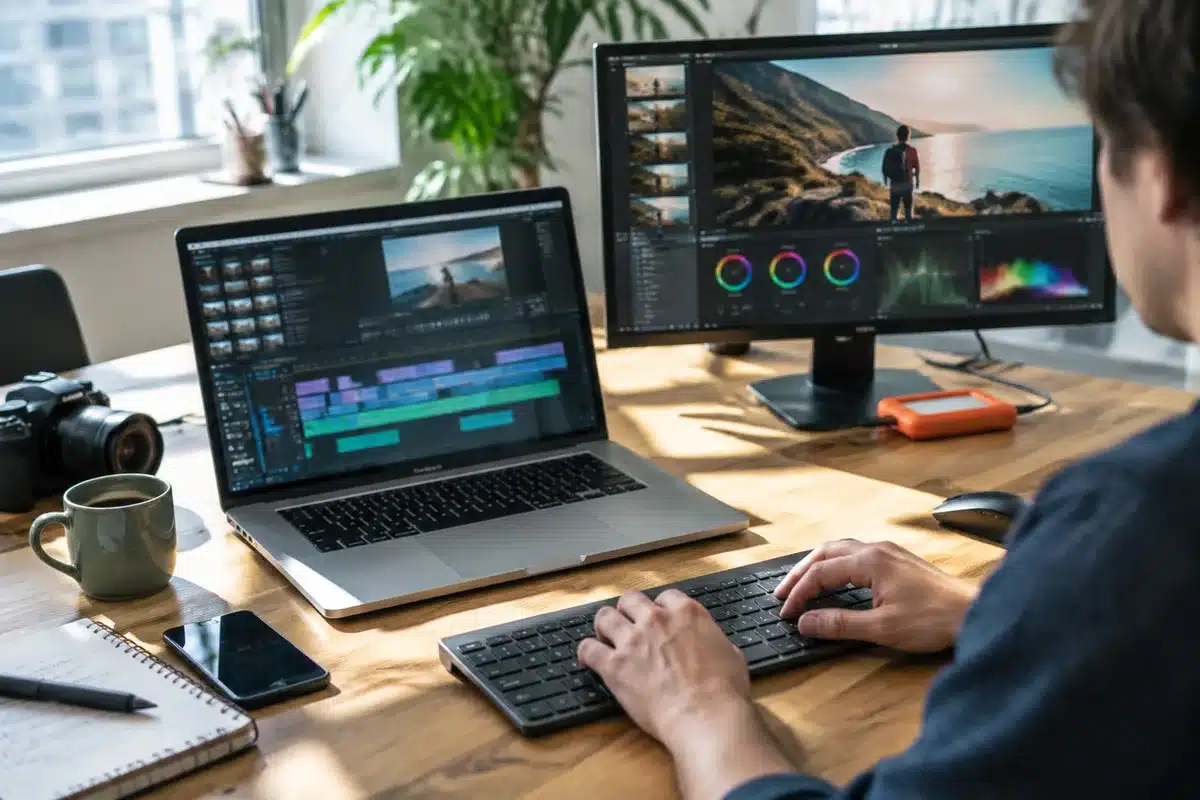
A curated set of courses to learn how to ingest footage, perform color grading, mix audio and animate visuals — covering the whole process from shooting to publishing on social networks.
Scientists confirm: This is the most effective way to get your cat’s attention, according to new research
Elderly Couple Refuses Reserved Seats—Viral Train Standoff Sparks Fiery Debate on Courtesy
- Professional video editing and motion design with École des Vidéastes
- Video editing for TikTok, Instagram and YouTube — creating platform-specific content with Axio Formation
- Video editing: Premiere Pro and After Effects with Wemodo
- Video editing and generative AI with ESRA
- Video editing for professional communication with Formation-Communication.fr
Why You Should Never Reheat These Foods in the Microwave – The Hidden Dangers Experts Warn About
I tried the top 5 guard dogs—here’s what makes these breeds the ultimate protectors
Professional video editing and motion design with École des Vidéastes
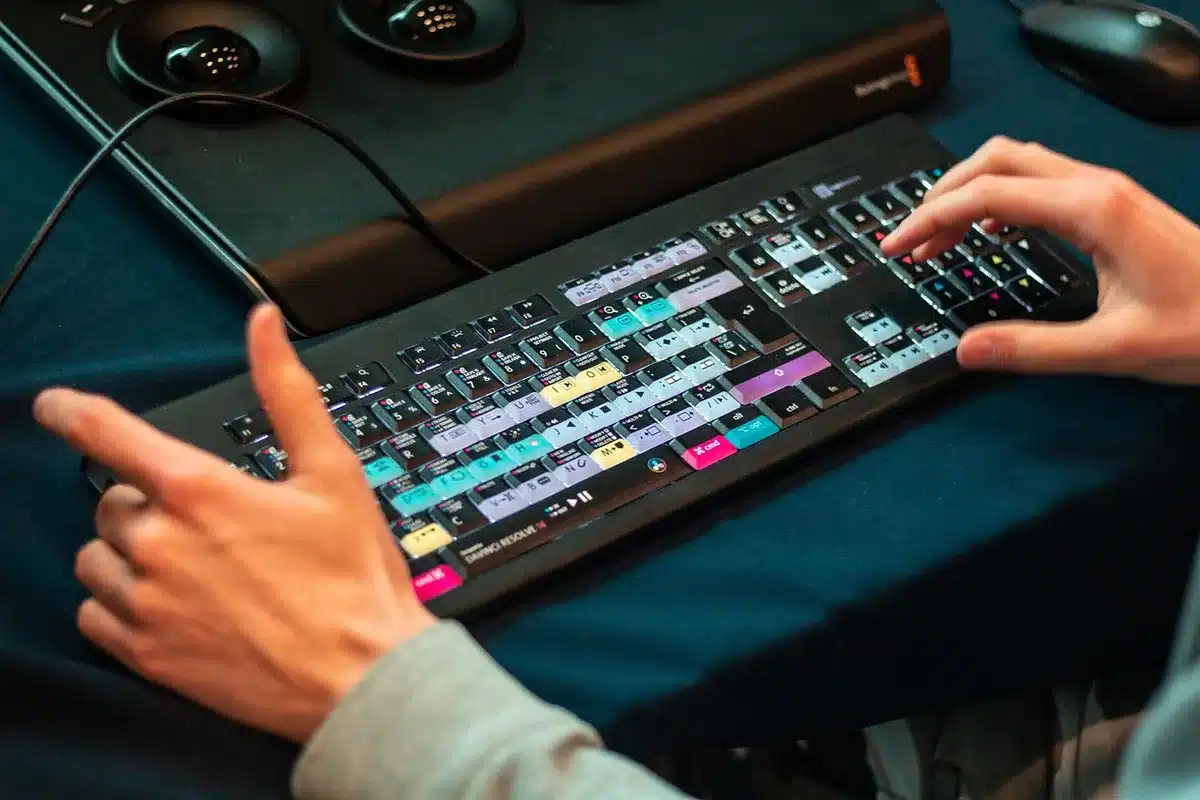
This program walks you through every phase of producing a video, from planning and shooting to final delivery. Initial modules cover camera settings, lighting techniques and sound capture. A substantial portion is devoted to editing and color grading using DaVinci Resolve. After Effects modules teach how to animate graphical elements and apply visual effects. The aim is to produce polished, professional-quality pieces, complete with subtitles and packaged for the intended distribution channel.
Duration: 2 to 3 months (52 hours)
Mode: remote learning
Who can apply: employees, jobseekers, companies and students
Price: €1,499, eligible for CPF funding
Request the syllabus
Video editing for TikTok, Instagram and YouTube — create platform-tailored content with Axio Formation
This course teaches how to design videos adapted to each social platform, from TikTok’s vertical short-form format to long-form YouTube content. The editing software is chosen to match participants’ needs and equipment: it can be a professional suite like Premiere Pro or DaVinci Resolve, or mobile/web apps such as CapCut or Canva. The organization emphasizes a repeatable workflow designed to help you publish consistently.
Duration: 21 hours
Mode: remote, in-center or on-site at your company
Who can apply: employees, jobseekers and companies
Price: contact the provider; eligible for CPF funding
Get more information
Video editing: Premiere Pro and After Effects with Wemodo
This curriculum includes training in both Premiere Pro and After Effects and places video production within a company’s communication strategy — from scriptwriting to shoot preparation. You’ll work on client- or agency-style briefs to build a professional portfolio. One-to-one coaching sessions supplement the online lessons, and the program concludes with a state-recognized certification.
Duration: 3 to 4 months
Mode: remote learning
Who can apply: employees, jobseekers and companies
Price: €1,640, eligible for CPF funding
Find out for free
Video editing and generative AI with ESRA
This course focuses on the role of artificial intelligence in the editing workflow, demonstrating AI tools integrated with Premiere Pro, DaVinci Resolve and Avid. You will learn to sort footage more efficiently, to assemble edits from automatic transcriptions, and to generate voiceovers or music with AI. The program also stresses the need to control these outputs with regard to legal rights and ethical considerations, and it finishes with the completion of a short, end-to-end project.

Duration: 5 days
Mode: in-person at the training center
Who can apply: employees and companies
Price: €2,800, not eligible for CPF funding
Learn more about this course
Video editing for professional communication with Formation-Communication.fr
Designed for workplace communication needs, this short session covers the full editing workflow — from defining the brief to exporting the final file in the appropriate delivery format. You’ll be taught how to assemble sequences, perform color correction, balance audio and insert titles or subtitles. These skills are exercised by producing a complete video, from the first rough cut to the finished version.
Duration: 7 hours
Mode: remote or in-center
Who can apply: employees and companies
Price: €1,500, not eligible for CPF funding
Request the syllabus
These offerings come from the Maformation site (Hellowork group, publisher of BDM).
Discover other courses
Similar Posts
- Master Video Editing Now: Top 5 Courses to Learn Editing Software Skills!
- Master Adobe Suite Fast: Top 5 Courses You Need to Conquer Creative Software!
- Master Adobe Suite in the AI Era: Top 5 Courses to Become a Pro!
- Become a Certified Web Developer: Top 5 Training Programs to Master Coding Skills
- Master Data Analysis: 7 Online Courses You Can’t Miss!

Jordan Park writes in-depth reviews and editorial opinion pieces for Touch Reviews. With a background in UI/UX design, Jordan offers a unique perspective on device usability and user experience across smartphones, tablets, and mobile software.