
Expectations were shattered… and that’s surprisingly positive!
Scientists confirm: This is the most effective way to get your cat’s attention, according to new research
Elderly Couple Refuses Reserved Seats—Viral Train Standoff Sparks Fiery Debate on Courtesy
Is it feasible to switch from a MacBook to one of the top iPads? This question arises whenever there’s a new iPad release or an update to iPadOS.
Historically, the consensus has been a resounding NO. iPadOS, tailored specifically for Apple’s tablet line, doesn’t quite mesh with MacBook functionalities. Although iPads are capable of handling various tasks, MacBooks provide a more efficient user experience.
The idea that the forthcoming iPadOS 26 could bring MacBook-like capabilities to iPads was met with my skepticism. It sounded like a familiar promise with little novelty.
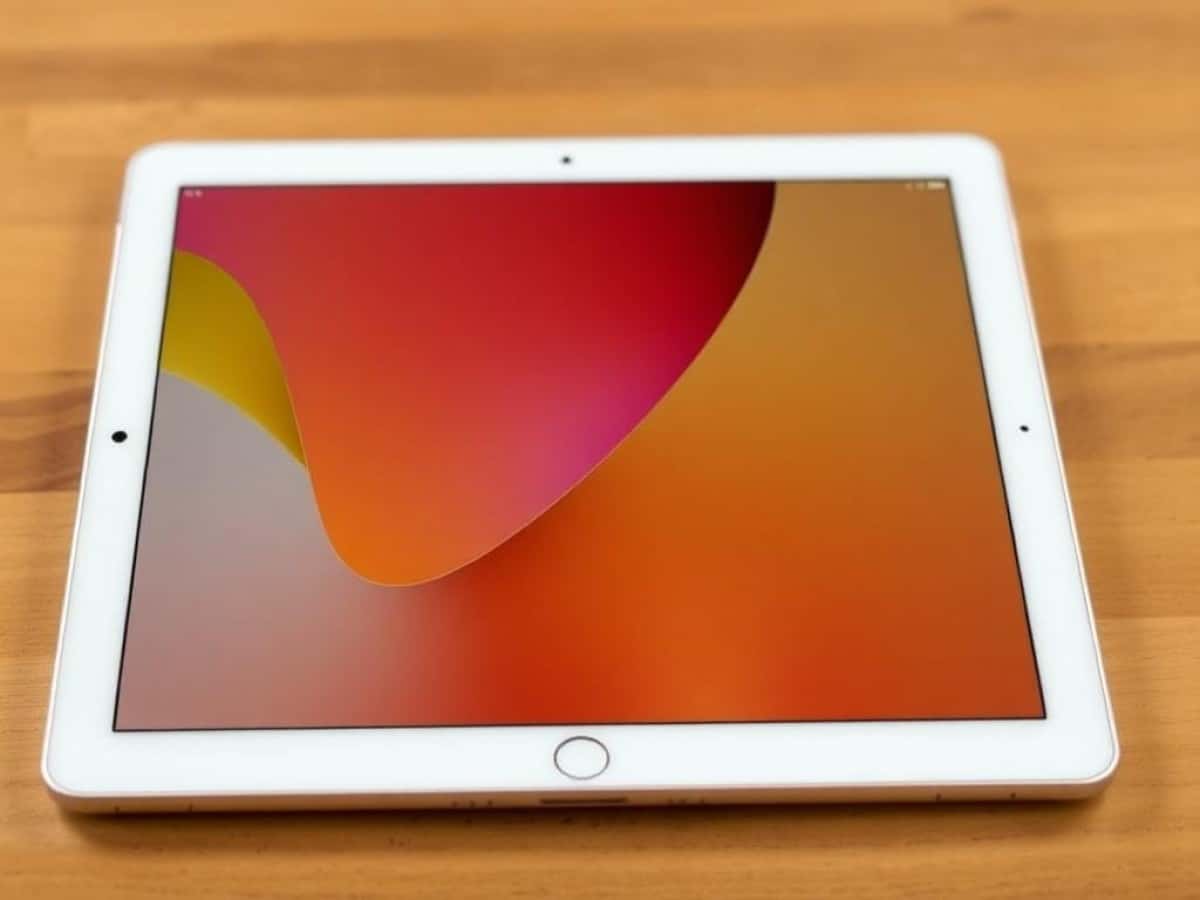
However, after spending nearly a month with the iPad Pro M4 running the beta version of iPadOS 26, I’m compelled to admit that iPads can indeed serve as practical replacements for MacBooks. This revelation is as surprising to me as it may be to you.
Should you swap your MacBook for an iPad? While it’s not mandatory, the new enhancements in iPadOS make it a more enticing option, especially for those who might prefer an iPad’s interface over a MacBook’s.
Unlocking Potential with iPadOS 26
The introduction of iPadOS 26 is pivotal, transforming how iPads can be used in a manner akin to MacBooks. A significant upgrade is the new system for managing windows.
These window controls are a game changer, allowing you to close, minimize, resize, or organize your windows efficiently. Apps remember their last size and position, and a feature known as Exposé lets you view all open windows at once, making it easy to switch between tasks.
Stage Manager, another holdover feature, nicely complements the new windowing capabilities, particularly when using an external display.
iPadOS 26 also introduces a macOS-like menu bar at the top of the screen, complete with familiar window management icons. These controls are easily accessible with a simple swipe or cursor movement, enhancing usability significantly. The integrated search function also makes finding additional functionalities a breeze.
The updated Files app in iPadOS 26 simplifies file creation and organization, offering more customization for folders. Although I primarily use cloud services and rarely save files locally, the enhancements in file management are a welcome improvement.
Now that we’ve covered what iPadOS 26 brings to the table, let’s delve into how these features translate into actual use.
Navigating the New Landscape
One of my initial concerns was that by making the iPad more like a MacBook, it might lose its unique appeal. If you’re after a MacBook-like experience, why not just use a MacBook? Fortunately, Apple has managed to integrate MacBook features without compromising the iPad’s touch-centric design and compatibility with accessories like the Apple Magic Keyboard.
Apps now feature a visual cue in the form of a quarter circle at their bottom-right corner, indicating where to tap and hold to resize. This cue changes color based on the app’s theme, making it easy to see.
The process of resizing and moving windows on the iPad Pro’s 13-inch display is as smooth as anticipated. Although I typically use my finger for this task, the Apple Pencil proves equally effective. Apps also snap into place seamlessly on the screen, although I’ve noticed occasional issues with app movement, likely due to the beta nature of iPadOS 26.
As I’ve mentioned in previous discussions about using an iPad as a MacBook substitute, I rely heavily on Google’s suite of apps for both professional and personal purposes. On a Mac or Windows laptop, I can manage these apps within a single browser window with multiple tabs. On the iPad, I must download each app separately, which was initially a drawback. However, the new menu controls make the apps feel more integrated, similar to their desktop counterparts.
Additionally, the transformation of the iPad’s cursor from a circle to an arrow is a subtle yet significant change. The new cursor shape enhances precision in navigation and interaction with the revamped menu bar and its compact icons.
The Verdict: Replacing MacBooks with iPads?
With the advancements in iPadOS 26, the prospect of using an iPad as a substitute for a MacBook has become more tangible. The windowing system is particularly impressive, and the seamless integration of the menu bar with iPad apps is commendable.
While iPads may now be more feasible for professional use, cost remains a significant factor. The 11-inch iPad Pro starts at $999, and the 13-inch model at $1,299. When you add the Magic Keyboard, priced between $299 and $349, the total cost ranges from $1,298 to $1,648.
By comparison, a 13-inch MacBook Air M4 starts at $999, often available at a discount. The 15-inch model starts at $1,199, and the 14-inch MacBook Pro M4 at $1,599. Generally, opting for a MacBook over an iPad Pro and its accessories will save you money.
However, if the unique touch capabilities of the iPad appeal to you, the additional expense might be justified. With iPadOS 26, Apple has crafted its most productivity-oriented operating system for iPads yet.
So, will I switch from MacBooks to iPads? Currently, no—I still prefer the traditional laptop experience. But the enhancements brought by iPadOS 26 make the idea of using an iPad for work more appealing than ever before, a sentiment I never thought I’d entertain.
Maybe the next iteration of iPadOS will fully convince me.
Stay updated with Tom’s Guide on Google News for the latest insights, how-tos, and reviews. Don’t forget to hit the Follow button.
- The real motives behind Siri’s delays and future plans for Apple Intelligence
- iOS 26: Unveiling the most significant new features for your iPhone
- Apple borrows a notable feature from Microsoft in macOS Tahoe
Similar Posts
- Revolutionize Your Workflow: Discover How iPadOS 26’s New Windowing System Boosts Productivity
- Get the Latest iPadOS 26 Beta: Essential Download Guide Now!
- Revolutionize Your iPad Experience: iPadOS 26 Brings Mac-Level Multitasking & New Features!
- iPadOS 26 Transforms iPads: Now More Mac-Like for Ultimate Productivity!
- iPadOS 26 Revealed: Experience the Most Revolutionary Upgrade in Years!

Tobias Nguyen covers mobile technology and social media trends. He combines a background in digital marketing with a passion for emerging tech to provide readers with data-driven insights and practical tech usage tips.