

Scientists confirm: This is the most effective way to get your cat’s attention, according to new research
Elderly Couple Refuses Reserved Seats—Viral Train Standoff Sparks Fiery Debate on Courtesy
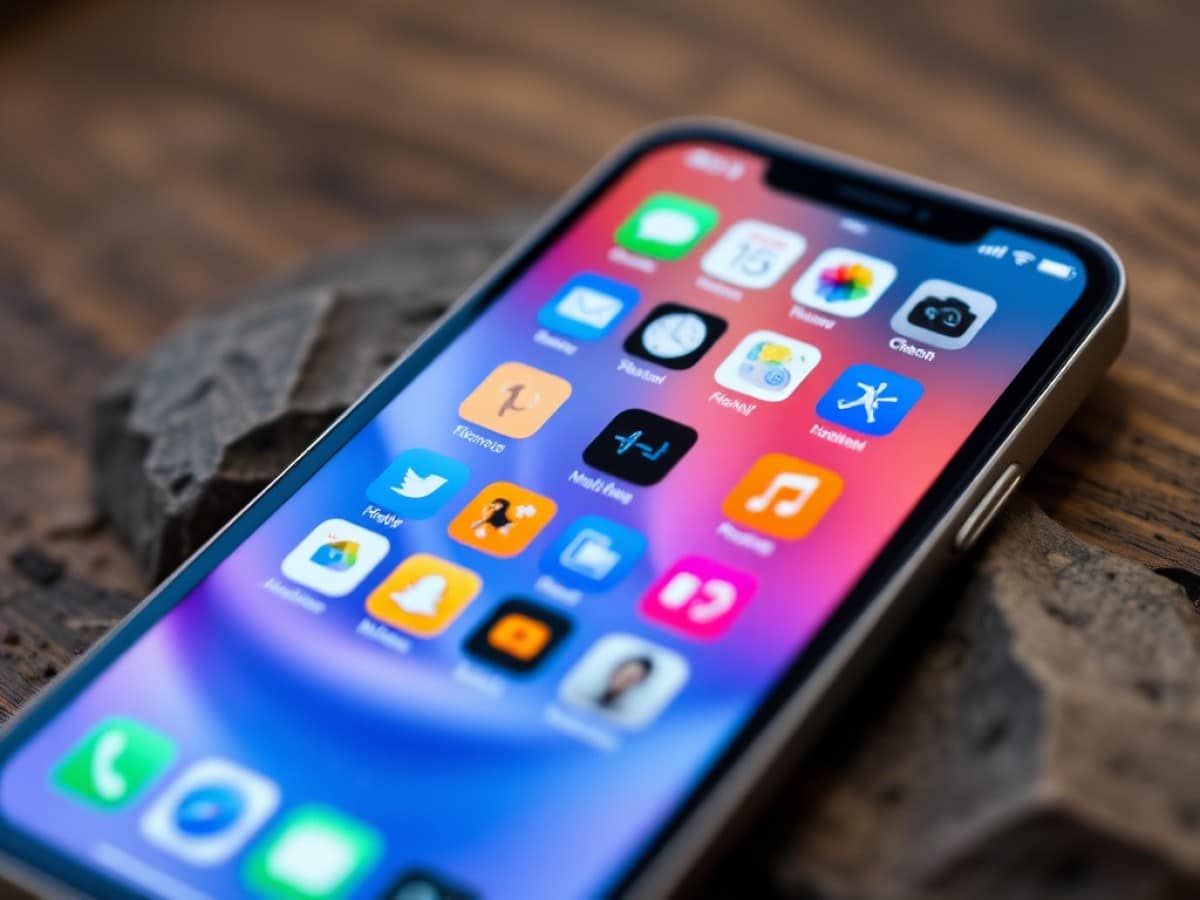
Apple continues to advance iOS 26, and its upcoming update is packed with exciting new features. From more accurate sleep tracking to a more customizable Liquid Glass effect, and new shortcuts in Apple News, here are the 9 new features soon to be available on your iPhone.
Apple has recently rolled out iOS 26.1. This update to the operating system includes several fixes and optimizations designed to enhance the iOS 26 user experience. Notably, it resolves an issue where the iPhone camera could open unexpectedly and introduces a swipe gesture in Apple Music that allows song changes from the Mini Player. If you haven’t updated yet, it’s recommended to do so as soon as you can.
Meanwhile, the tech giant based in Cupertino is already testing a first beta version of its next update, unsurprisingly named iOS 26.2, which promises to be filled with new features: Liquid Glass, Podcasts, Health… Apple is planning significant changes for the iPhone.
iOS 26.2 Coming Soon with Major Updates for Your iPhone
Why You Should Never Reheat These Foods in the Microwave – The Hidden Dangers Experts Warn About
I tried the top 5 guard dogs—here’s what makes these breeds the ultimate protectors
Among the upcoming features is an even more customizable Liquid Glass effect with a slider to adjust the transparency level of the time display. This feature builds on the adjustments introduced in iOS 26.1, which included the option to decrease the transparency of Liquid Glass. But that’s not all. Here’s what iOS 26.2 has in store, according to details gathered by our colleagues at TechRadar:
-
New Urgent Reminder Alarm
This feature allows you to snooze or stop the alarm. If snoozed, a countdown will display on the lock screen with buttons to reschedule or mark the reminder as complete. The Reminders app will also introduce an option to replace.
-
Enhanced Security Alerts
These include the ability to turn on (or off) seismic and imminent threat alerts.
-
Several New Features for Podcasts
This includes automatic chapter creation for easier navigation, the ability to see and follow podcasts mentioned in an episode directly from the transcript or player, and easier access to shared links in an episode via a dedicated page.
-
Flash Alerts
This feature causes the screen to flash when a notification arrives: you can choose to use the screen, the camera’s LED, or both.
-
More Accurate Sleep Scores
To provide a sleep tracking that more closely matches your actual experience, iOS 26.2 adjusts how sleep scores are calculated. For instance, the “Very High” score now starts at 96 instead of 90, replacing the term Excellent.
-
New Option in Passwords
A brand new tab Excluded Sites allows you to remove one or all websites for which you have chosen not to save the password.
-
Support for Tables in Freeform
Tables can now be resized, and you can add rows and columns as needed.
-
New Shortcuts in Apple News
New sections are introduced: sports, politics, economy, gaming, gastronomy. They even adapt to your reading habits: the most frequently visited sections will automatically appear at the top of your list.
Again, it is not advisable to install the beta version as it is incomplete and may contain bugs. However, it provides a sneak peek of what to expect when iOS 26.2 moves out of beta.
Similar Posts
- Apple Releases All New Betas: iOS, iPadOS, macOS, tvOS, and watchOS 26.2 Now Available!
- iOS 26.2 and macOS 26.2 Reach RC Status: Imminent Release Excites Users!
- iPhone, Mac, and iPad Users Win: Liquid Glass Now Tolerable With New Feature!
- iOS 26 Transforms iPhone Aesthetics: Discover the New Colorful Wallpapers!
- Apple Unveils New iOS 26 Beta 4: Discover Exciting Features & Enhancements!