
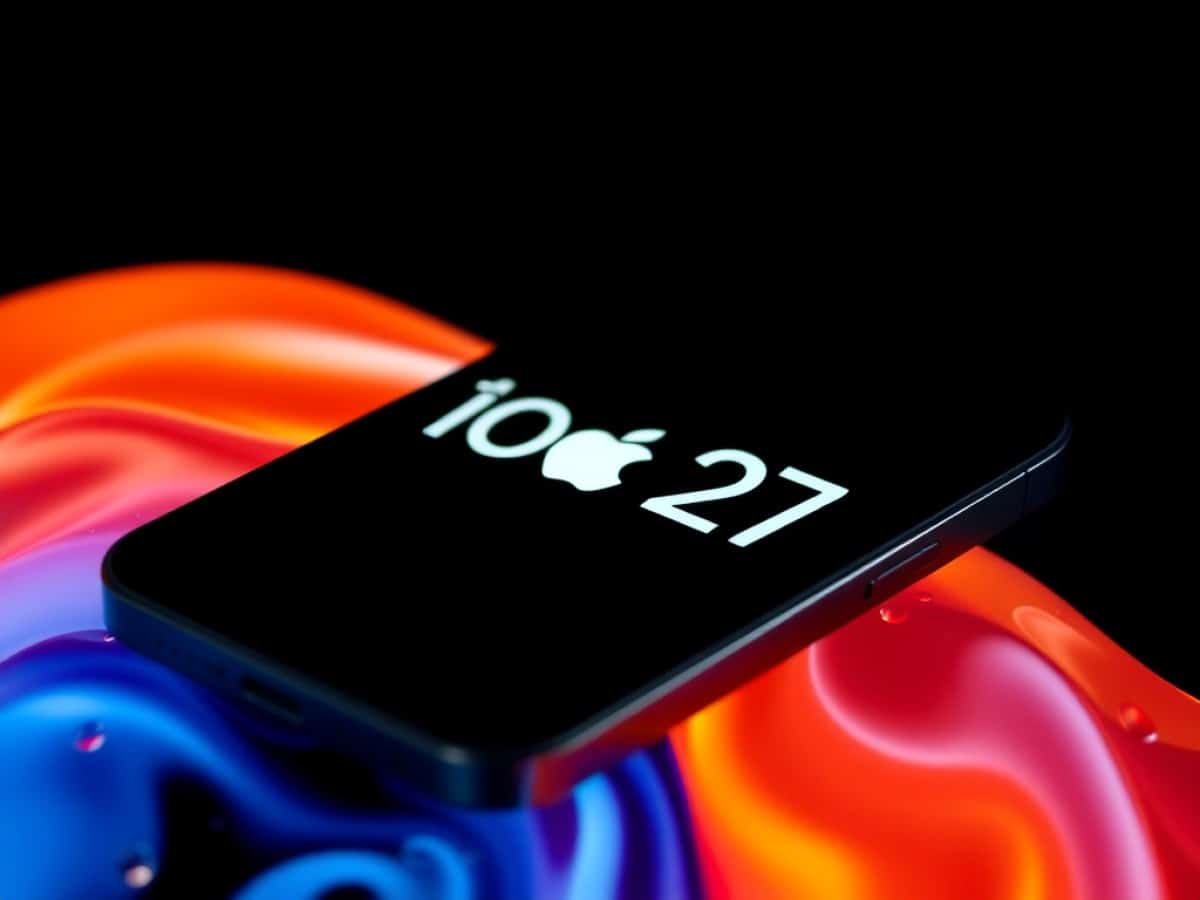
Unveiled at WWDC 2026, the upcoming iPhone update introduces a completely redesigned Siri, fixes for Liquid Glass, and a series of optimizations.
Scientists confirm: This is the most effective way to get your cat’s attention, according to new research
Elderly Couple Refuses Reserved Seats—Viral Train Standoff Sparks Fiery Debate on Courtesy
During the opening keynote of the Worldwide Developers Conference, its annual event, Apple announced iOS 27, the next major update to the iPhone’s operating system, scheduled for release in the fall on compatible models. The highlight? Siri AI, a redesign that makes the voice assistant “significantly more powerful and conversational,” according to Craig Federighi, Apple’s Senior Vice President of Software Engineering. iOS 27 also focuses on performance optimization.
A Revamped Version of Siri
Siri AI is the central feature of iOS 27. The assistant is based on a new architecture built around Apple Intelligence, with foundation models that run partly on the device and partly through Private Cloud Compute, the brand’s secure cloud environment. “When Private Cloud Compute processes user requests, their personal data is never stored or shared with Apple or anyone else,” the company states.
On the iPhone, Siri AI can still be activated via voice command or the side button, but can now also be summoned from Dynamic Island by swiping down. The assistant can now understand what’s displayed on the screen, has a “vast knowledge of the world” through web access, and, more importantly, better grasps the user’s personal context. “For example, users can ask Siri to find a restaurant recommendation a friend texted them, a hotel confirmation number from an old email, or photos from a recent trip with loved ones,” the company explains in a statement.
Additionally, Siri AI can now perform actions in many applications. For instance, it can compose emails, edit and share photos, create reminders, or add songs to a playlist. With iOS 27, the voice assistant also benefits from a dedicated app, which uses iCloud to record and sync conversation history across iPhone, iPad, Mac, Apple Watch, and Apple Vision Pro.
The Siri mode in the Camera app is another notable new feature. By pressing the shutter button, users can “get information about what’s in front of them.” “Users just need to press the shutter button to show Siri what they see and receive helpful responses,” Apple details. Regarding customization, it will be possible to adjust the expressiveness and pace of Siri’s voice, as well as its intonation and accent. Siri AI finally offers writing tools, allowing users to generate a draft from a description, rephrase text, or automatically adjust the tone and punctuation according to the interlocutor in the Messages and Mail apps.
Siri AI Not Available in Europe on iOS and iPadOS at Launch
Apple has confirmed that Siri AI will not be available at launch on iOS and iPadOS in the European Union, due to the Digital Markets Act (DMA). The feature will remain accessible on macOS 27, visionOS 27, and watchOS 27 for European users who have set their device to English. “We hope to eventually offer Siri AI in the EU, and we will continue to engage with European regulatory bodies to make it happen,” stated Craig Federighi.
Deeper Integration of Apple Intelligence in Apps
Beyond Siri, the next generation of Apple Intelligence brings several new features to the default apps installed on the iPhone.
- The Photos app integrates three new editing tools: Spatial Reframing for cropping, Extend for expanding an image, and an enhanced version of Clean Up capable of removing larger elements.
- The Image Playground feature now allows users to generate photorealistic images and modify them through a simple text description.
- Messages and Mail offer suggestions for quickly performing various actions.
- The Call Context feature, available in English, automatically retrieves relevant information from your apps during a call. For example, if you contact an airline, it can display a confirmation code received by email.
- Safari now automatically organizes tabs by theme, and a new Notify Me feature monitors web pages to alert the user of any changes.
- The Passwords app detects weak or compromised passwords and can automatically update them.
- The Shortcuts app now allows users to describe an automation in natural language. “Simply describe what you want to accomplish, and Shortcuts will handle the actions between your apps,” explains Apple.
Multiple Adjustments and Fixes for Liquid Glass
Introduced with iOS 26 last year, the Liquid Glass design language had faced criticism for its readability. Apple is therefore making several corrections with iOS 27. “The updates to Liquid Glass ensure optimal readability through more uniform refraction and improved contrast. App icons are sharper and more detailed. A new slider also allows users to easily customize the appearance of Liquid Glass, from an ultra-transparent finish to a fully colored hue,” the company explains.
The most anticipated new feature is a system-wide slider, accessible from the Settings app, which allows users to adjust the intensity of the glass effect.
Significantly Enhanced Performance
Apple has devoted a significant portion of the development cycle for iOS 27 to optimizing the system. According to the company, app launches are up to 30% faster, loading new photos into the library is up to 70% faster, and AirDrop transfers are up to 80% faster. Transitions between Wi-Fi and cellular networks are also smoother, while the search engine of Spotlight, Photos, and Mail has been completely rebuilt for more stable and relevant results.
iOS 27 is available today in beta for developers enrolled in the Apple Developer program. A public beta is expected to follow next month.
Similar Posts
- Download iOS 27 Now: Discover the Top 5 Game-Changing Features!
- Apple Releases iOS 26.0.1: Quick Fix for iPhone Bugs!
- iOS 26.2 Update: iPhone Side Button Not Just for Siri in Japan Anymore!
- iPhone Liquid Glass Issue: Quick Fix with iOS 27!
- CarPlay Update: AI Chatbots Coming Soon to Your Vehicle!

Jordan Park writes in-depth reviews and editorial opinion pieces for Touch Reviews. With a background in UI/UX design, Jordan offers a unique perspective on device usability and user experience across smartphones, tablets, and mobile software.