

At last — the power button has moved!
Scientists confirm: This is the most effective way to get your cat’s attention, according to new research
Elderly Couple Refuses Reserved Seats—Viral Train Standoff Sparks Fiery Debate on Courtesy
Amazon’s newest Kindle family is more than a modest update: the company refreshed its e-readers with a number of long-requested improvements. Across the lineup you’ll find slimmer, lighter housings, optional aluminum builds, and a relocated power key. These changes come alongside higher price tags, but the hardware and usability upgrades feel substantive.
I had a chance to handle the updated Kindles at a recent preview event and left impressed. Tweaking a near-ideal e-reader is a delicate task, yet several of these changes genuinely improve the everyday reading experience. I’ve used Kindles for almost ten years, so small refinements matter — and these are worth noticing.
Pricing and when they arrive
Amazon is launching three revised Kindles. The standard Kindle is already available, while the Paperwhite and the new Colorsoft model will arrive on October 28, just ahead of the holiday shopping rush.

The entry-level, 6-inch Kindle starts at $149. That baseline model ships with 16GB of storage and includes lock-screen advertisements. There’s also an aluminum variant that begins at $189, offering 32GB and no ads, plus support for magnetic accessories like snap-on covers. The basic model is offered in Ube and Graphite finishes, while the aluminum option comes in Alpine Sky Aluminum and Seaglass Green.
The upgraded 7-inch Kindle Paperwhite starts at $199 for the 16GB ad-supported version. A $249 Signature Edition brings an aluminum body, 32GB of storage, an ambient light sensor that automatically adapts screen brightness, and a built-in accelerometer. Amazon swapped out standard Qi wireless charging for a pogo-pin docking solution on the Signature Edition, though you can still power it via USB-C. The Paperwhite launches in Graphite for the base model, and the aluminum units are available in Graphite and Seaglass Green.
The 7-inch Kindle Colorsoft begins at $289 for the 16GB model, and there’s an aluminum edition priced at $319 with 32GB of storage. Its color lineup mirrors the Paperwhite’s, though the aluminum Colorsoft introduces a Fig finish in place of Seaglass Green on some SKUs.
New accessories are coming, too. Amazon introduced the $34 Kindle Click, compatible with all the new Kindles and current-gen models; it provides assignable forward and back page buttons and a wheel styled like a volume dial to adjust brightness. For people who liked the tactile page controls of older devices, Amazon also revealed a $79 Page-Turn Button Case tied to the Signature Series that embeds physical page-turn buttons into the case bezel.
Hands-on impressions
Every new Kindle is slimmer and lighter than its predecessor. The difference is subtle at a glance but becomes obvious when you hold the new entry-level Kindle next to the older model: it’s not a dramatic change, but it’s perceptible and welcome. Aluminum models do weigh a touch more than the plastic variations, yet feel solid rather than cumbersome. Overall, the redesign should make longer reading sessions more comfortable.
Why You Should Never Reheat These Foods in the Microwave – The Hidden Dangers Experts Warn About
I tried the top 5 guard dogs—here’s what makes these breeds the ultimate protectors
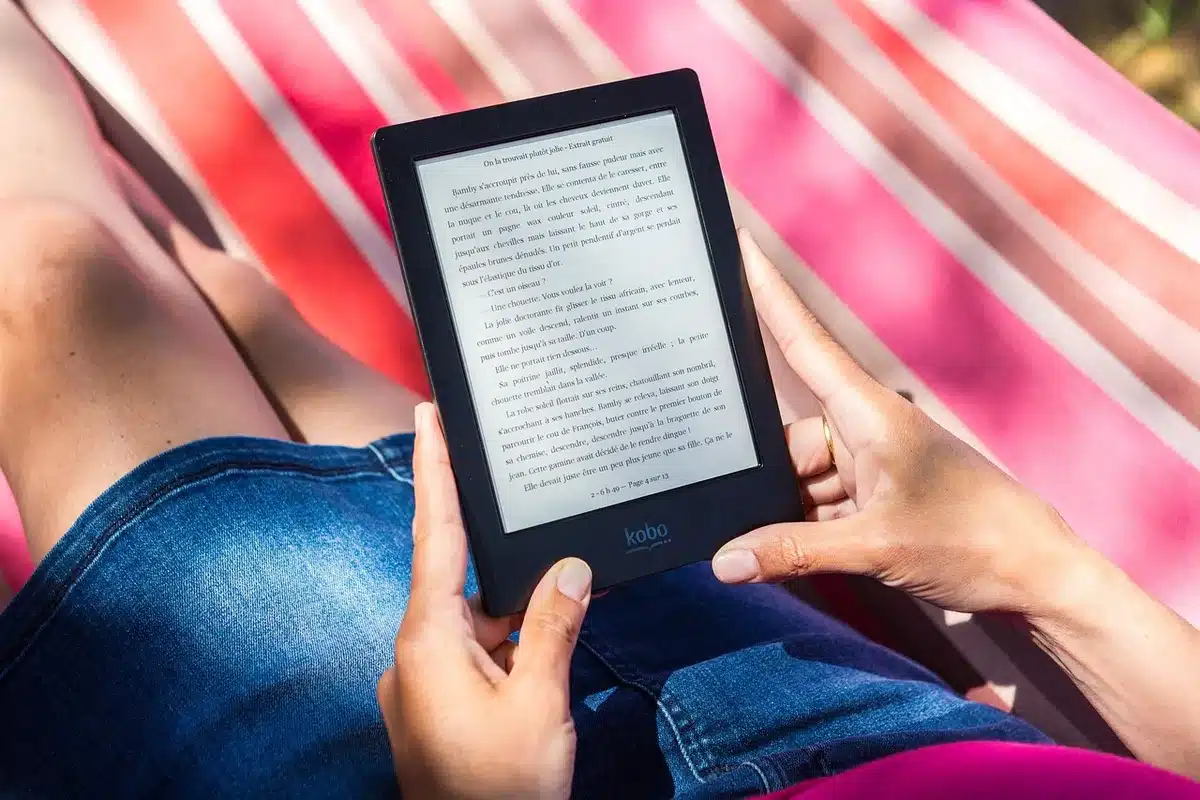
Amazon introduced fresh color options, engineered so the device finish doesn’t visually bleed onto the display surface — a problem that previously necessitated dark bezels to prevent light wash. Page loads on the basic Kindle are about 30% faster, which I noticed immediately; while a smartphone still refreshes web content more quickly, these e-readers now feel snappier when opening books and turning pages.
Aside from the standard model, the Paperwhite and Colorsoft are rated IPX8 for water resistance, so you can read in the bath or by the pool without immediate worry if the device gets splashed or briefly submerged.
Of the bunch, the aluminum variants stood out. They’re designed to mimic the in-hand feel of a modern smartphone — a deliberate choice by Amazon — and that finish elevates the perceived quality. Even the non-aluminum basic Kindle benefits from a more refined, sturdy casing compared with earlier generations. I usually keep my Kindles in protective covers, but I could see myself skipping a case with the aluminum versions because they feel complete on their own.
The new magnetic cases that snap onto the aluminum models are my favorite accessories — they attach cleanly and match the device hues. The standard slip-in cases are still available and are color-coordinated to the corresponding Kindle finish, which is a nice aesthetic touch.
The single change that felt most impactful was the repositioned power button. Like the Kindle Scribe before it, the on/off control has been moved from the bottom edge to the right-hand side. Long-time owners have complained about accidental shutoffs for years, and this relocation addresses that annoyance directly. It may seem minor, but in daily use it makes a big difference.
Final thoughts
I prefer reading novels on a Kindle, and I’m pleased to see Amazon iterating on a device category it already does well. The aluminum editions look and feel premium, and the side-mounted power button is an overdue convenience. The price increases aren’t insignificant, but when you weigh the improved materials, faster responsiveness, and practical design changes, the upgrades are easier to justify.
Follow Tom’s Guide on Google News and add us as a preferred source to receive our latest news, analysis, and reviews in your feed.
- I just tested the Kindle Scribe — and it will be hard going back to the Paperwhite
- Find the best Kindle for you with our quick quiz
- How to borrow library books for free on your Kindle or another e-reader
Similar Posts
- Score Big Savings: Get Up to 40% Off on Kindles Before Amazon’s Spring Sale – Top 7 E-Reader Deals Revealed!
- Massive Kindle Christmas Deals: Top 7 Discounts Up to 33% Off
- Amazon’s New Kindles: Save $68 When You Preorder Today
- Unmissable Kindle Discounts: Save Up to 31% on Amazon’s Top Reading Deals for 2026!
- Amazon Kindle Sale Alert: Up to 25% Off Colorsoft, Scribe & More Before Labor Day!

Tobias Nguyen covers mobile technology and social media trends. He combines a background in digital marketing with a passion for emerging tech to provide readers with data-driven insights and practical tech usage tips.