
Scientists confirm: This is the most effective way to get your cat’s attention, according to new research
Elderly Couple Refuses Reserved Seats—Viral Train Standoff Sparks Fiery Debate on Courtesy
Introduction of a Security Feature in macOS 26.4
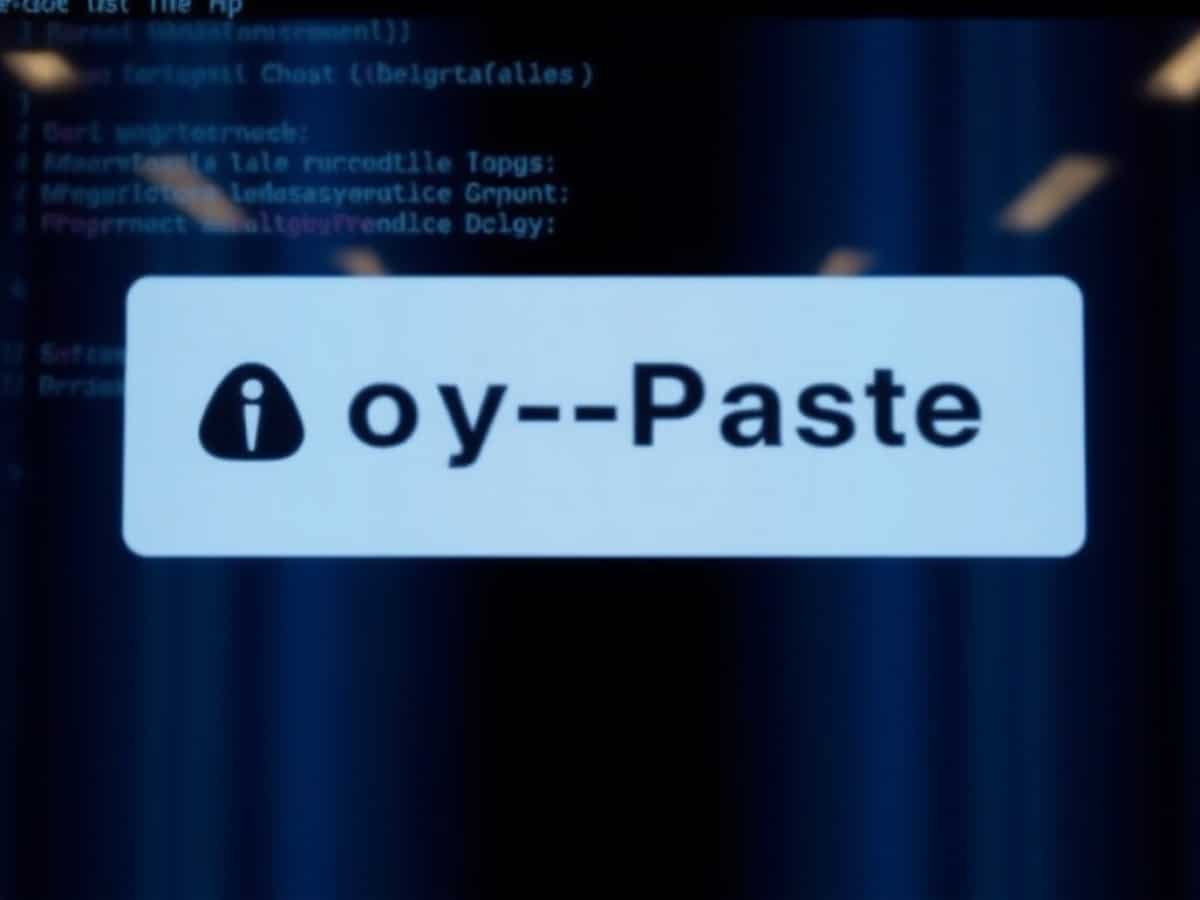
In the latest release of macOS 26.4 at the end of March, some users reported encountering a warning message in the Terminal when attempting to paste a command. This warning is designed to alert users about the potential risks of executing suspicious commands that could lead to the installation of malware or other software designed to harvest personal data. By default, the alert prevents the paste operation, although users have the option to override this and proceed if they choose.
Understanding the Error Message
Initially, attempts to replicate the error message were unsuccessful. However, insights provided by Adam Codega’s research on GitHub have shed light on the issue. It turns out that this security measure is specifically targeted at novice users of macOS, while developers are not affected by this alert.
Criteria for Triggering the Security Alert
Apple does not actually analyze the content of the copied command to decide whether to display the warning. Instead, the origin of the clipboard content is assessed. The system specifically monitors clipboard content from 74 identified applications, which include web browsers, email clients, and instant messaging platforms.
To activate the security alert, five specific conditions must be met: the clipboard content must originate from one of the 74 specified applications, the Mac must have been set up more than 24 hours ago, the user must not be identified as a developer, the Terminal must not have been opened in the last 30 days, and the user must not have previously clicked on the “Paste Anyway” button. Additionally, the presence of certain development tools like Xcode, VS Code, Docker, or about thirty other applications on the Mac qualifies the user as a developer, thereby preventing the alert from being displayed.
Similar Posts
- macOS 26.4 Update: Get Alerts for Suspicious Copy-Paste Actions in Terminal!
- iOS 27 Update: Keyboard Now Suggests Copy-Paste Options!
- iOS 26.5.2 and macOS 26.5.2 Launched: Critical Security Fixes Included!
- Unveiled: Gemini CLI’s Latest Updates – Genkit, Jules, & Gemini 3 Pro, Revolutionize Coding!
- Apple Pulls Old Versions of Pages, Numbers, Keynote from App Store: What You Need to Know!

Ethan Rivers focuses on Android smartphones, emerging mobile platforms, and operating systems. With a critical yet fair perspective, he evaluates devices on performance, design, and ecosystem compatibility.