
It’s actually pretty good!
Scientists confirm: This is the most effective way to get your cat’s attention, according to new research
Elderly Couple Refuses Reserved Seats—Viral Train Standoff Sparks Fiery Debate on Courtesy
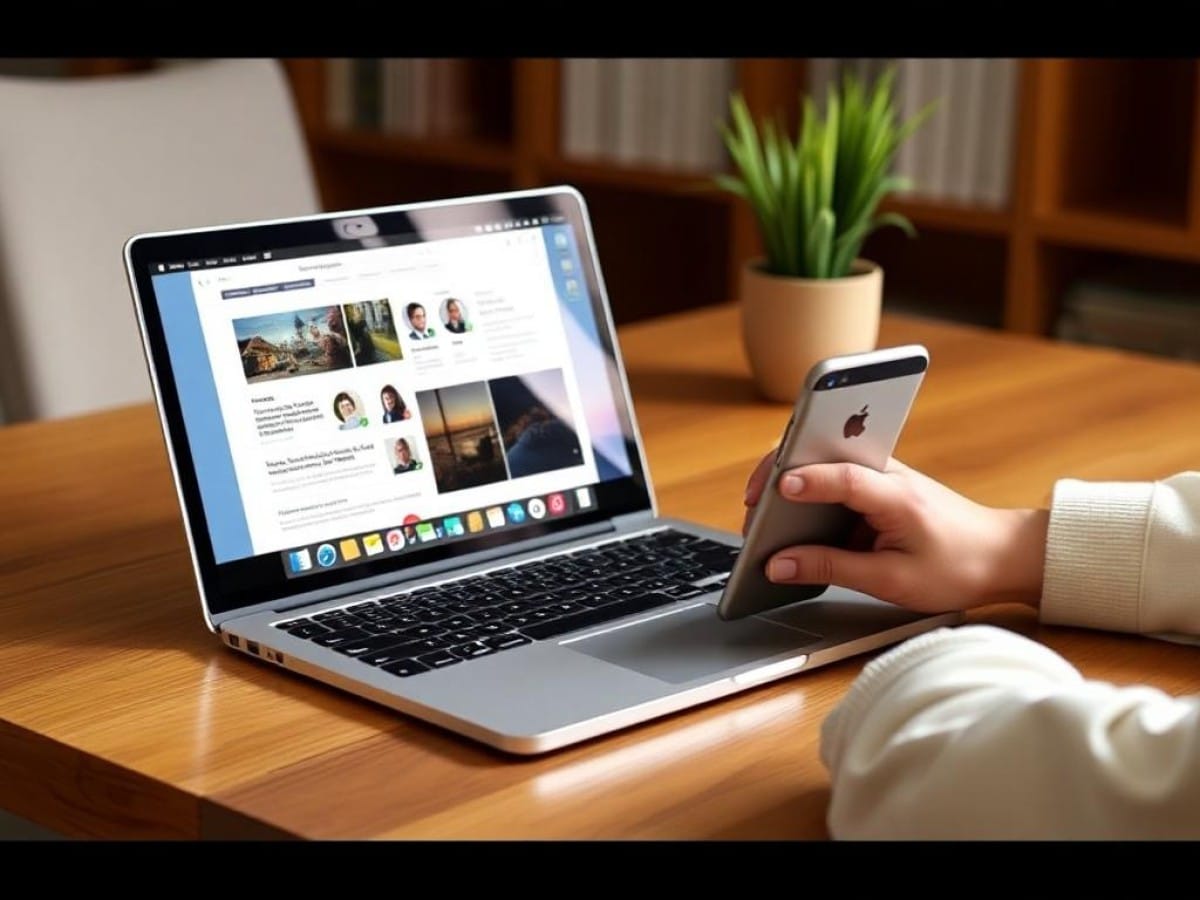
Have you ever thought about swapping your laptop for just a smartphone or tablet?
Throughout my career as a journalist, I’ve dreamed of such a shift. For over ten years, my daily baggage has included a laptop, phone, audio recorder, and notebook. With the advent of smartphones and tablets, I began to explore options for lightening my load.
Why You Should Never Reheat These Foods in the Microwave – The Hidden Dangers Experts Warn About
I tried the top 5 guard dogs—here’s what makes these breeds the ultimate protectors
In the past, I have attempted to rely solely on some of the top phones and tablets, yet I often felt limited by their smaller screens, cumbersome interfaces, and the difficulty in managing files.
But right now I’m in the middle of reviewing the Samsung Galaxy Tab S10 Ultra, which is the biggest Android tablet we’ve ever tested. We named the Tab S9 Ultra one of the best Android tablets to buy when you want to replace your laptop, so I figured this was the perfect opportunity to see how true that is of its successor and road-test this 14.6-inch tablet as a daily driver to boot.
After ditching my laptop for the Samsung Galaxy Tab S10 Ultra and relying entirely on the tablet for work and play over a few days, I’ve learned that Android tablets have come a long way in the last decade.
While I still don’t think you can ditch your laptop completely without losing out on some key capabilities, for a lot of us it’s now completely feasible to work from a tablet. Over the last few days I’ve had little trouble researching and writing stories, keeping in touch with coworkers and staying on top of my email during the workday. And when my work is done I can slide the tablet into my bag faster and easier than I can close up my laptop, and it’s a lot easier to carry since it barley weighs more than a pound.
One of the first things I learned is that screen size is a game-changer for productivity.
Maybe that seems obvious, but honestly I didn’t think the ginormous 14.6-inch WQXGA+ AMOLED display on the Galaxy Tab S10 Ultra would make that big of a difference. In fact, when I started out I was afraid it would make the slate too hefty and unwieldy to easily carry throughout the day.
While I still don’t think you can ditch your laptop completely without losing out on some key capabilities, for a lot of us it’s now completely feasible to work from a tablet.”
And to some extent, that’s true: this tablet is massive, and since I don’t have a carrying case or bag designed for it I had to make do with cramming it into a laptop sleeve. But it’s light enough that the unwieldy size didn’t really bog me down when walking around.
And when I sat down to work, having this big canvas to work on helped me be more productive than I’ve ever been when getting work done on my phone, or smaller tablets.
It’s especially useful when you get the hang of using Android and can quickly flip between tasks using the Samsung Galaxy Tab S10 Ultra’s Recent Apps view, or bring two apps side-by-side in split-screen to, say, work on something while keeping tabs on your work Slack.
So while the massive display on the Tab S10 Ultra is a bit unwieldy (especially if you have small hands) I think it’s ultimately a great value, as it not only helps you enjoy watching movies and playing games on the tablet but makes it easier to get work done as well.
Turns out, the question of how much you can get done on a tablet and how comfortable you feel doing it has a lot to do with what accessories you use.
Specifically, you definitely want a good Bluetooth keyboard if you’re going to be doing a lot of typing on your tablet. On-screen keyboards are a lot better than they used to be, but you don’t want to be writing out a paper, a script or even a particularly detailed email on one.
I don’t happen to have the Book Cover Keyboard Samsung sells for the Galaxy Tab S10 Ultra, so I had to scrounge around my apartment to find a decent keyboard. What I came up with was an old, cheap foldable Bluetooth keyboard I’d bought off Amazon ages ago, thinking I might one day carry it in my pocket and work entirely from my phone.
That dream didn’t work out, but the keyboard ended up working just fine with the Samsung Galaxy Tab S10 Ultra. And while the ergonomics of using this cheap, flimsy keyboard aren’t great, I think it still beats typing or writing on the tablet.
Speaking of ergonomics, if you want to work on a tablet often you’ll want some sort of stand to prop it up on a desk. Most keyboard covers for tablets have a built-in stand, but if you’re not buying a keyboard cover you’ll want something better than a book to prop up your slate.
I ended up using a cheap $40 laptop stand and it worked just fine, though it held the tablet a little low for comfort.
What I learned from this is that accessories matter, and you may not want to just grab whatever the manufacturer sells for your tablet of choice. Samsung sells the $350 Book Cover Keyboard for the Galaxy Tab S10 Ultra
Similar Posts
- Samsung Tablet Blowout at Best Buy: Top 3 Back-to-School Picks Starting at $599!
- Samsung Galaxy Tab S11 Hands-On: Revolutionizing Productivity with Upgraded Desktop Mode and S Pen
- Samsung Tablets Starting at $159: Don’t Miss Best Buy’s Amazing Sale!
- Samsung Galaxy Tab S11 Ultra Review: A Week of Surprises and Letdowns
- Will Your Samsung Smartphone Get One UI 8.5? Check This List of Compatible Devices

Tobias Nguyen covers mobile technology and social media trends. He combines a background in digital marketing with a passion for emerging tech to provide readers with data-driven insights and practical tech usage tips.