

While high-end phones may boast speed, the practicality of this phone’s matte screen captivates me
Scientists confirm: This is the most effective way to get your cat’s attention, according to new research
Elderly Couple Refuses Reserved Seats—Viral Train Standoff Sparks Fiery Debate on Courtesy
I don’t take the decision to switch smartphones lightly—it usually involves extensive research and waiting for sales. But with the TCL NXTPAPER 70 Pro, it was a different story.
As someone well-versed in the latest smartphones, I’m not keen on splurging on top-tier models. I prefer paying in full rather than through carrier installments, which is why mid-range phones usually catch my eye.
In the past, budget-friendly phones tempted me, yet they often lacked certain high-end features I enjoyed, like wireless charging and a USB 3.0 port. However, the NXTPAPER 70 Pro convinced me to set aside my Nothing Phone (2) despite these omissions.
My fascination with TCL’s NXTPAPER technology started when I first saw it at a mall in Taiwan. After experimenting with their NXTPAPER 11 Plus and NXTPAPER 14 tablets, I decided to incorporate this innovative display tech into my daily routine—and it has been a delightful experience.
An Enhanced NXTPAPER Smartphone Experience
My journey with TCL’s NXTPAPER phones began earlier than the 70 Pro, with the 60 XE. Although a decent phone, it wasn’t as refined as the 70 Pro.
Why You Should Never Reheat These Foods in the Microwave – The Hidden Dangers Experts Warn About
I tried the top 5 guard dogs—here’s what makes these breeds the ultimate protectors
The 70 Pro comes in either blue or gold and feels significantly more luxurious with its sleek curves and a more compact dual-camera setup. It features a volume rocker, a power button with an integrated fingerprint scanner, and a dedicated NXTPAPER Key, which functions like a toggle switch. The convenience of the side-mounted fingerprint scanner—activating the moment I pick up the device—cannot be overstated.
At the base, the phone includes a speaker grille, a USB-C port (albeit USB 2.0), a microphone, and a SIM card slot that also accommodates a microSD card for expanded storage. Available in 128GB, 256GB, or 512GB variants, the expandability option is particularly handy if you start with the smaller size.
One of the 70 Pro’s unique features is its IR sensor—a handy tool that has largely disappeared from smartphones since the mid-2010s. This feature quickly became one of my favorites, right behind the incredible display.
Effortless Reading and Smooth Scrolling
The NXTPAPER display is truly where the 70 Pro shines. With a simple toggle using the NXTPAPER Key, you can switch between Color Paper Mode, Ink Paper Mode, and Max Ink Mode. These settings alter the display to either a slightly desaturated, black-and-white, or a near full e-reader experience, which restricts usage to essential apps only.
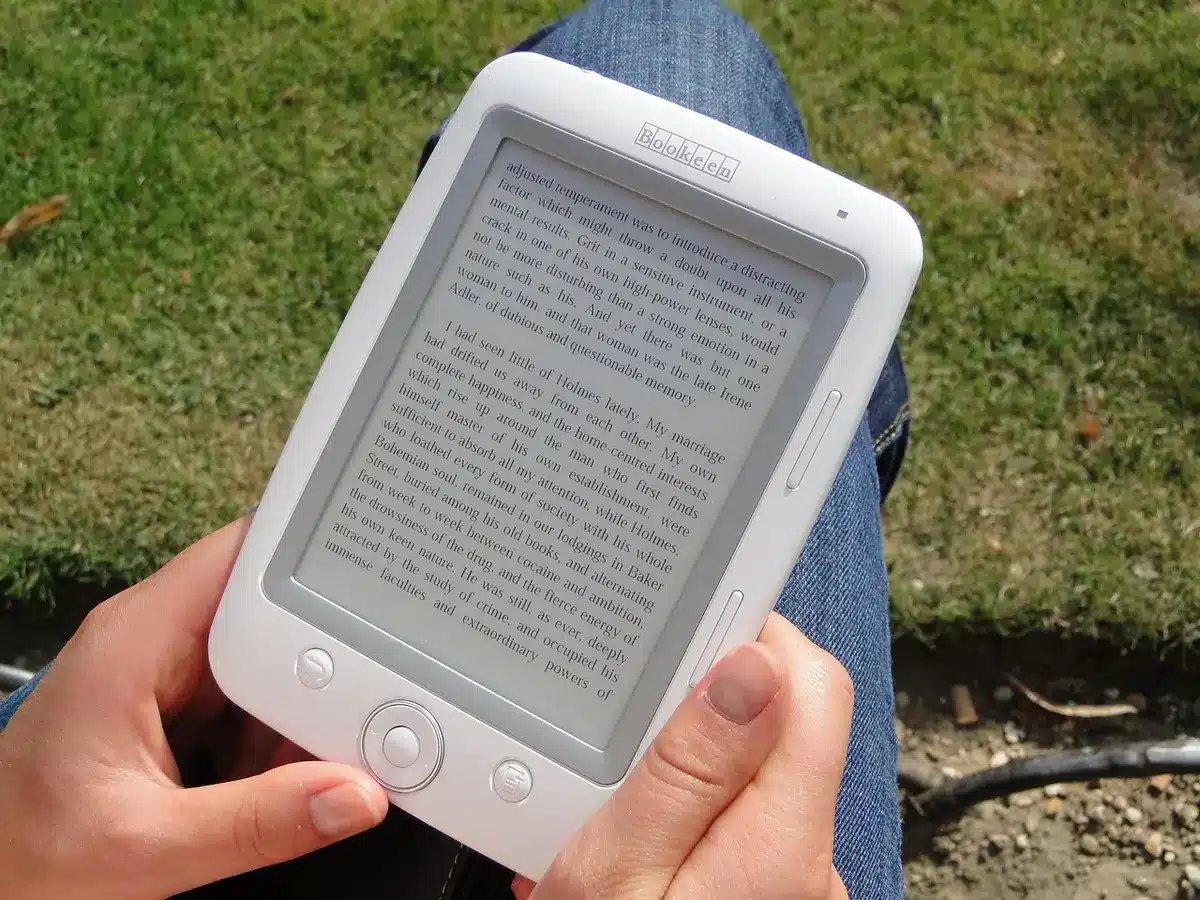
Even without these modes, the 70 Pro’s matte, non-reflective screen provides a superior viewing experience, especially outdoors. It remains clear and vivid even under bright sunlight, unlike the more reflective displays of competing models like the iPhone 17 and Galaxy S26.
TCL offers a nearly stock Android experience with minor tweaks and useful proprietary apps. A particularly useful feature is the customizable sidebar, accessible by swiping from the screen’s edges, where I keep all my smart home controls for easy access.
A Remote for Nearly Every Appliance
Late into my time with the 70 Pro, I decided to explore the IR sensor more thoroughly. Initially, I had trouble adding my devices through TCL’s IR Remote app due to categorization issues. However, once I located my Roku Ultra under “Netbox,” controlling it became straightforward.
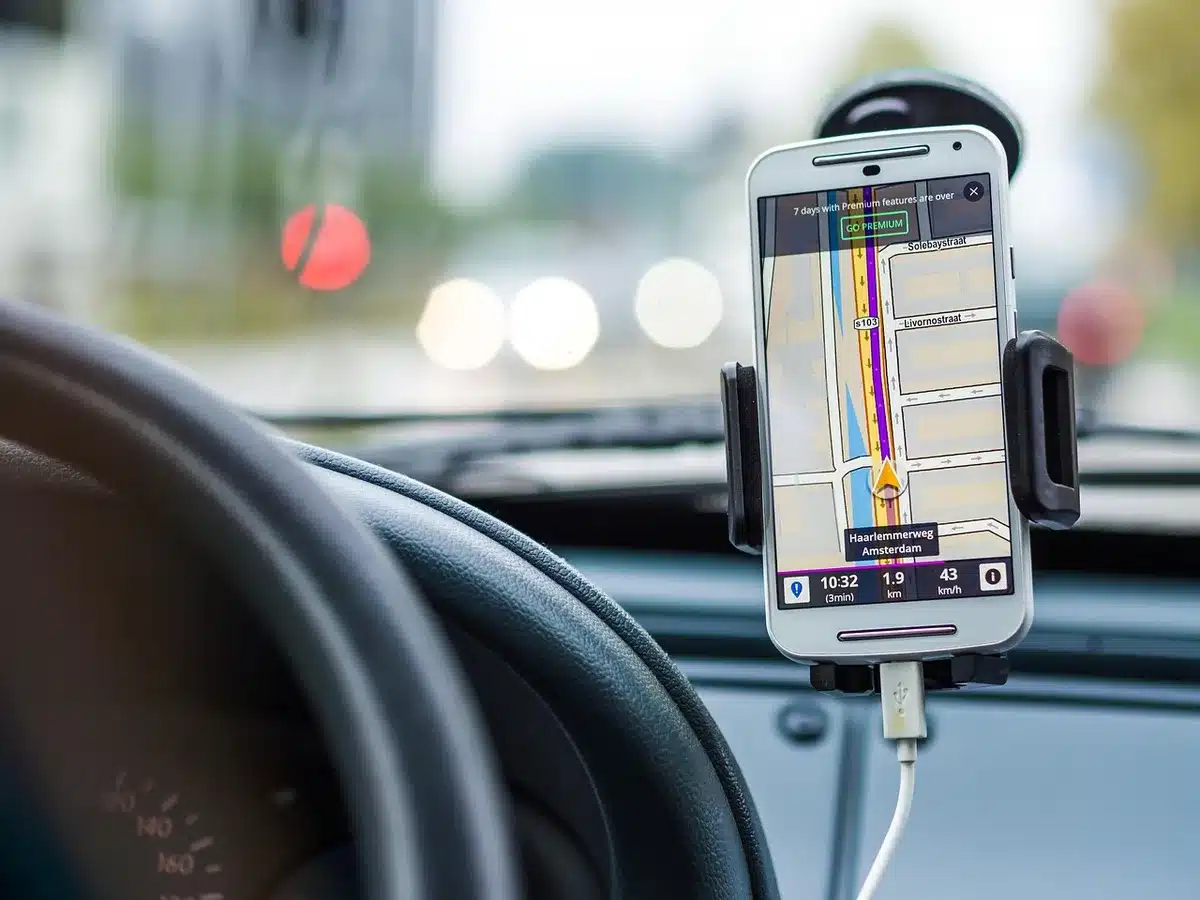
The app allows easy setup and control of various devices, such as soundbars and media players, by simply pointing the phone and tapping the screen. While not all my devices were compatible, the ones that were could be easily controlled, proving incredibly convenient.
Digital Paper in Your Pocket
After over a month with the NXTPAPER 70 Pro, the thought of returning to my older, more powerful Nothing Phone (2) is unappealing. The prospect of acquiring a top-tier camera phone for professional photography remains, but the 70 Pro’s display has spoiled me with its readability in bright conditions and tactile pleasure.
While I initially missed features like wireless charging, regular charging was sufficient to keep the phone powered throughout the day. Also, the possibility of purchasing the phone bundled with a case and stylus in Europe sounds appealing, as using a stylus on the NXTPAPER display is quite satisfying.
Overall, if you’re looking for a smartphone that stands out without breaking the bank, and offers a unique, eye-friendly display, the TCL NXTPAPER 70 Pro is worth considering—especially for those who frequently need to capture their screen for work.
Follow our updates and insights by adding us on Google News as a preferred source.
Similar Posts
- TCL NXTPAPER Deals: 5 Top E-Paper Devices on Sale Now — Ditch Kindles & iPads
- Swap Your iPad and Kindle for This E-Reader with Paper-Feel Screen: Now Up to 39% Off This Prime Day!
- Discover the Unexpected: How a Massive 14-Inch Tablet Changed My Mind About Size
- TCL 60 SE NXTPAPER 5G Review: Smartphone or E-Reader? Price Drops, But…
- Paper-Like Tablet for Productivity: The Focused, Distraction-Free Device I’ve Been Waiting For

Tobias Nguyen covers mobile technology and social media trends. He combines a background in digital marketing with a passion for emerging tech to provide readers with data-driven insights and practical tech usage tips.